Answer

Lucidchart file won't open -- "Our servers experienced an error"

  • January 20, 2025
  • 2 replies
  • 39 views

Forum|alt.badge.img

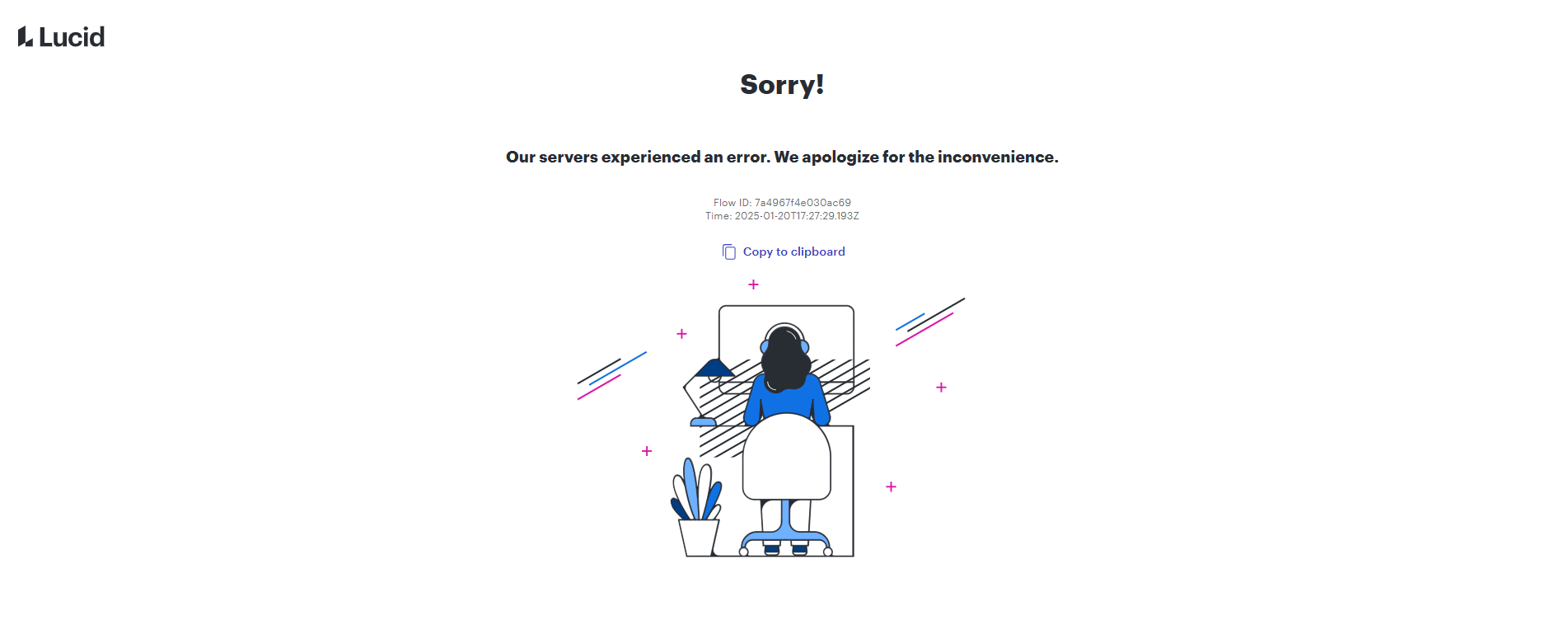
My LucidChart file won’t open. It’s a shared file, linked to a data set. I’ve tried opening it on another browser, or having a collaborator (with editor rights) open it, but we keep getting the following error message:


Anybody can help?

Best answer by Richard Udell

Hi ​@valeriominerba 

Good news! Our Development Team has resolved the issue you were experiencing. We understand how disruptive this must have been, and we sincerely appreciate your patience and understanding while we worked to address it.

If you notice any further issues, please don’t hesitate to let us know right away, and we’ll be here to assist.

Thank you again for your cooperation and support.

Comments

Richard Udell
Forum|alt.badge.img+8
  • Lucid support team
  • January 20, 2025

Hi ​@valeriominerba

Thank you for your message. Our team is already aware of this issue and is actively investigating it. We apologize for the disruption.

We’ll share updates as soon as we have more information. Thank you for your patience and understanding.


Richard Udell
Forum|alt.badge.img+8
  • Lucid support team
  • Answer
  • January 20, 2025

Hi ​@valeriominerba 

Good news! Our Development Team has resolved the issue you were experiencing. We understand how disruptive this must have been, and we sincerely appreciate your patience and understanding while we worked to address it.

If you notice any further issues, please don’t hesitate to let us know right away, and we’ll be here to assist.

Thank you again for your cooperation and support.