July 30, 2024
Solved

Lost arrow and test tool in shapes panel

  • July 30, 2024
  • 2 replies
  • 70 views

I accidentally closed out the arrow and text T as an option on my left side shapes panel. How do I get it back?

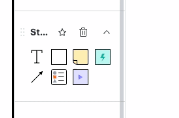
I am looking for this basic black line arrow: 


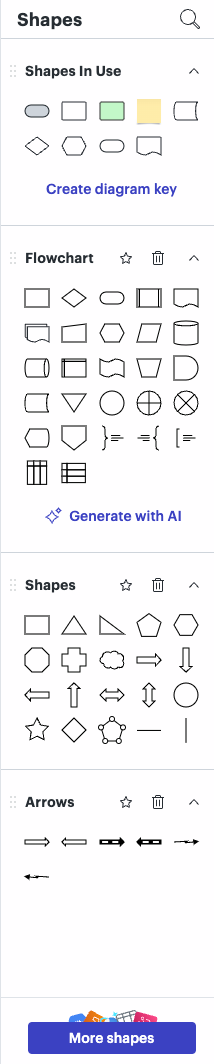
This is the shapes panel I currently see:


This is the panel I lost that I am trying to put back:
 

Best answer by Humas1985

Hi @Sandra M 

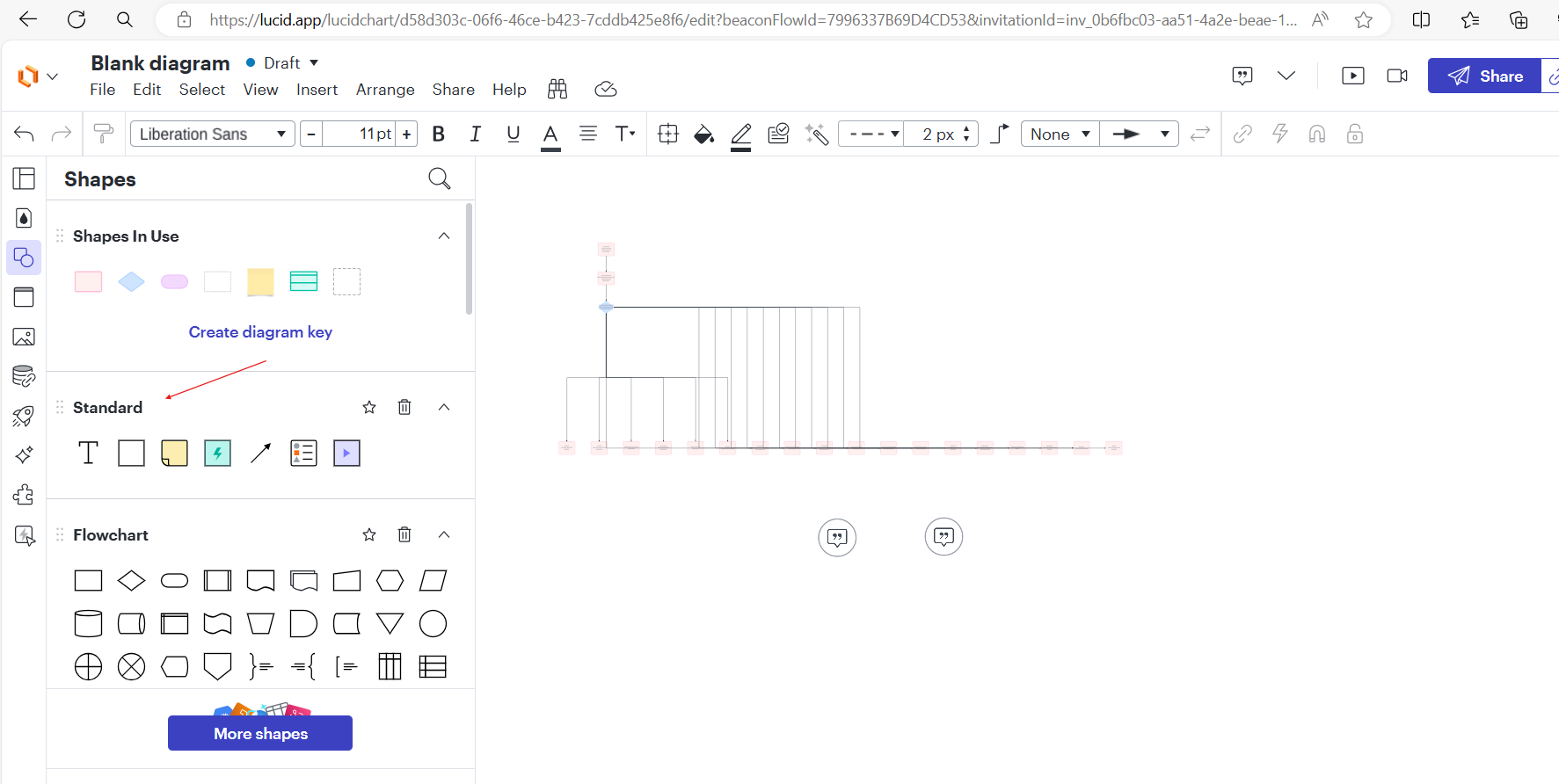
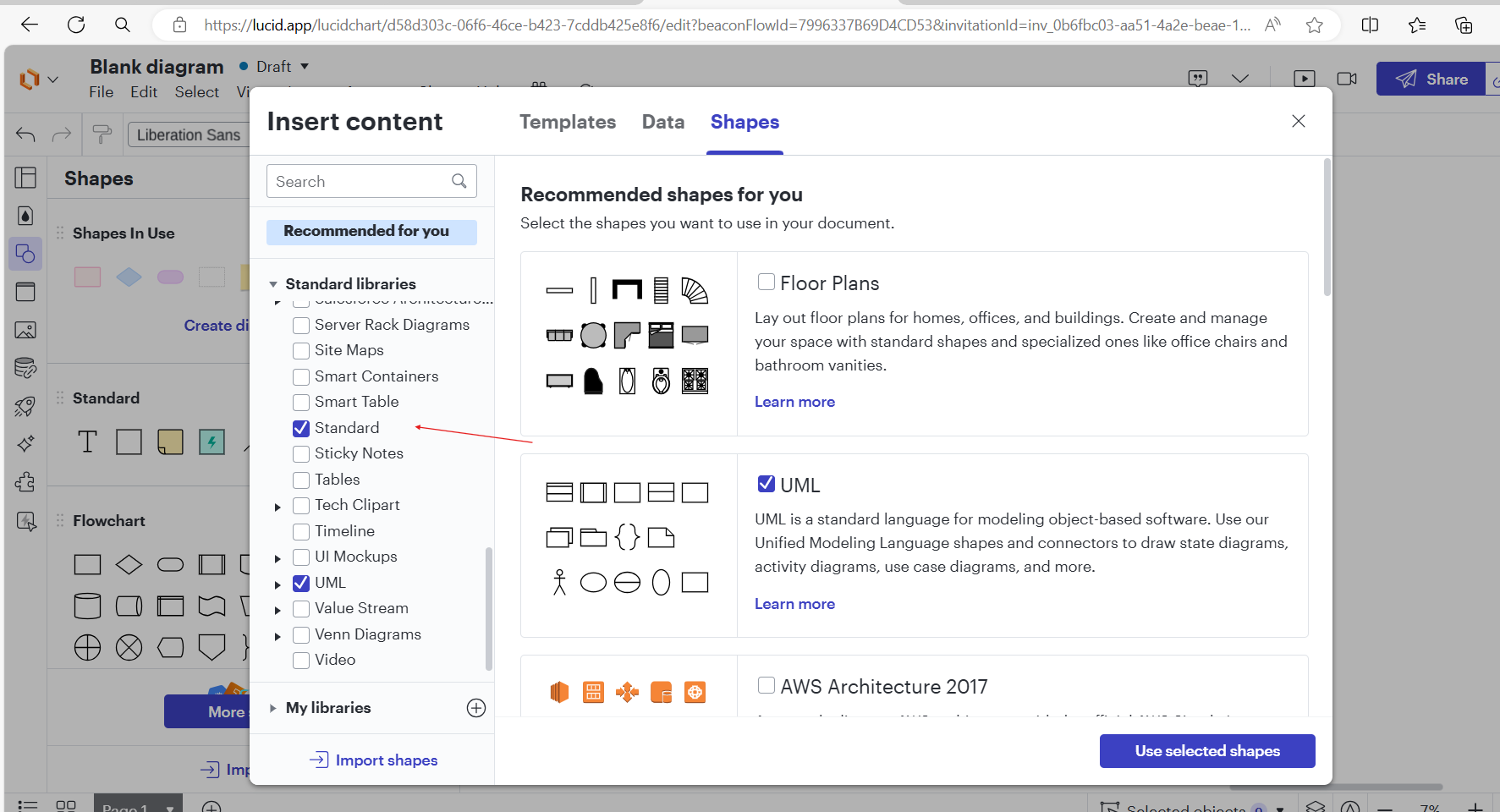
It is the standard Title you are looking for. Kindly click on More shapes and refer my screen-2 for the navigation to see it has been checked / not.


Screen-1:


Screen-2:


Hope this helps - Happy to help further!!
Thank you very much and have a great one!
Warm regards

Comments

Humas1985
Lucid Legend Level 10
Humas1985Lucid Legend Level 10Answer
Lucid Legend Level 10
July 30, 2024

Hi @Sandra M 

It is the standard Title you are looking for. Kindly click on More shapes and refer my screen-2 for the navigation to see it has been checked / not.


Screen-1:


Screen-2:


Hope this helps - Happy to help further!!
Thank you very much and have a great one!
Warm regards

Huma || Lucid Legend
Sandra MAuthor
July 30, 2024

Hi Huma that is exactly what I needed. Thanks!