Hi @FastEddy, thank you for continuing this thread! There are some specific cases where submitting a support ticket is necessary, for example, if your request contains sensitive/personal information or if it requires support on the back-end. This Help Center article has some more details about this.
Taking a closer look, I can see that the issue Melissa F experienced was resolved by closing their browser and restarting their computer.
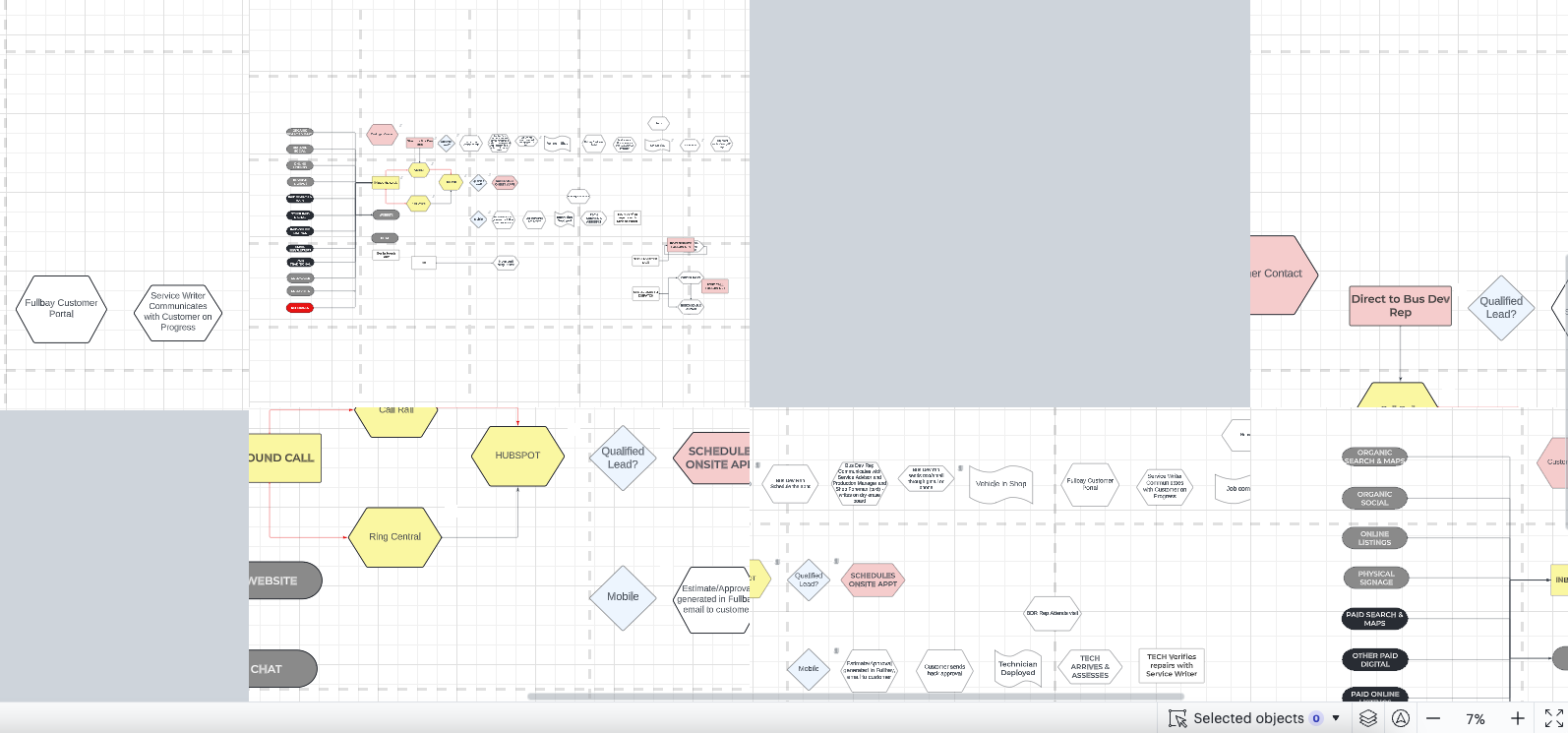
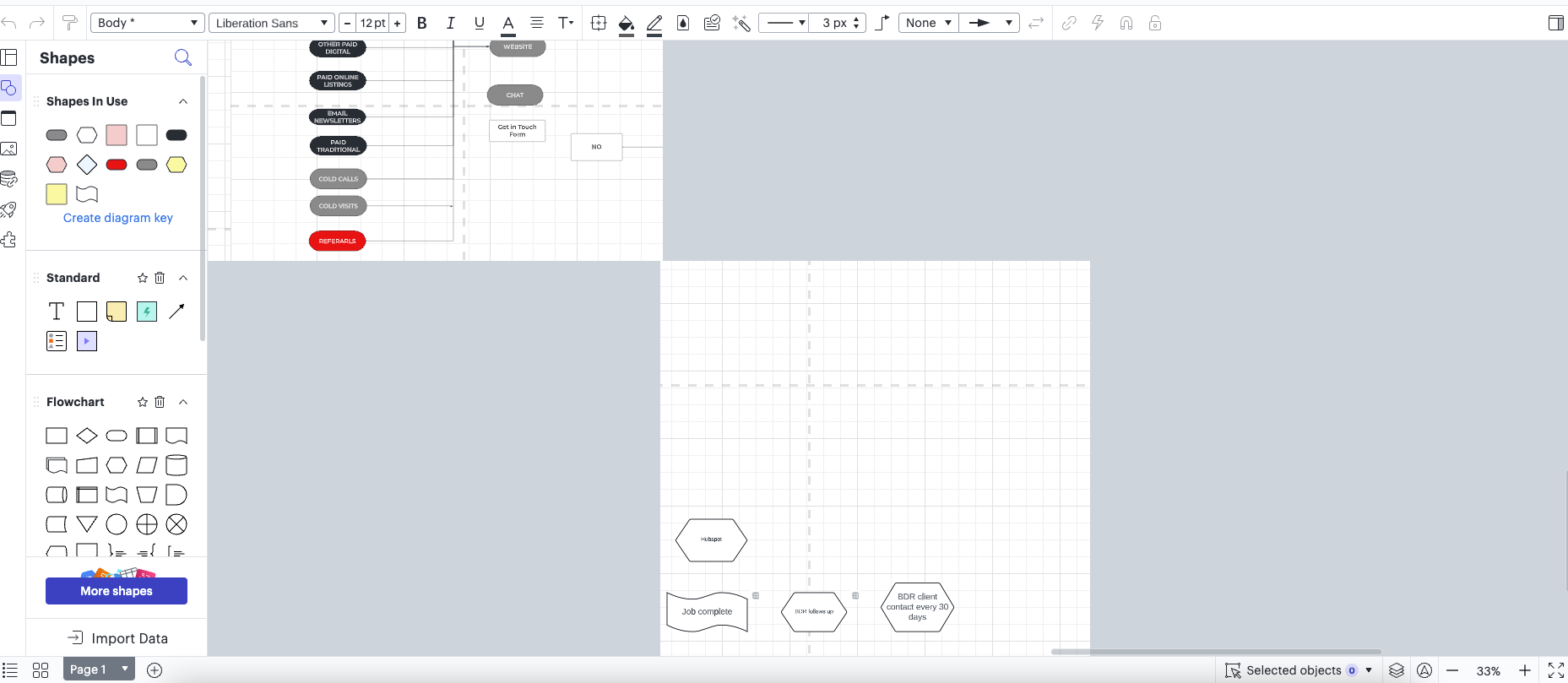
To help with the issue you’re experiencing, I recommend the following troubleshooting steps:
- Try opening your document in a private or Incognito window.
- Try toggling WebGL off. This can be done by selecting View > Rendering > Use WebGL and un-selecting this option.
Please let me know if you see any improvements after trying the above steps, or if you have any questions!



 Your privacy choices


