Hi there,
Thanks for posting in the Lucid Community!
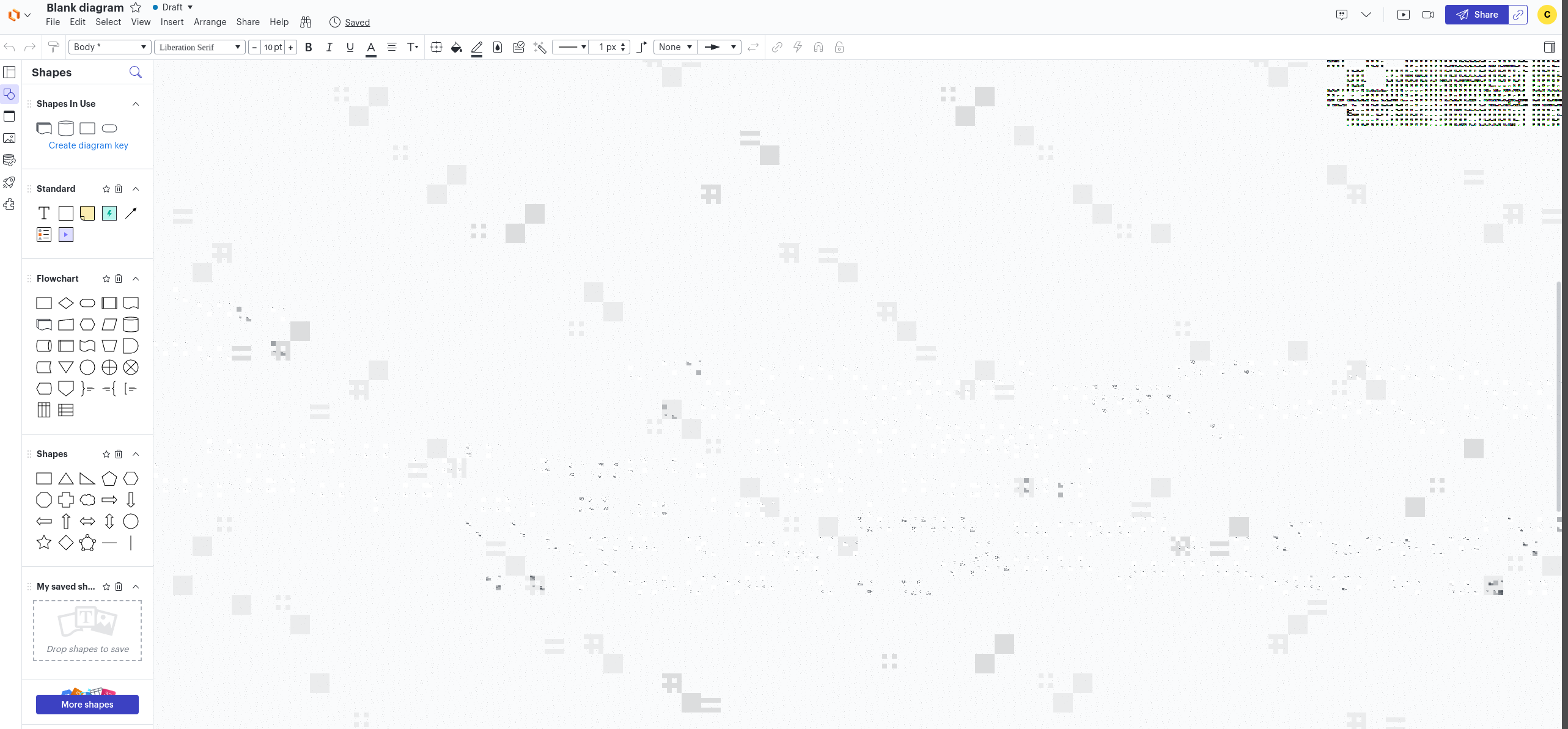
There are a few common factors behind text appearing garbled or as black boxes. Would you mind checking them out to see if this is your case?
- WebGL might be causing an issue with the graphics card on your computer. Can you try toggling WebGL off? This can be done by going to View > Rendering > Use WebGL, and un-selecting this option.
- Your network connection or firewall may be interfering with Lucid. Could you try connecting to a different network or disconnecting from your VPN (if applicable) to rule out any connection or security issues?
- Your browser cache/cookies or extensions may be causing this. Please try opening your document in a Chrome incognito window. This often improves performance by clearing your cache and cookies and disabling your extensions.
If the issue persists after following those steps, could you post a screenshot of the associated Javascript Console output after reproducing it in an incognito window or alternate browser? You can open your Javascript Console by pressing Ctrl+Shift+J (if your computer is a Windows/Linux) OR Cmd+Opt+J (if your computer is a Mac).
Thanks for your help!


 Your privacy choices


