December 4, 2023
Solved

Export to Visio or PNG has a large white space

  • December 4, 2023
  • 1 reply
  • 120 views

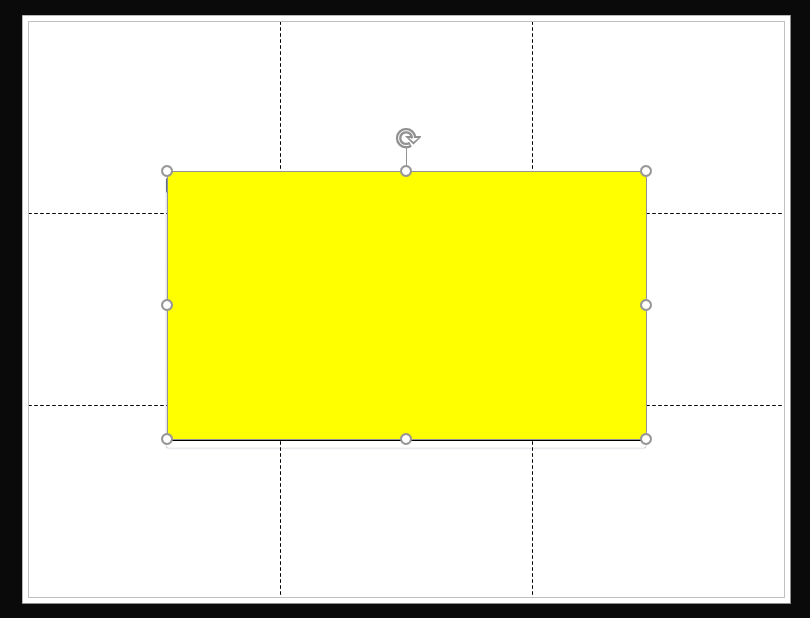
I would like to import these diagrams into Visio however its not a smooth transition and I was hoping to get some help. Currently when i do the export it has 9 different white squares behind the actual diagram.

The yellow is there to block out the sensitive info of my customer.
 

Best answer by Micah

Hi there, thanks for your post! To clarify, are those squares or lines moveable? Essentially, has Visio created those as shapes? 


Additionally, can you clarify if your original diagram in Lucidchart spans multiple pages?

Comments

Micah
MicahAnswer
Lucid community team
December 4, 2023

Hi there, thanks for your post! To clarify, are those squares or lines moveable? Essentially, has Visio created those as shapes? 


Additionally, can you clarify if your original diagram in Lucidchart spans multiple pages?