
Data import for Org Chart getting stuck

  • September 29, 2021
  • 4 replies
  • 21 views

Saket, S

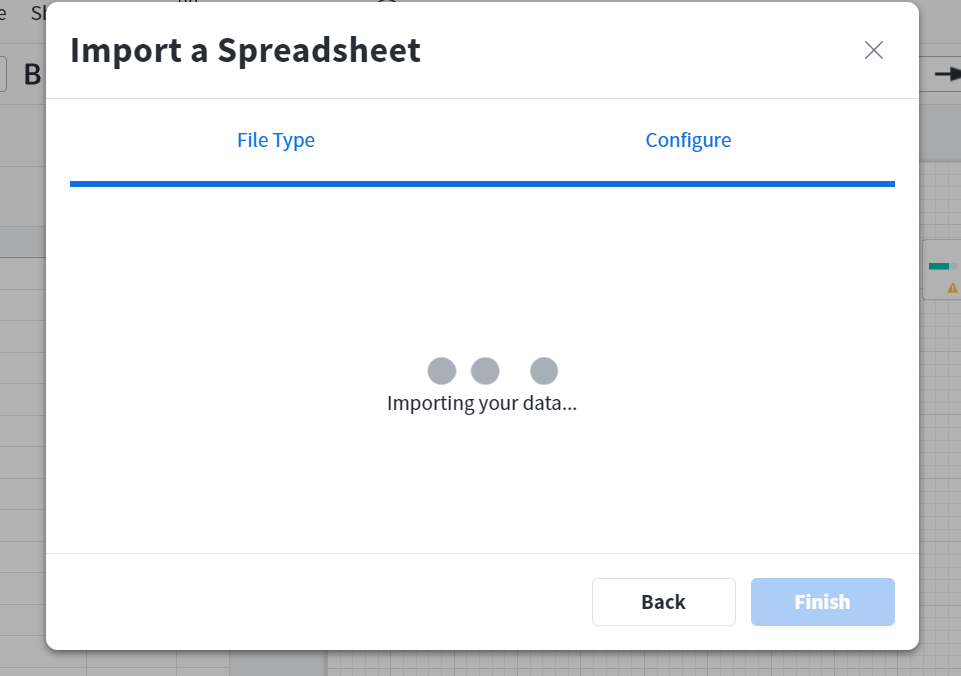
My data import is getting stuck. Have tried CSV & Excel
 

Comments

Emma D
Forum|alt.badge.img+7
  • Lucid support team
  • September 29, 2021

Hi Saket! Thanks for posting in the Lucid Community. I'm sorry for the issue you are having with importing org chart data.

As a first step could you try the import again in a private/incognito browser window? This often improves performance by clearing your cache and cookies and disabling your extensions. Sometimes issues like this can be related to internet connection/security so I also recommend trying again on an alternative network to rule that out.
 
If those steps don't resolve the issue could you please submit a Support ticket using this form so we can help you directly? Please include the URL of the document the data file you are trying to import (Google Sheets Excel or CSV) and a screenshot of the Javascript Console output after reproducing the issue. You can open your Javascript Console by pressing Ctrl+Shift+J (if your computer is a Windows/Linux) OR Cmd+Opt+J (if your computer is a Mac).


John F104
  • July 15, 2022

Even importing the example csv did not work.

I tried importing the example csv file incognito mode.

Importing from a local drive ( c: )

Importing from Google Sheets.

No luck


Phillip W
Forum|alt.badge.img+16
  • Lucid support team
  • July 15, 2022

Hey John

Thank you for posting in the Lucid Community and thanks for the heads up on this issue. I have reported this to our development team and they are actively working on a fix.

I recognize that this issue may hinder your workflow and I want to be transparent so that you are able to move forward in the best way possible. I will continue to provide you with information on this issue as it is made available to me.

Let me know if you have any other questions--Cheers!


Phillip W
Forum|alt.badge.img+16
  • Lucid support team
  • July 15, 2022

Hey John

Good news--I have heard back from our dev team and it sounds like the issue you experienced should now be resolved. Thanks again for posting this in the Community. I apologize for any inconvenience that this may have caused you or any other users on your team during this time. Please let me know if you continue to experience issues or have any other questions.