
Solved
Add space between objects in a Lucid Chart
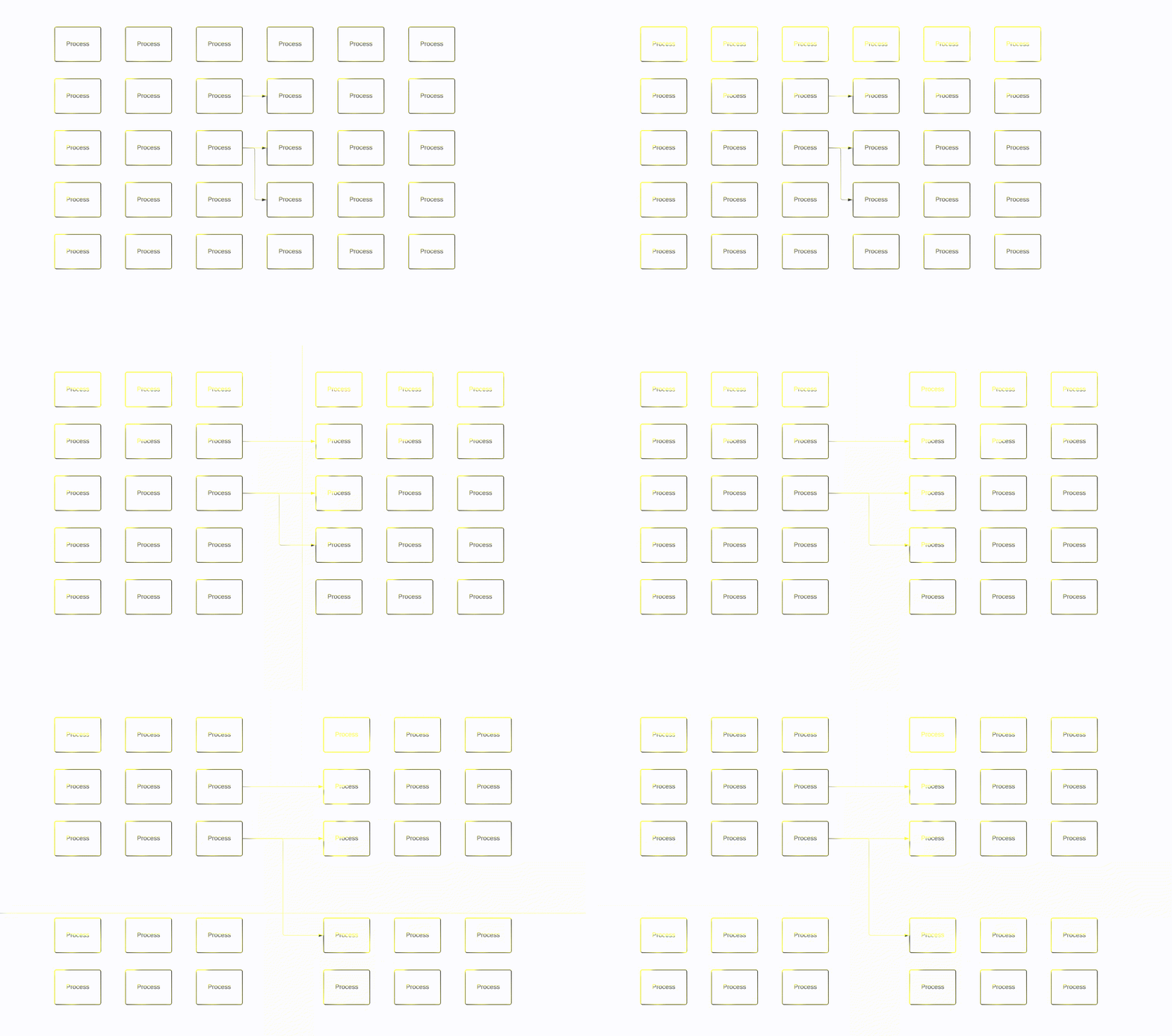
Is there a keyboard-mouse key combination to add more white space between objects? I have a large chart of blocks, mostly text boxes with arrows and lines. I want to insert items in the middle of my chart but don’t have room. The clunky way to do it is to of course select all items to one side and then move them altogether. But I’m surprised if there isn’t a way to easily use your cursor to “drag” more white space in between objects. A lot of other graphical software programs have functionality like this.

 Your privacy choices


