Answer

How to avoid error code CE009 when Canvas course is copied

  • October 29, 2025
  • 3 replies
  • 47 views

Forum|alt.badge.img+1

Our team creates courses in Canvas which instructors later copy into their term shell for delivery.   They may later copy them again for future deliveries.   

We were excited to try Lucid but found in testing that when we embed a Lucid diagram in a Canvas page and then copy the course to a new course the following error appears:  “This resource can't be accessed from within this context. (Error Code: CE009)”

I found some posts about assignments having this problem but is is also not possible to copy simple illustration embeds forward from course to course?  

The best work around I can find is to publish the drawing and then generate a public embed link that I add to my page but the formatting is not as nice and it will be difficult to explain this method to users when the Canvas embed option in the RCE is so much more prominent.   

Any advice how I can embed Lucid charts in my pages and avoid them breaking when the course is copied forward each term.

Best answer by Vanessa C101

Hey ​@tmcp,

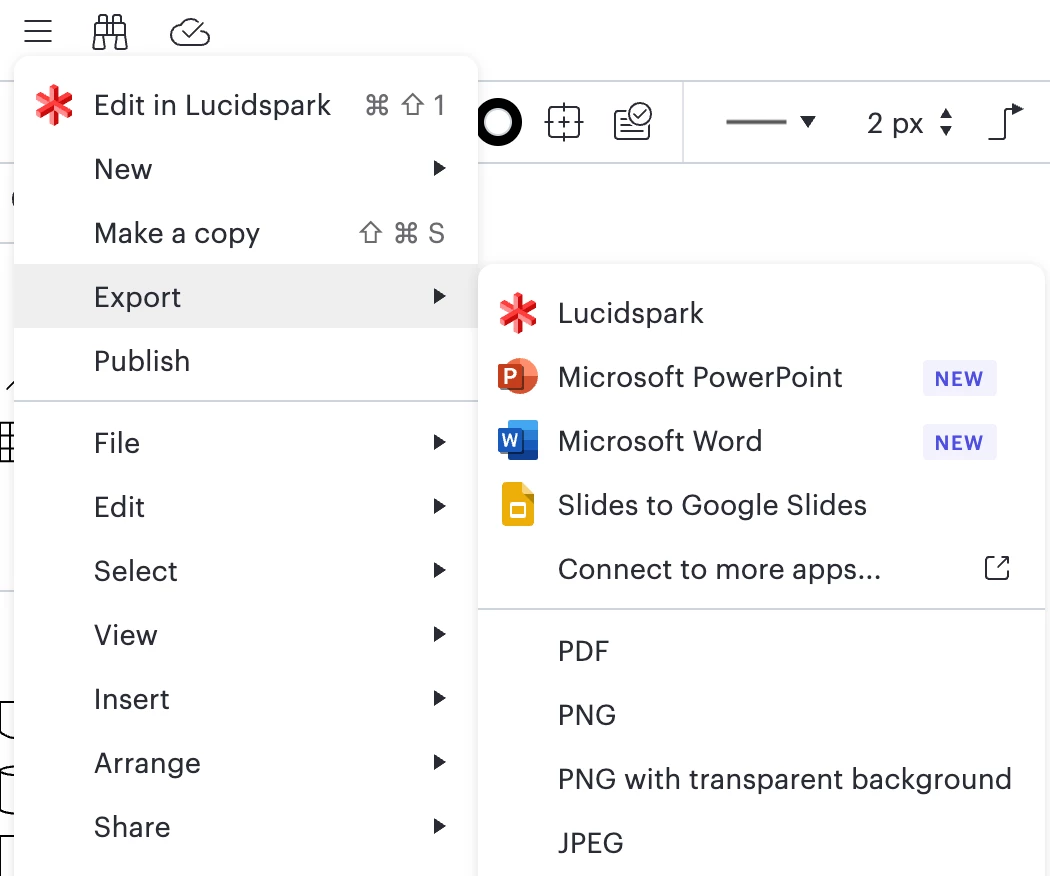
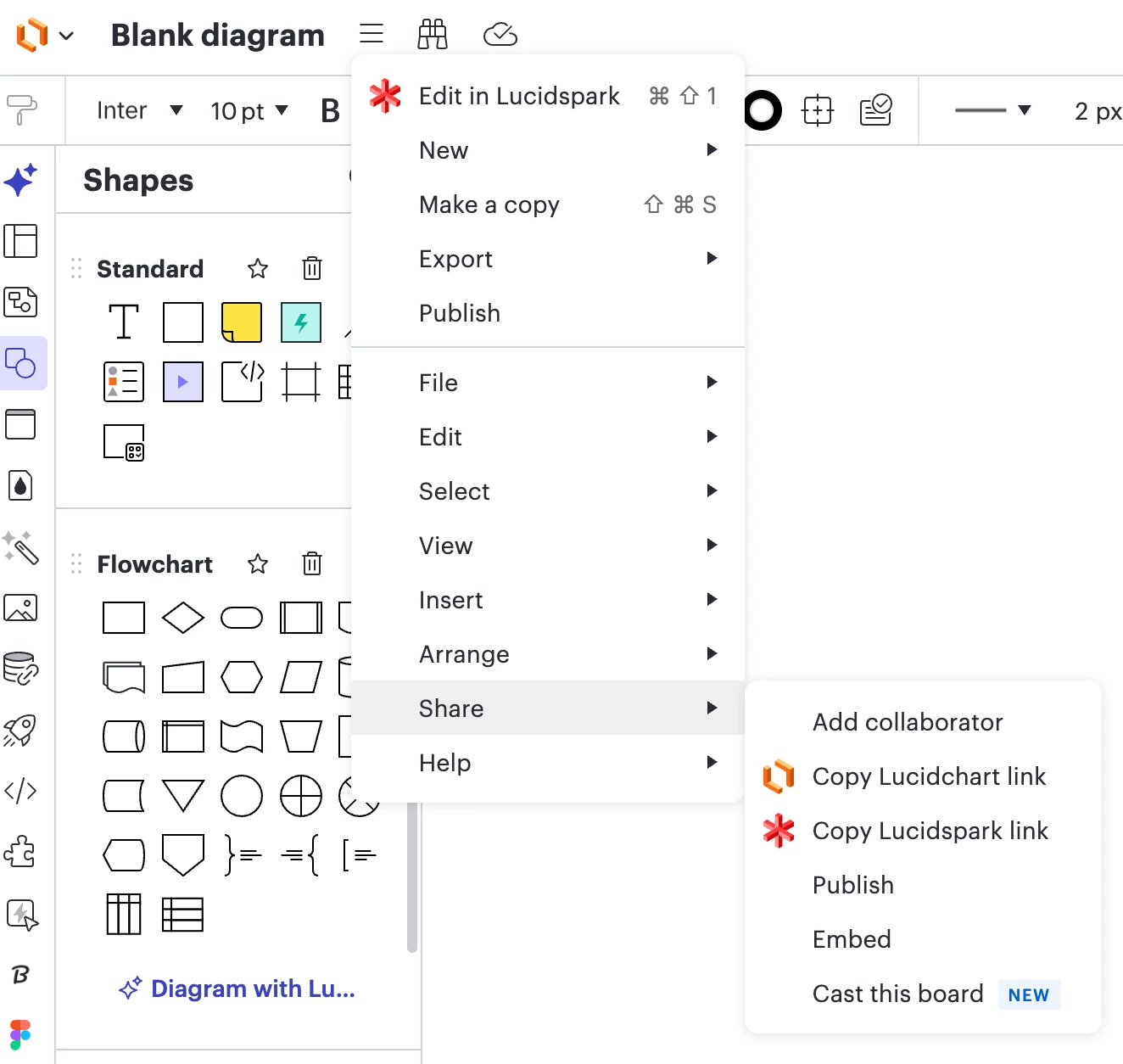
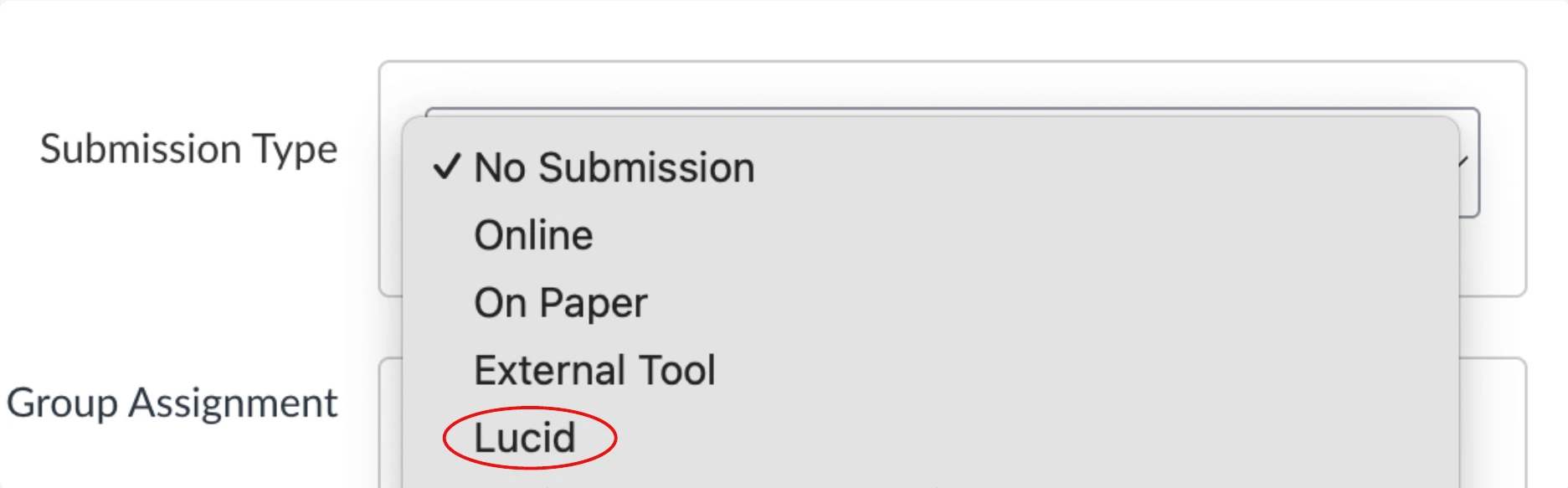
Here is a breakdown of what is and is not compatible with copying and blueprinting.


This method IS NOT compatible with copying and blueprinting

This method IS compatible with copying and blueprinting.

**(there was a bug recently causing issues with this option but it has been resolved)**


Your work around is one way that I recommend embedding “view only” content into courses you copy and blueprint.  You can also down load anything you create in Lucid as a PDF, PNG, or JPEG and add that to the RCE as a file upload.  However, you would need to update the image manually if you ever wanted to make any changes to it.  


Lastly, you can also publish and then generate embed code for an Lucidchart document and use that to embed directly into the RCE (this is not available with Lucidspark).


I hope this helps.  Let me know if you have any other questions :) 

Comments

Vanessa C101
Forum|alt.badge.img+14
  • Lucidite
  • Answer
  • October 29, 2025

Hey ​@tmcp,

Here is a breakdown of what is and is not compatible with copying and blueprinting.


This method IS NOT compatible with copying and blueprinting

This method IS compatible with copying and blueprinting.

**(there was a bug recently causing issues with this option but it has been resolved)**


Your work around is one way that I recommend embedding “view only” content into courses you copy and blueprint.  You can also down load anything you create in Lucid as a PDF, PNG, or JPEG and add that to the RCE as a file upload.  However, you would need to update the image manually if you ever wanted to make any changes to it.  


Lastly, you can also publish and then generate embed code for an Lucidchart document and use that to embed directly into the RCE (this is not available with Lucidspark).


I hope this helps.  Let me know if you have any other questions :) 


Forum|alt.badge.img+1
  • Author
  • October 30, 2025

Thank you for the clear explanation Vanessa.  It’s too bad the RCE page embed is not compatible with copying and blueprinting.   That will definitely restrict our use of Lucid to view only (and maybe the assignment submissions).  It would be very easy to miss this nuance and get a nasty surprise when the course is copied. 


Vanessa C101
Forum|alt.badge.img+14
  • Lucidite
  • November 4, 2025

@tmcp Thank you for your feedback!  We are always looking for ways to improve the experience in Canvas.  I will take this to the team.  We also have a feedback requests section of the community that the team looks at regularly.  You can submit your feedback here and gain traction with your request as other users upvote your idea.