Hi Aviv
It is correct that all access tokens have a brief usable lifetime (currently one hour) after which they expire. To continue accessing that user's data the app should obtain a new access token using the refresh token that was issued alongside the previously issued access token. Please review our post Tip: Generating long living oauth2 tokens if you haven't already and let us know if you have any specific questions or concerns.
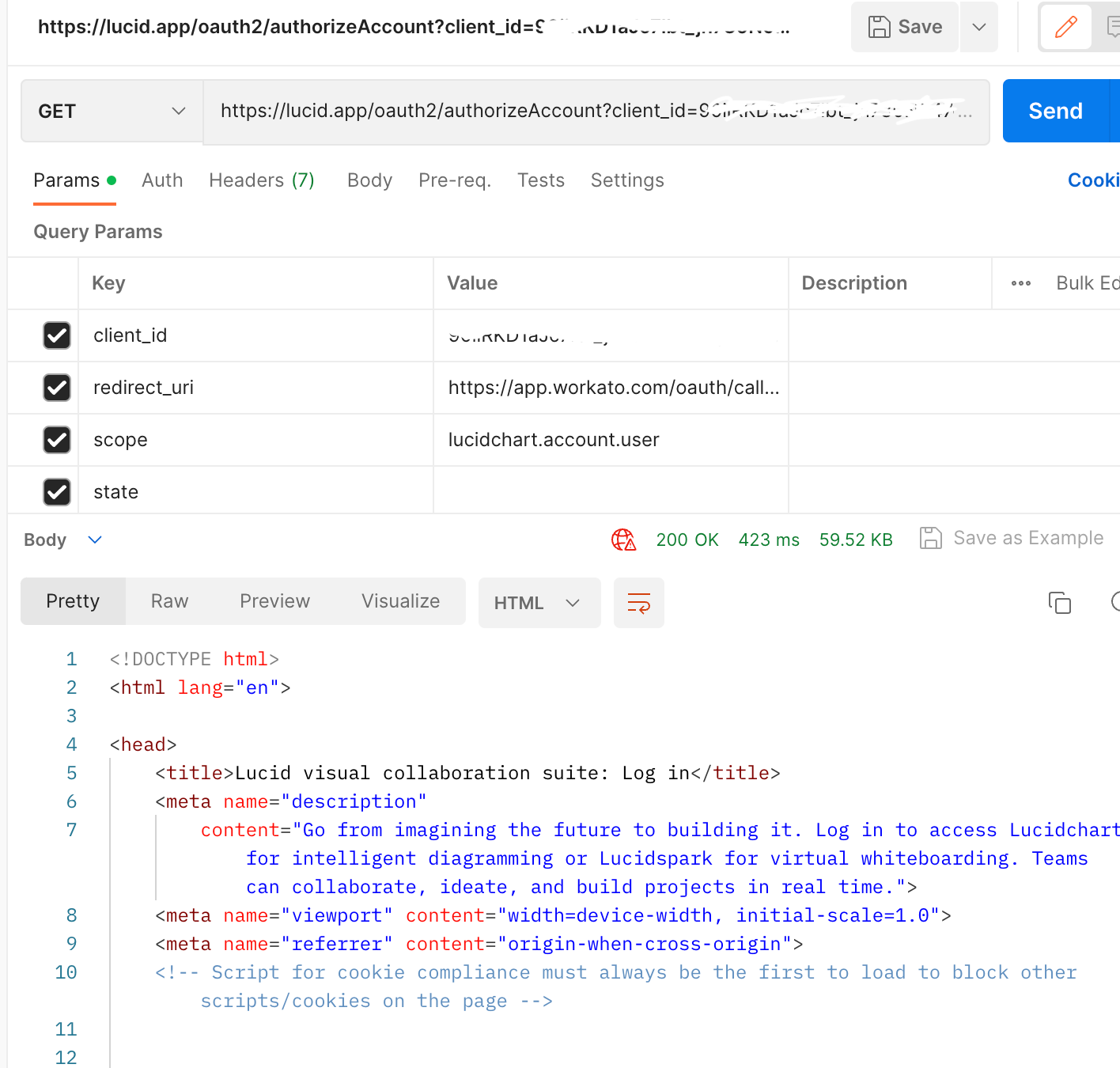
For anyone else encountering this error when attempting to obtain an access token from Postman via the embedded browser - a helpful workaround can be to use Postman to construct your authorization URL (see attached screenshot for an example). Your authorization URL can then be pasted in a browser to obtain an access token. Authorizing in a dedicated browser window where you should be able to authenticate without the error you are encountering in the embedded Postman browser. This seems to only be an issue if your Lucid account's admin settings enforce SAML SSO as the only allowed Sign-on Method.
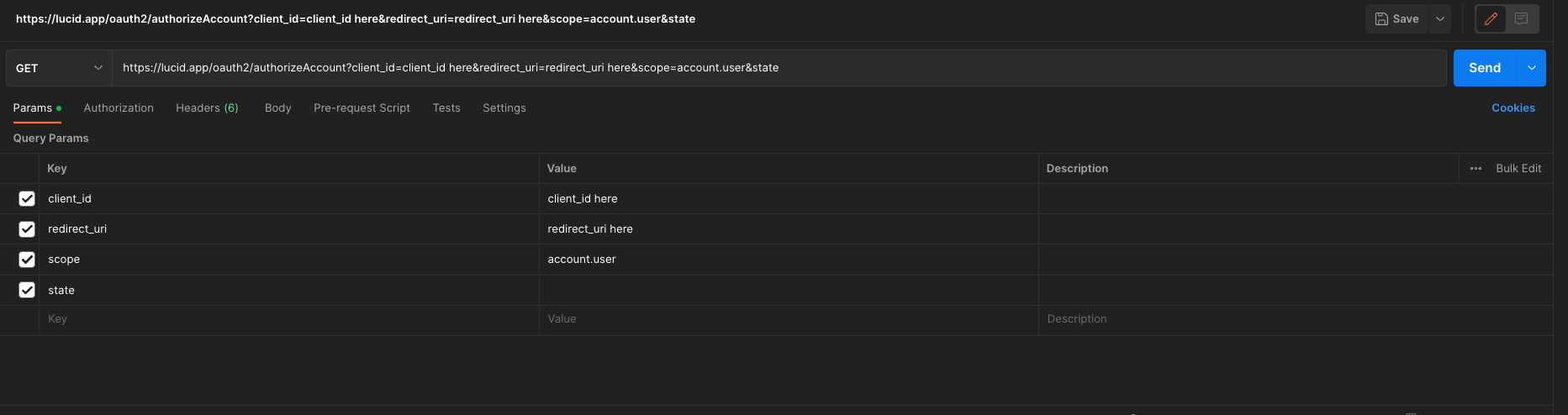
It is my understanding that manual-intervention will always be required for accounts that enforce SAML authentication for all users. Though I will connect with our development team to see how your issue can be specifically addressed. I will get back to you thank you for your patience!






 Your privacy choices


