

I am following this doc for creating a token based external embed.
I have:
- Successfully created the access token
- Successfully created an embed session token
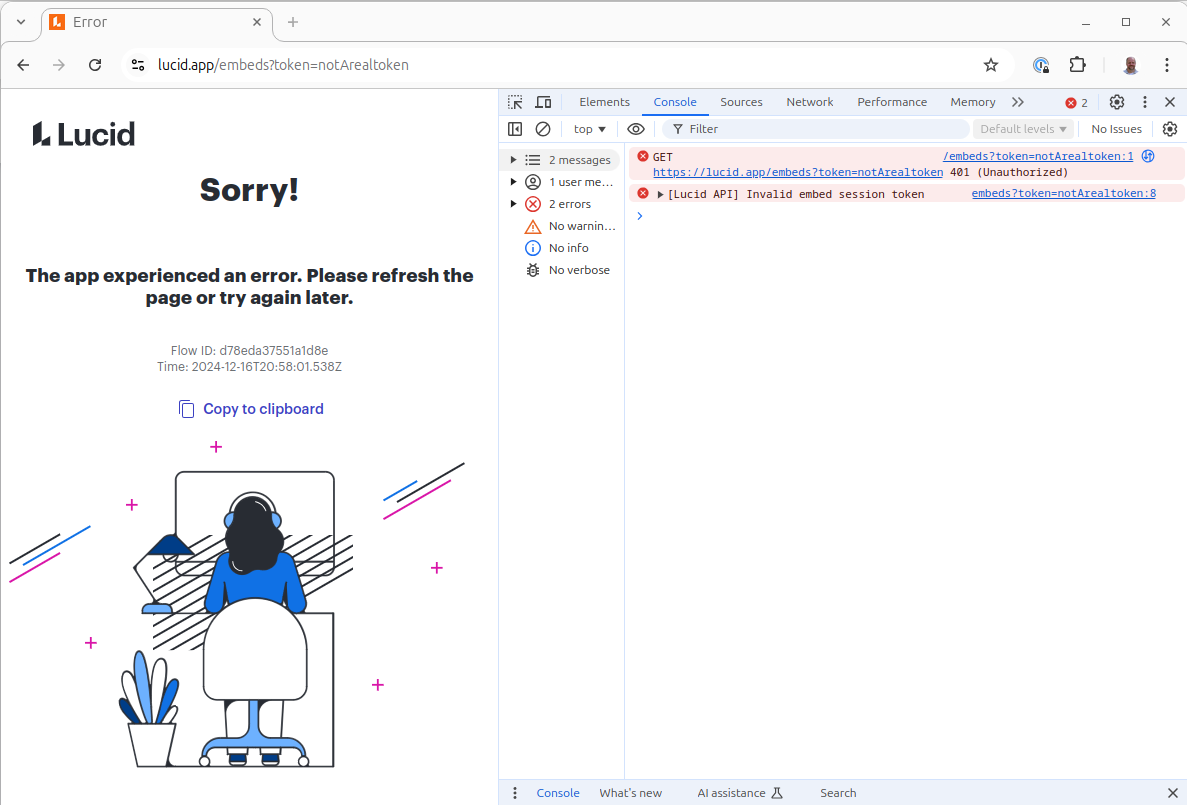
- Failed at calling the Embed Viewer endpoint with the embed session token get a 200 response.
I do not want to use the document picker component, so instead I have created a lucidchart document, generated an embedId for the document (confirmed docId is correct) by calling Create Document Embed, then use the embedId in step 2 above when creating the embed session token.
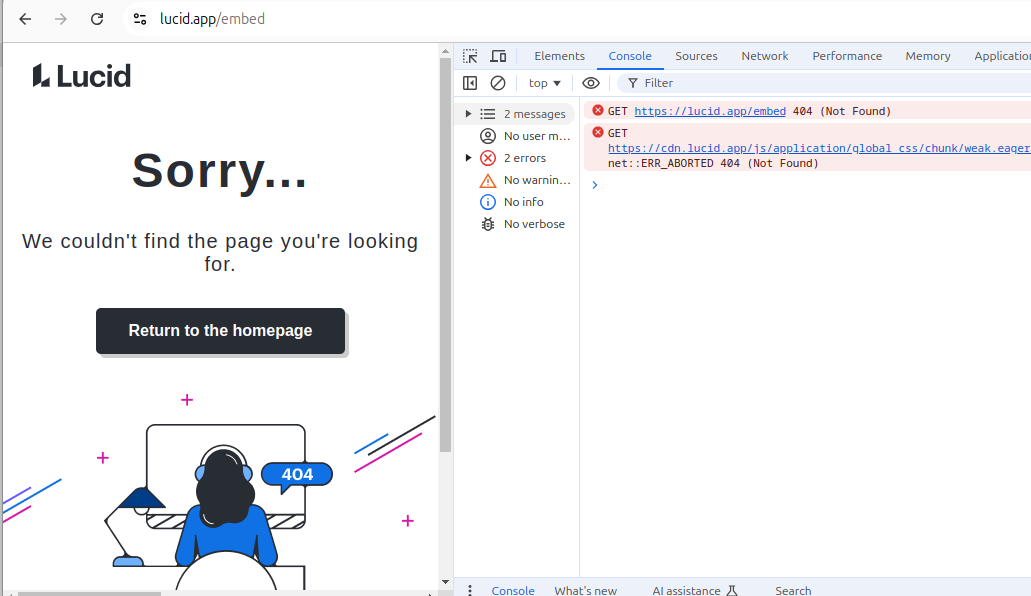
However, I keep getting 404 Not Found when calling Embed Viewer with the embed session token.
My access token has the following scopes:
lucidchart.document.content.share.embed%20offline_access%20user.profile%20lucidchart.document.app.picker.share.embed
Do I need to modify my document in someway so that it is embeddable? (e.g. activate the embed code via the UI or publish the doc)?
Steps to reproduce
- Create lucidchart and do NOT publsh, activate embed, or anything else.
- Create access token with scopes listed above
- Call create document embed by passing the documentId from step 1 to get an embedId
- Call embed session token with embedId from step 3 to get an embed session token
- Call Embed Viewer with embed session token from step 4 and observe a 404.
NOTE I am making the requests from the api docs, not cURL via command line.


 Your privacy choices


