

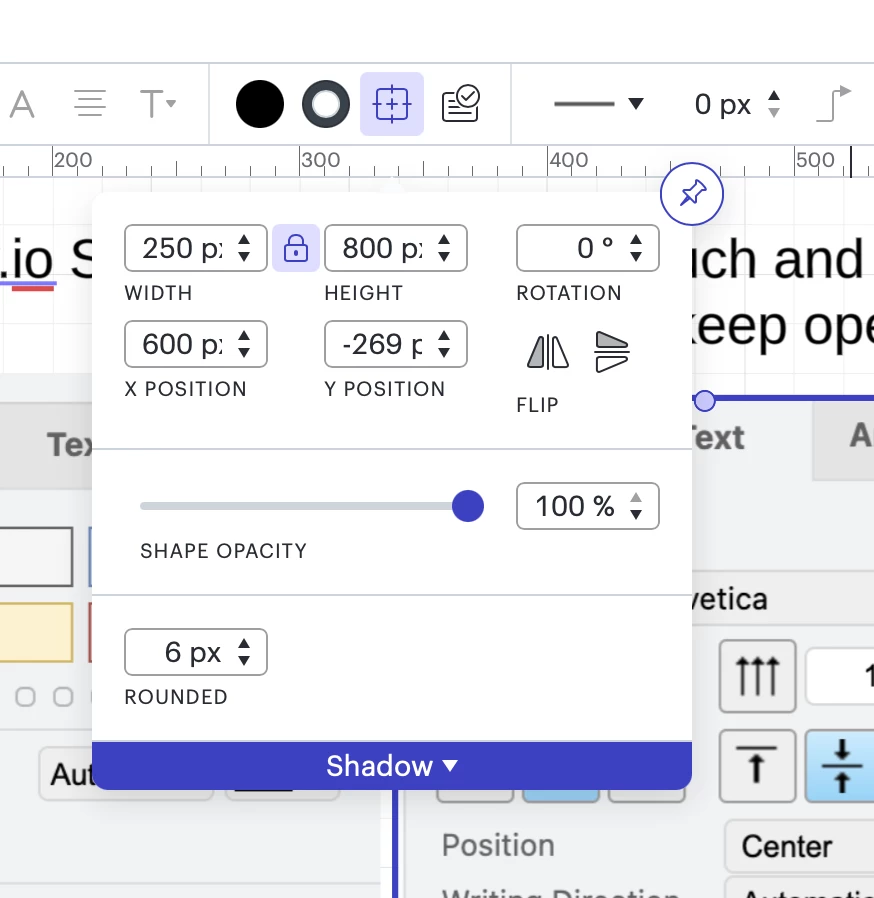
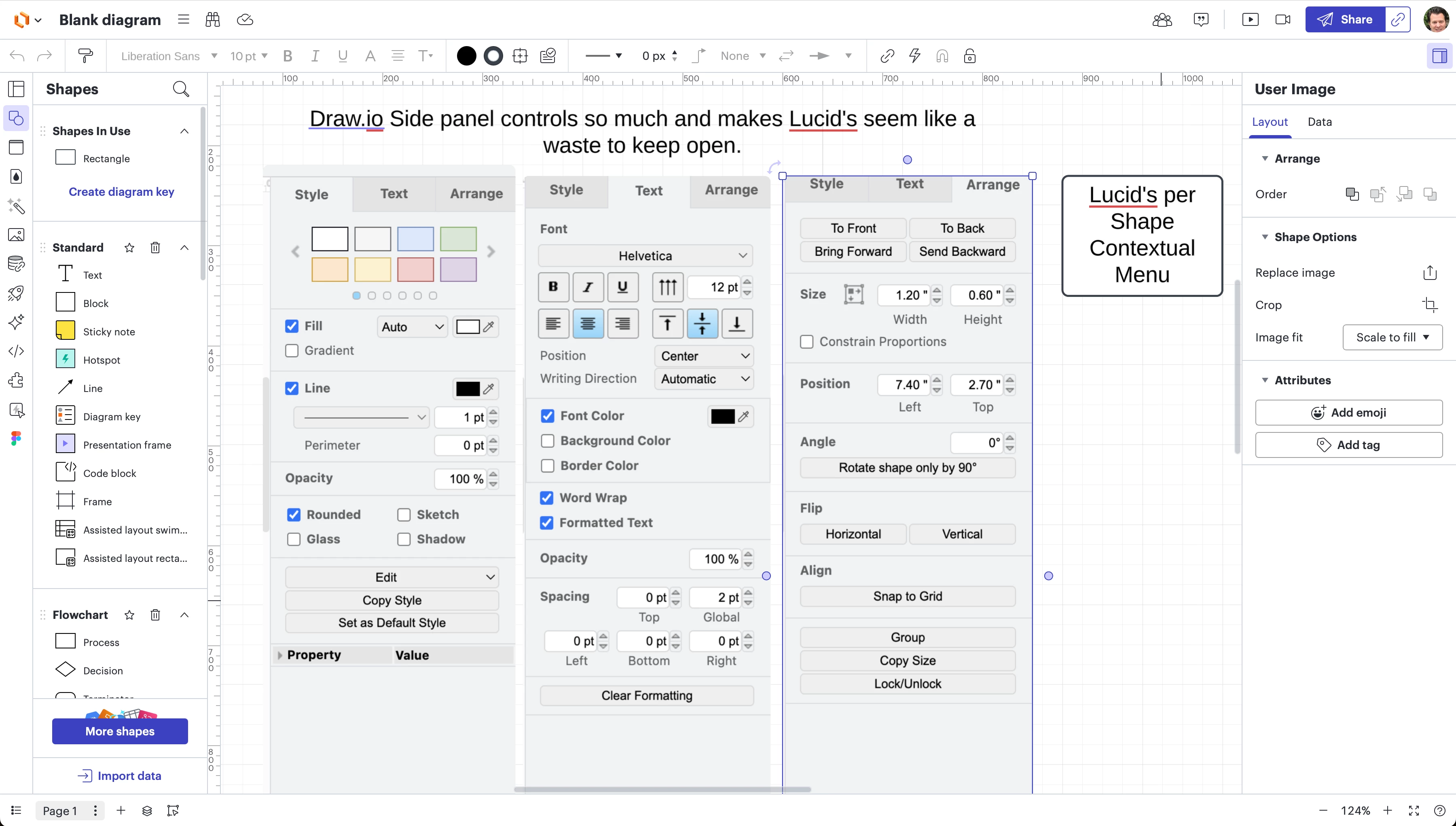
Today to do precise adjustments to the layout of an shape you have to click on the menu item in the toolbar and it drowns down a menu on top of the canvas. If you want to you can pin it but then it doesn’t remember you pinned it so you have to do it everytime. It sure would be helpful if you added this and other common editing/adjusting items to the collapsable contextual menu on the right side of the document canvas. I have included screenshots of what draw.io allows you to adjust for a shape from their side panel. It is 100x more useful that how it is implemented today. Please consider making the contextual menu useful. today there is so little it can control it is not even worth pinning open. Adjusting font and size and color options would also be very useful from the side menu...



 Your privacy choices


