Idea

Stop assisted layout from shrinking frames and containers

Related products:Lucidspark
  • May 7, 2025
  • 29 replies
  • 290 views

Show first post

Comments

Forum|alt.badge.img+13

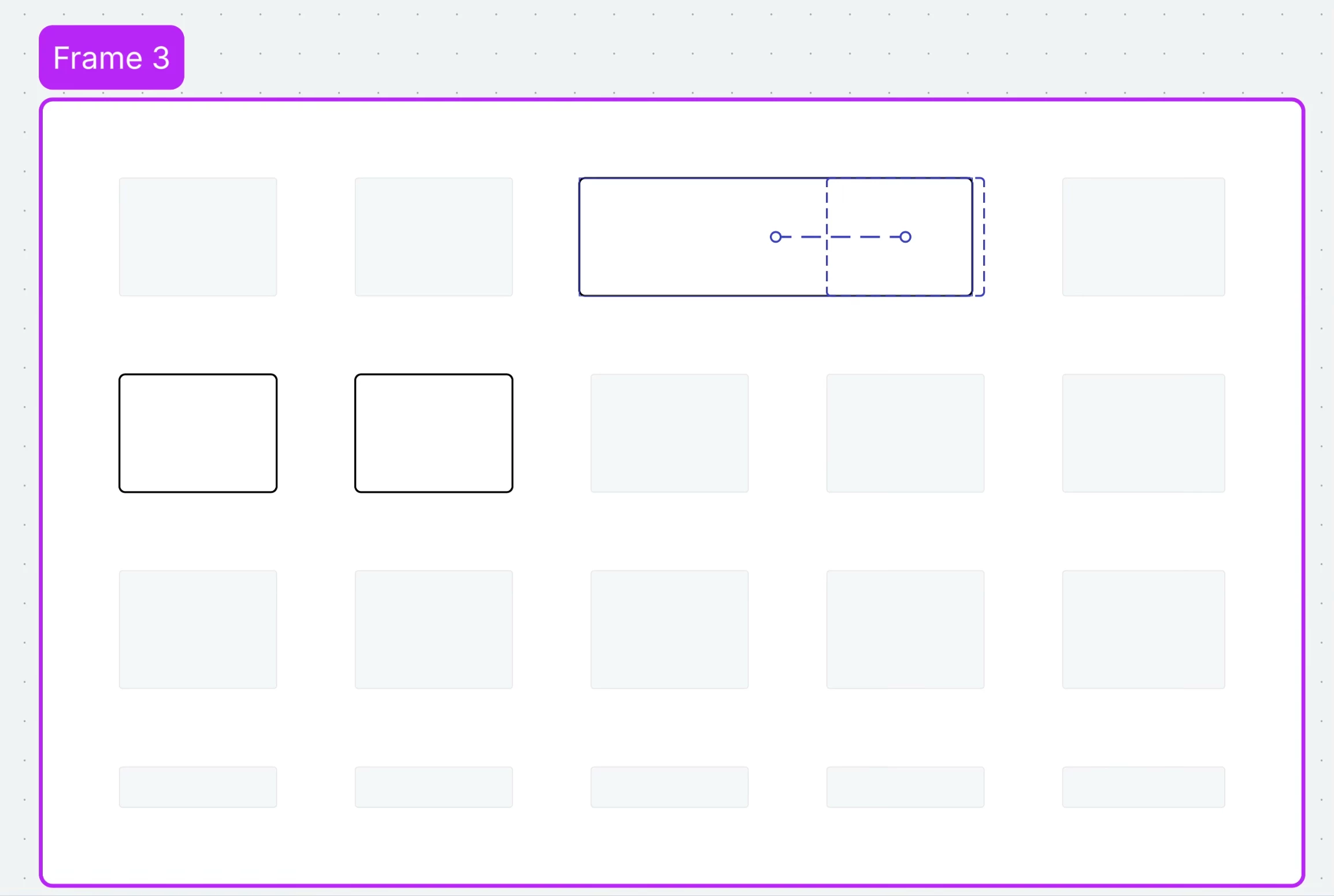
I move the original rectangle over to the next column. Everything is fine. Sidenote: The dotted lines appear because I am trying to hold the rectangle in place with one hand on the Mac trackpad while trying to press Command+Shift+3 with three fingers on the other hand. I can move the rectangle back and forth between the first and second column without the dotted lines appearing when not taking a screenshot. 


Forum|alt.badge.img+13


Okay...I think I figured it out.
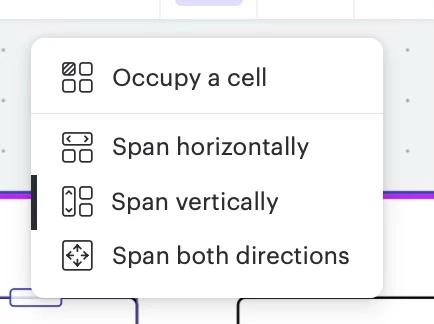
It all has to do with using the Occupy a cell menu or not.
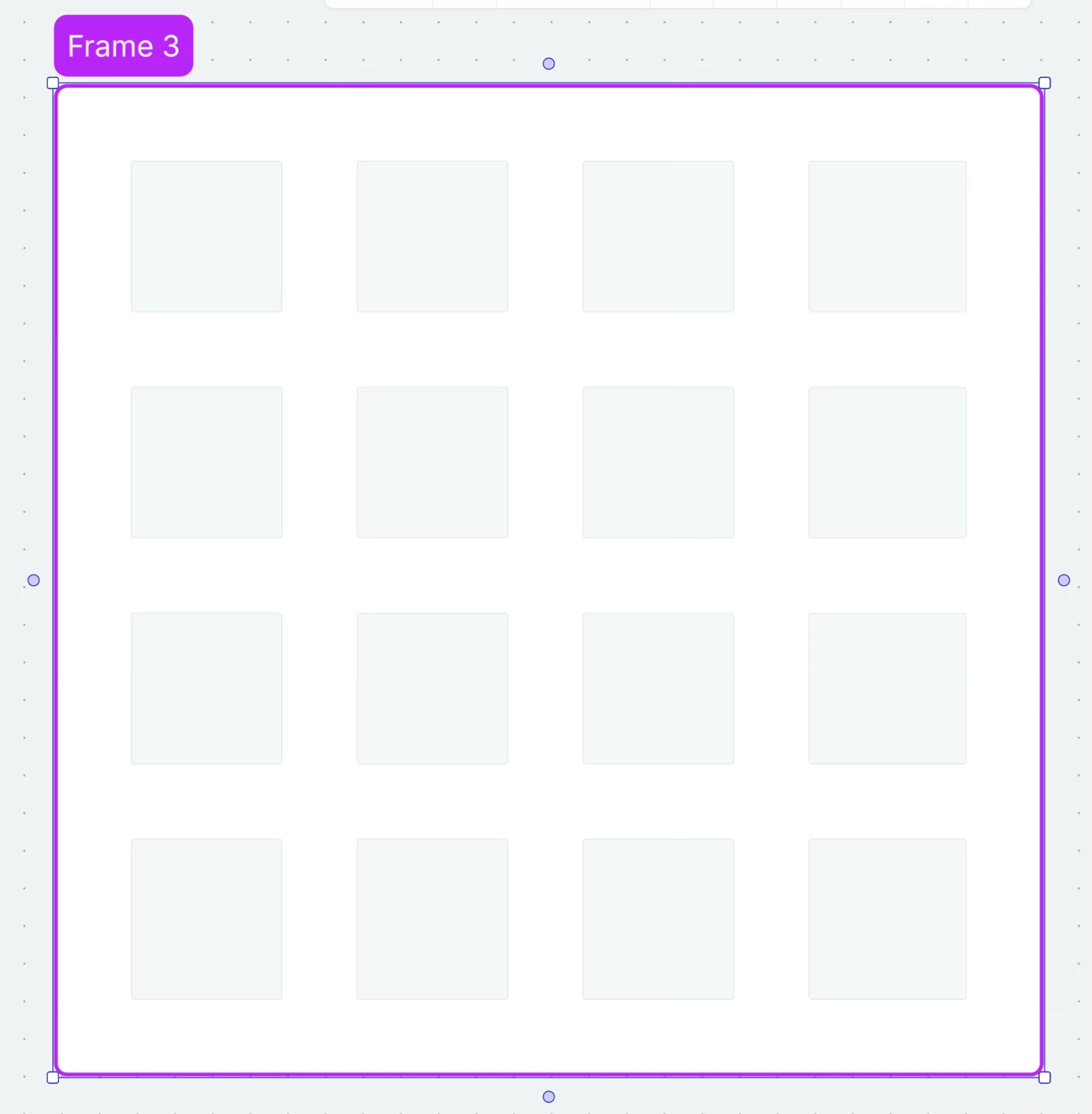
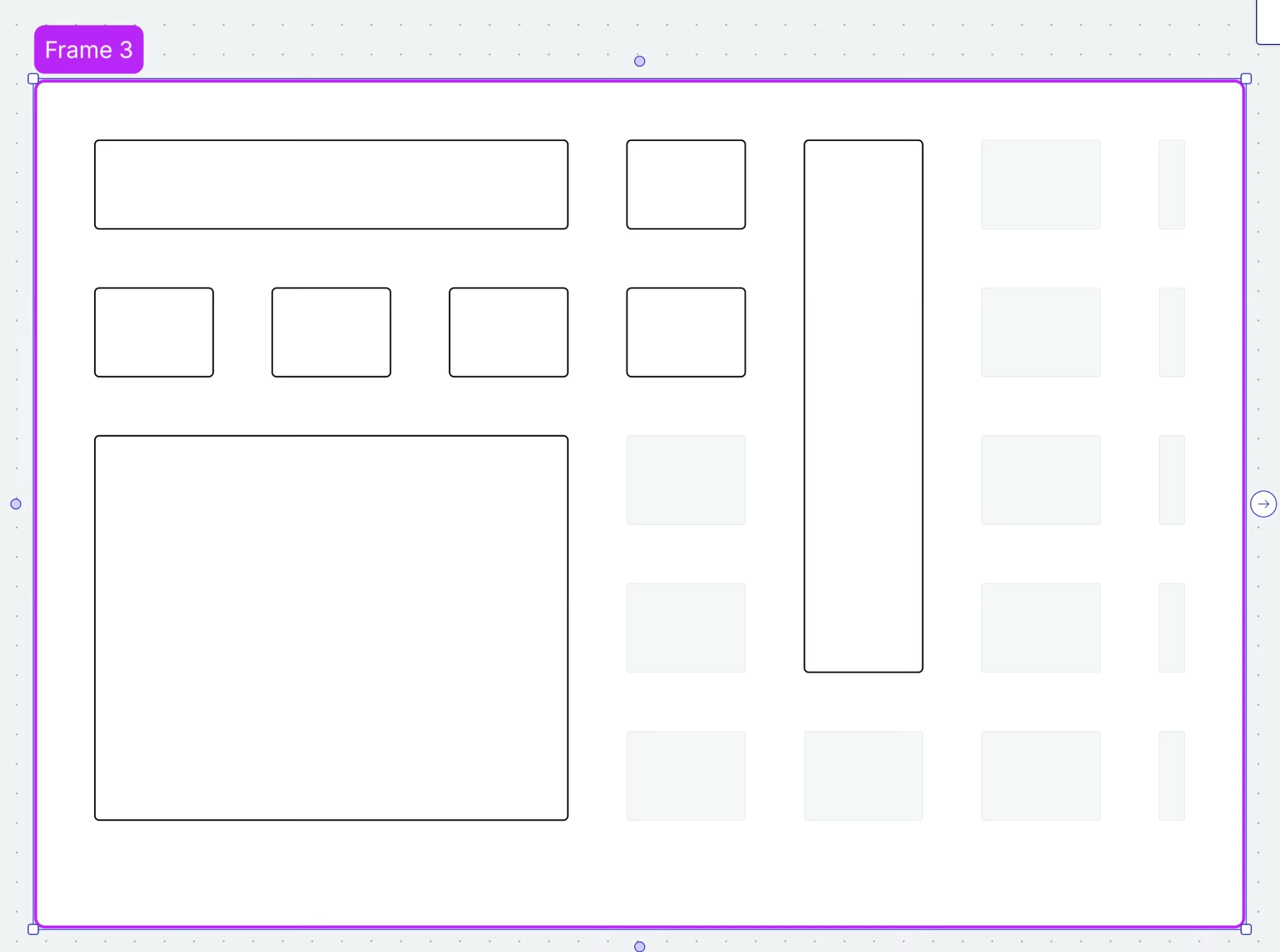
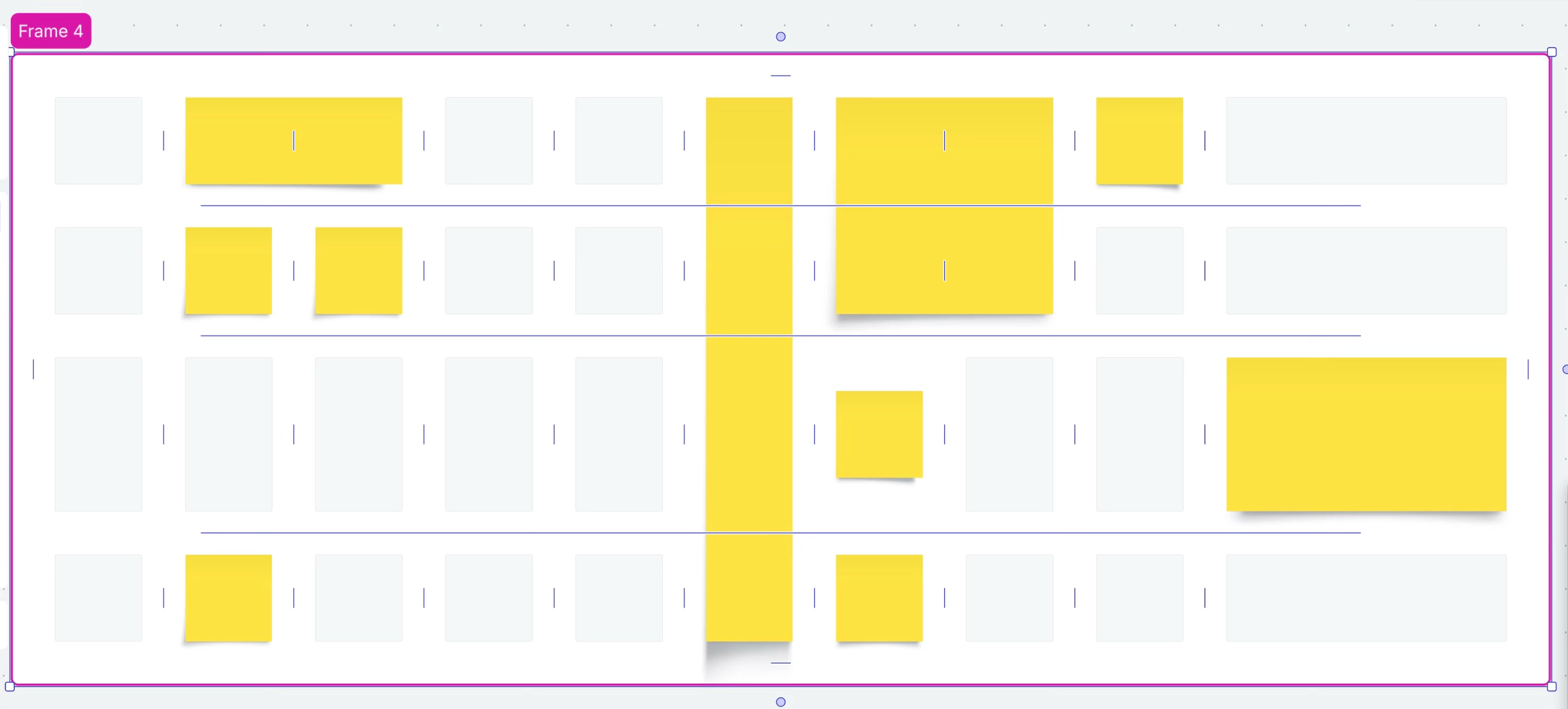
I added a frame. Turned on assisted layout. Then dragged the corner to create a 4x4 grid layout. 
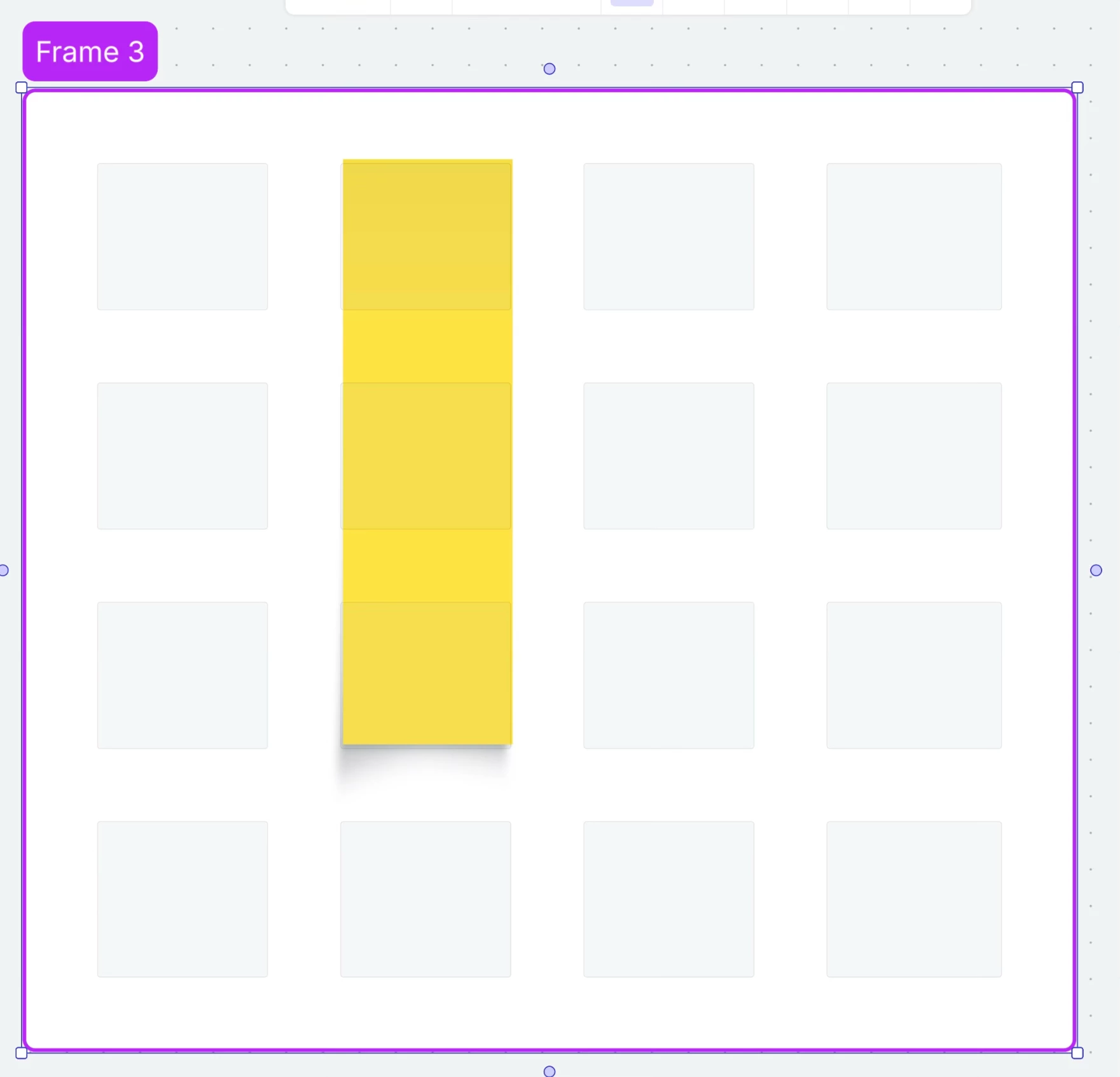
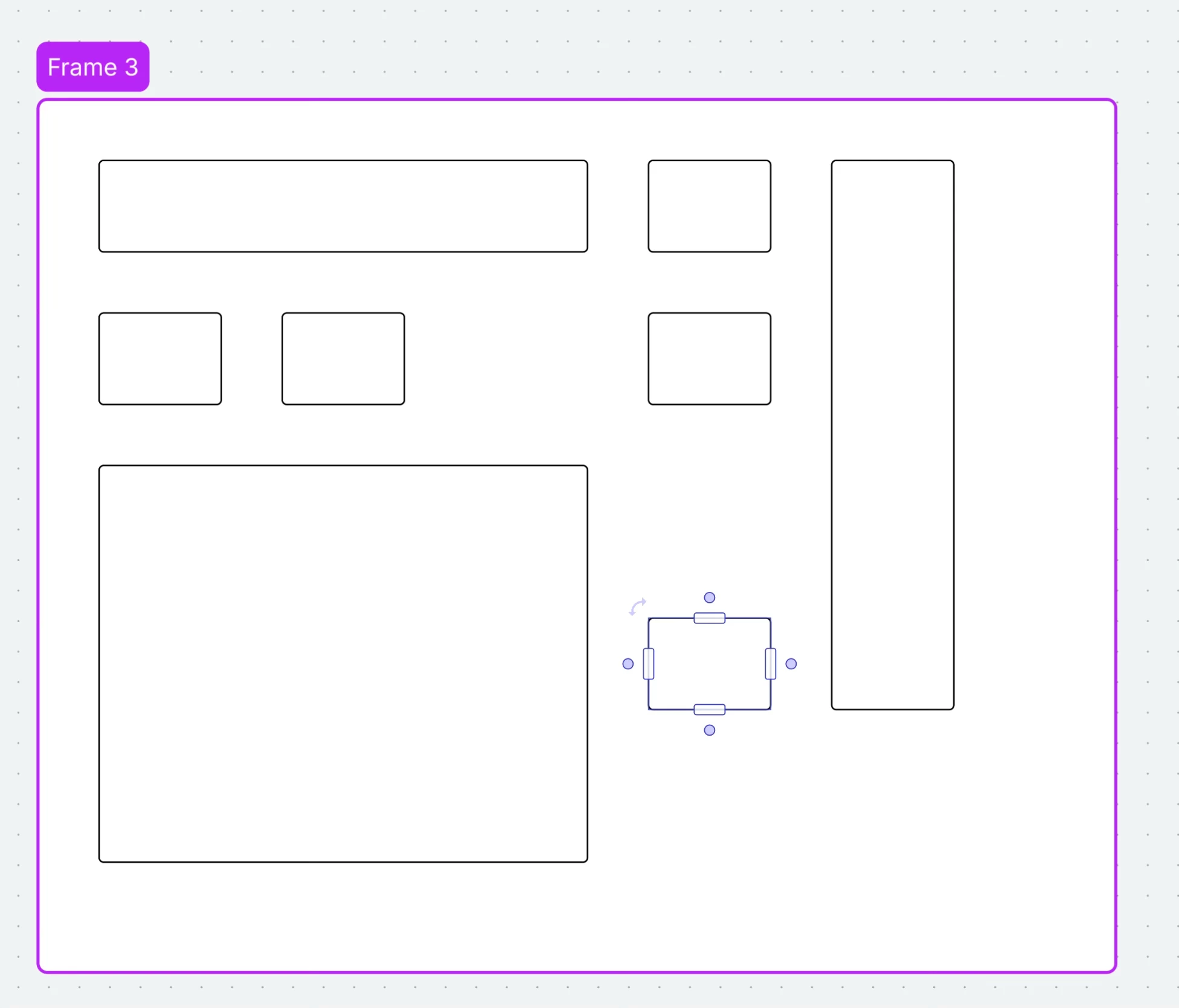
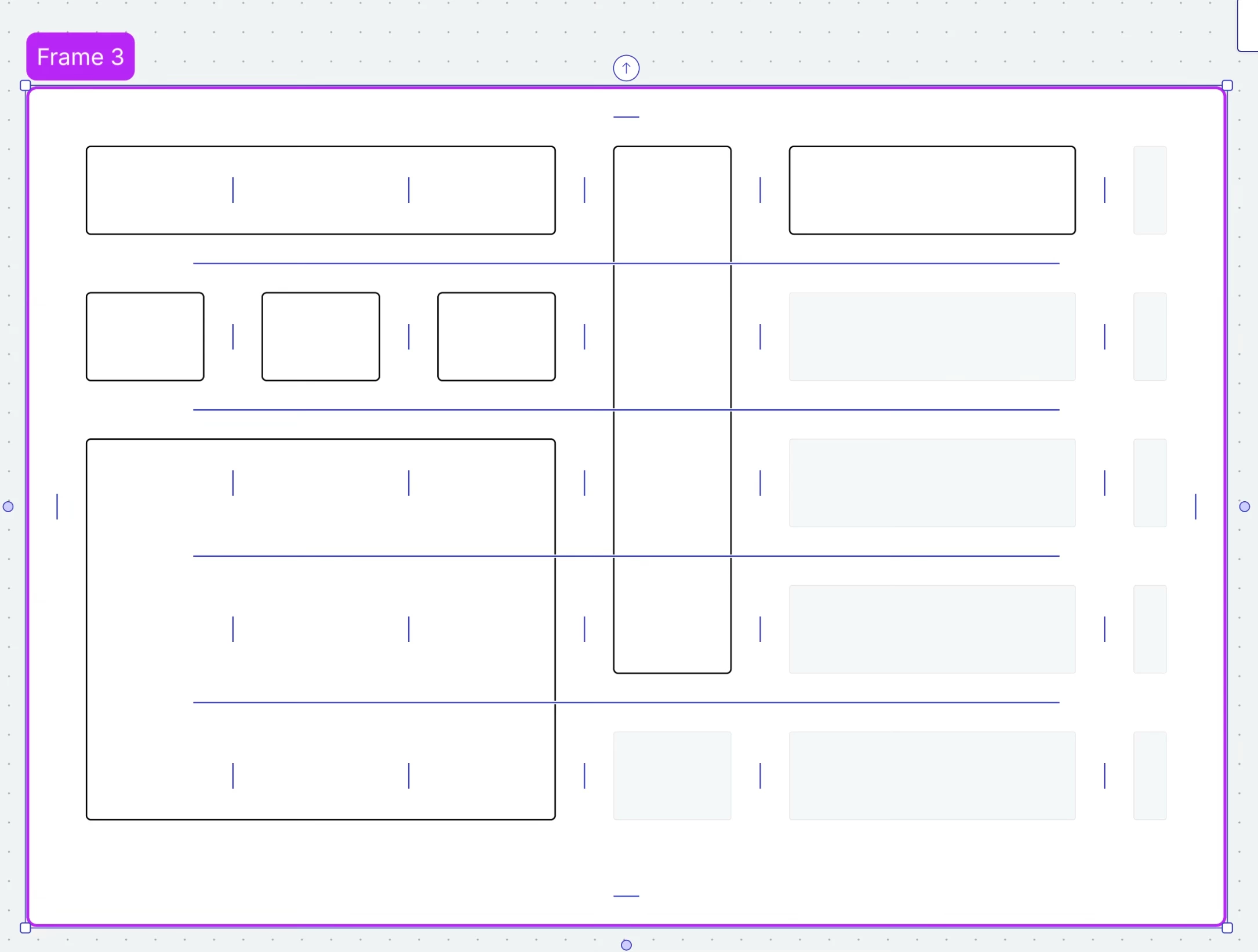
The idea is to take a rectangle shape or sticky note and have it cover three cells horizontally or vertically or four cells in both directions- all without affecting the 4x4 grid layout I already established. 
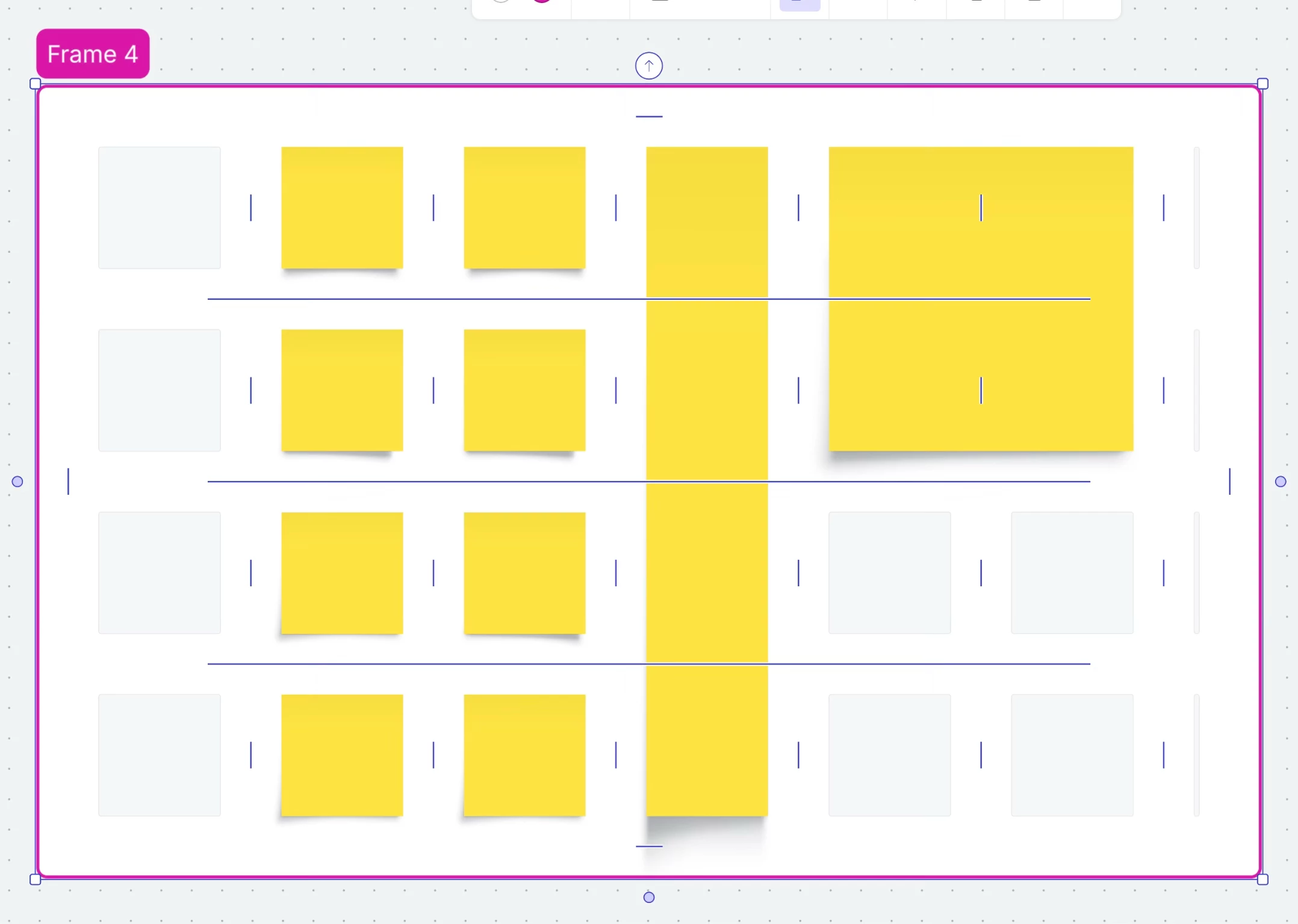
This is only possible I found out if you only use the “Occupy a cell” menu and pick one of its options. Plus you have to use it each and every time you add something to the grid and you want to alter it. As you can see in the images above I was able to accomplish this with sticky notes and rectangle shapes that span both directions, horizontally and vertically. 
I can even move them around without affecting the grid layout behind if there is enough room. The number of cells will turn purple to indicate the space you can take up. Great! Just be careful of activating that purple indicator line because it will throw everything off and you have to press Command+Z to undo it. 
The issue comes from not using that menu. If you just drag the length or width of a sticky note or shape as you can see in the third last image above it will just the shape of the grey placeholder behind it. 


Forum|alt.badge.img+13

I manually changed the shape of the sticky note on the far right side by dragging on its bottom right corner and as you can see if changed the shaped of the grey placeholders up/down the same column and along the same row. 


Zuzia S
Forum|alt.badge.img+8
  • Lucid community team
  • November 6, 2025

@patrickpereira1988 Thank you for taking the time to share a detailed description of the behaviour you are experiencing.

It sounds like the what you are seeing is related to how Assisted Layout manages cell occupancy and resizing. Using the “Occupy a cell” functionality, as you mentioned, is a good way to have more control over how objects interact with the grid.

I tried following the steps you described initially but was not able to reproduce the same issue as shapes seemed to change the underlying grids accordingly. If it continues on your end, a short screen recording converted into a GIF would be really helpful for us to have an overview of the steps taken from beginning to end on your side.

Once again, we appreciate your feedback! Cheers!