Idea

Reset zoom with ctrl + 0

Related products:Lucid Suite
  • March 31, 2026
  • 5 replies
  • 13 views

Forum|alt.badge.img+1

I used to be able to hit ctrl + 0 and it would:

  • reset zoom
  • reset to location on canvas

This was useful if I duplicated a diagram and only made minor changes to components within diagram. You could quickly go back-and-forth between tabs to see changes between them.

Now ctrl + 0 simply resets zoom, not position on canvas. I can’t do the above any more.

Anyone else notice this?

Comments

Gordon
Forum|alt.badge.img+2
  • Lucid product team
  • March 31, 2026

Hi Bobby,


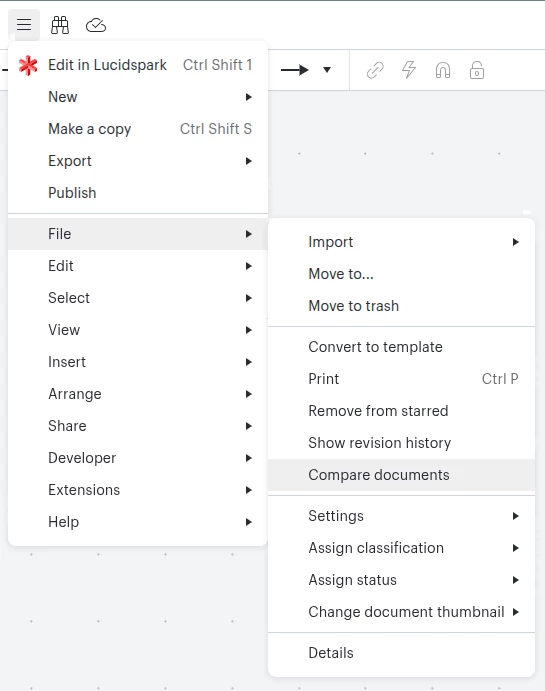
Have you tried using the document comparison feature? I feel like this might serve your purpose better than resetting location and quickly switching between tabs.


Forum|alt.badge.img+1
  • Author
  • April 1, 2026

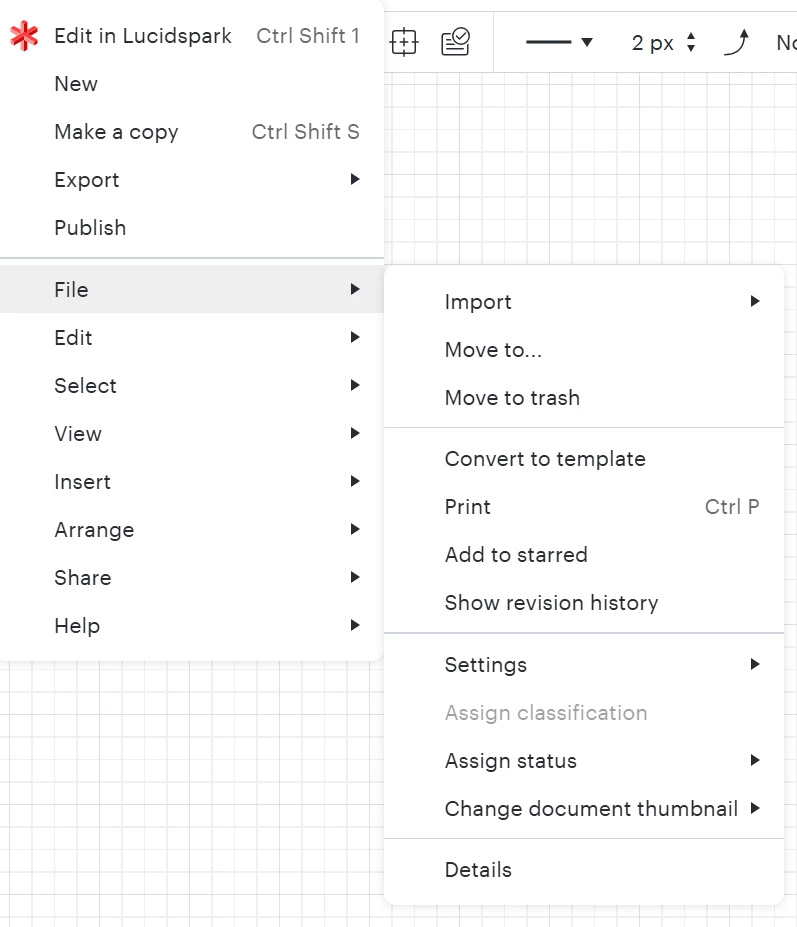
I don’t have that option:


I wish it just worked like before.


Ambar D
Forum|alt.badge.img+11
  • Lucid community team
  • April 2, 2026

Hi ​@bobbym, this feature of comparing two Lucid documents is available to Team and Enterprise accounts. You can learn about the feature in this article!

You can read the Lucid Plans article for more information about what is available on your account or the Upgrade your Lucid account article for instructions to upgrade.


To address your original question about finding your position in your canvas, another feature I recommend using is the mini map. It can help you see an overview of all content, jump to another area, and navigate a large document. Let me know if you have any questions about that feature!


Forum|alt.badge.img
  • Lucid product team
  • April 6, 2026

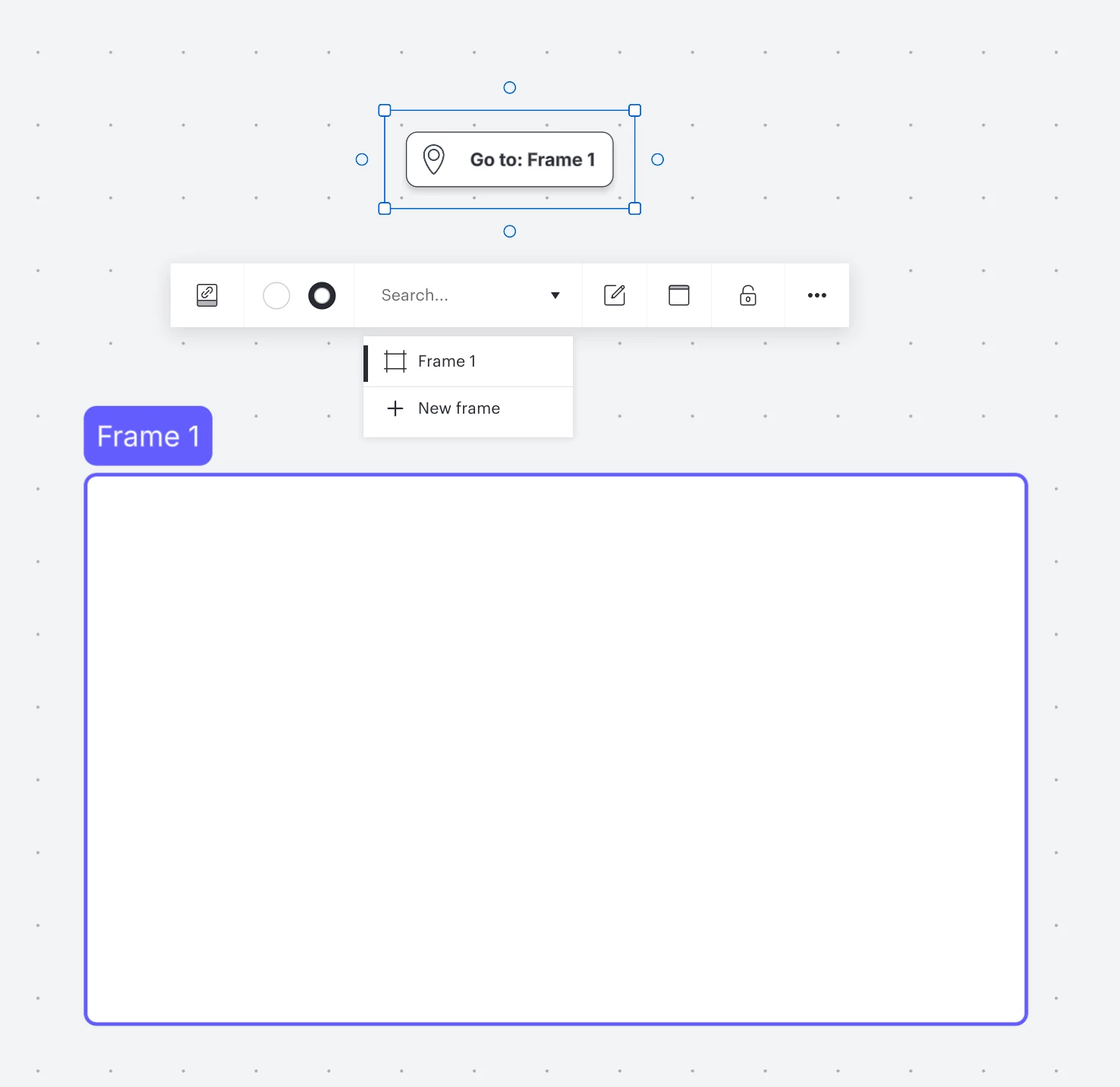
Another way to navigate to a particular part of the document is with the “go to” quick tool.


Ambar D
Forum|alt.badge.img+11
  • Lucid community team
  • April 6, 2026

That’s a great idea ​@bhintze, thanks for sharing here!