Delivered

Replacing Shapes within the Canvas

Related products:Lucidchart
  • June 11, 2019
  • 8 replies
  • 84 views

Rebecca V

How can I keep the text and formatting of a shape that is already on my canvas and just replace the actual shape. 

For example I have a pentagon shape that is blue with the text ABC.  I want to change the shape from Pentagon to a Square but keep the text and fomatting. 

How can I accomplish this?

 

February 6, 2024

Hi all, updating this post to clarify the status of this request: 

  • As Rebecca requests in her original post - it is possible to convert a basic shape like a pentagon into another basic shape from the standard shapes library, like a square. 
  • The “change shape” ability is not available for every shape library, nor is it possible to use this function to convert across different shape libraries. However, we’re interested in your feedback and are collecting in this thread!

Comments

Maison W
Forum|alt.badge.img+7
  • Lucid support team
  • June 11, 2019

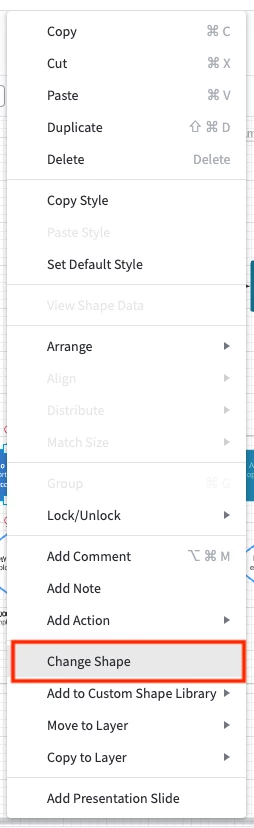
Hi Rebecca! Thanks for posting. In order to accomplish this you can right click on the shape select "change shape" and options will appear for selecting an alternate shape-- but the options will only be shapes from the same shape library that the original shape belongs to. Hope this helps and please let me know if you have any questions!


Todd D102
  • March 7, 2021

I have no such option when I right-click a shape


Flavia D
Forum|alt.badge.img+9
  • Lucid support team
  • March 8, 2021

Hi Todd 

Thanks for continuing this thread! To clarify are you not seeing this menu when right-clicking the shape? Or are you seeing that menu but the "Change Shape" option is greyed out for you?

Would you mind sending a screenshot of what you see when right-clicking the shape? Thanks! 


Forum|alt.badge.img+2
  • November 9, 2023

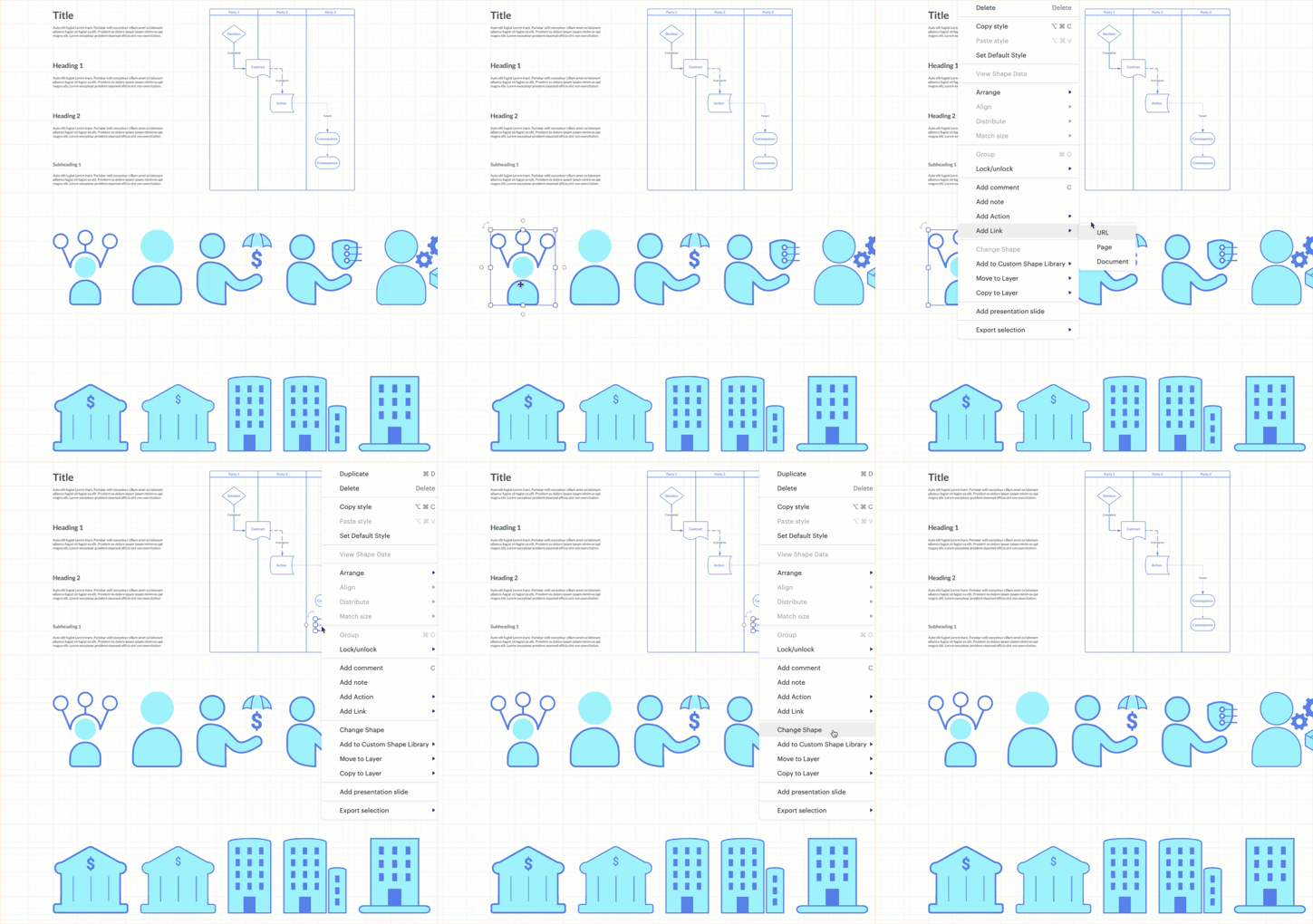
Having the same issue. It seems like Lucid makes a distinction between standard shapes and imported shapes when it comes to changing or replacing a shape. Here's what i'm seeing:

It would be nice if Lucid would allow you to change any shape; imported or default.


Addie
Forum|alt.badge.img+23
  • November 9, 2023

Hi Chris

Thanks for posting in the community! As mentioned above the "change shape" feature will only display options from the same shape library that the original shape belongs to. Therefore imported shapes won't have this ability. I'm very sorry for the inconvenience.

If you'd like to suggest this idea and have it considered as a possible feature please feel free to add additional thoughts on your use case and we'll pass your feedback to the development team.


Micah
Forum|alt.badge.img+20
  • Lucid community team
  • January 3, 2024
Idea merged into:

All the votes from this idea have been transferred.

Micah
Forum|alt.badge.img+20
  • Lucid community team
  • February 6, 2024
IdeaDelivered

Micah
Forum|alt.badge.img+20
  • Lucid community team
  • February 6, 2024

Hi all, updating this post to clarify the status of this request: 

  • As Rebecca requests in her original post - it is possible to convert a basic shape like a pentagon into another basic shape from the standard shapes library, like a square. 
  • The “change shape” ability is not available for every shape library, nor is it possible to use this function to convert across different shape libraries. However, we’re interested in your feedback and are collecting in this thread!