

Hello.
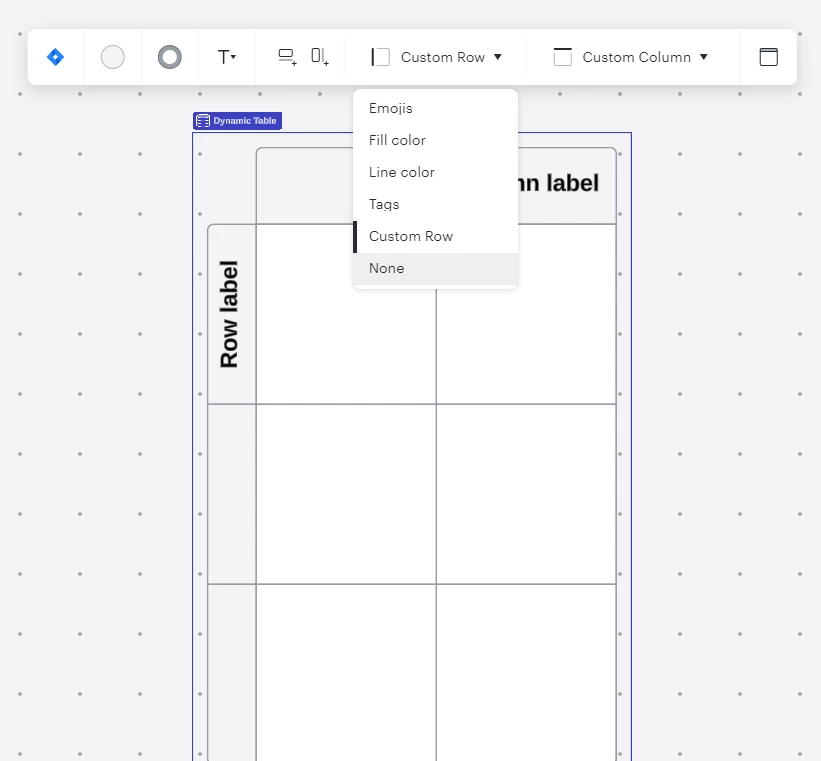
When using the dynamic table feature in Lucidspark the text orientation for a row is sideways/vertical. To resolve this I created a regular table instead so I can type the text horizontal in the first cell of each row. But now I cannot rearrange/reorder rows or columns- that’s exclusive to the dynamic table feature. I go back to the dynamic table feature but now I cannot type text directly into a cell like in the regular table.
I don’t want it to be a trade-off situation. I would like to rearrange/reorder rows and columns in the regular table.
Thank you for your time. Bye.
Idea
Rearrange rows in table




Create an account in the community
A Lucid or airfocus account is required to interact with the Community, and your participation is subject to the Supplemental Lucid Community Terms. You may not participate in the Community if you are under 18. You will be redirected to the Lucid or airfocus app to log in.
Log in to the community
A Lucid or airfocus account is required to interact with the Community, and your participation is subject to the Supplemental Lucid Community Terms. You may not participate in the Community if you are under 18. You will be redirected to the Lucid or airfocus app to log in.
Log in with Lucid Log in with airfocus
or
Enter your E-mail address. We'll send you an e-mail with instructions to reset your password.
 Your privacy choices


