

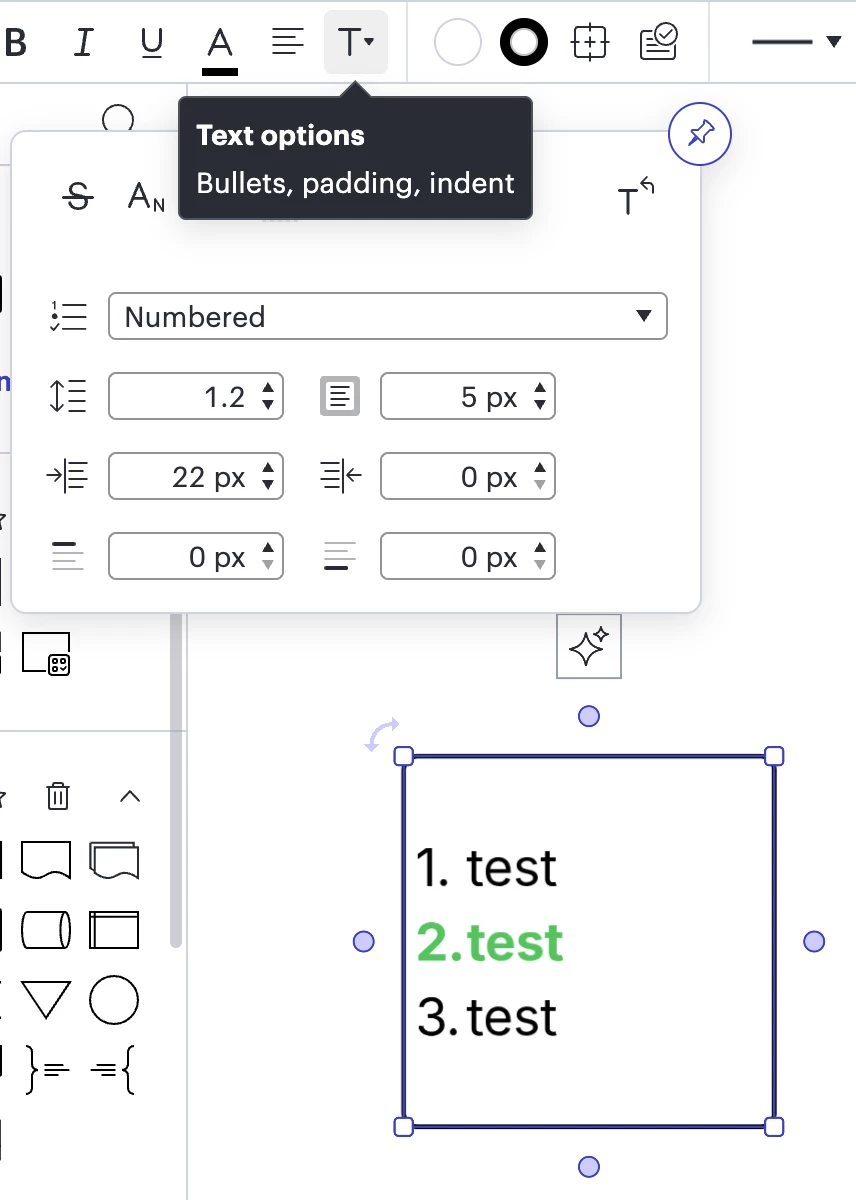
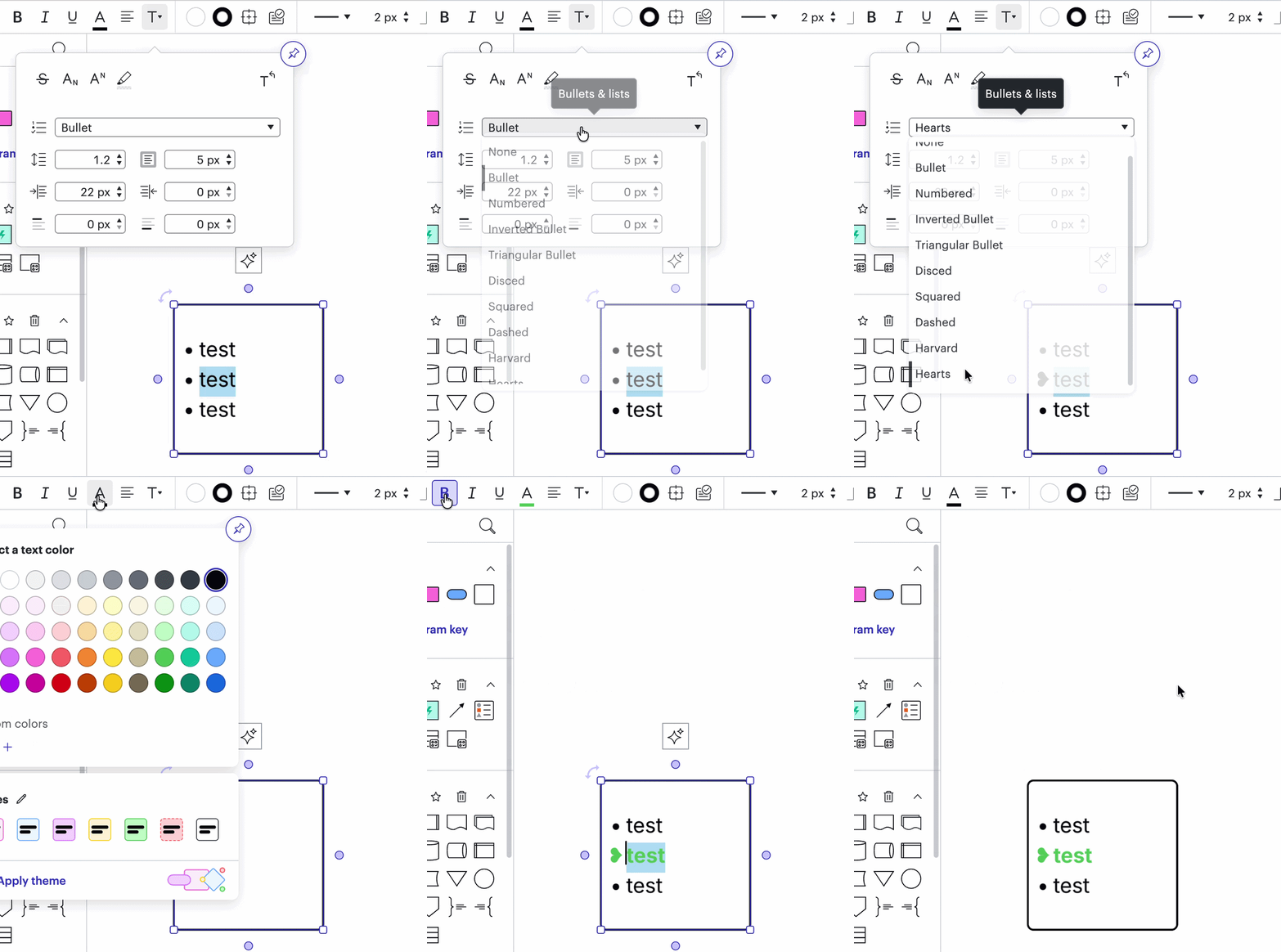
Currently any list numbering or bullet point in a text box in Lucidchart is formatted the same as the previous line. The numbering or bullet points cannot be selected to allow reformatting i.e. bold, different colour. Adding more text formatting options will help with the ability to recreate and edit process documentation for publishing to Process Accelerator.
Idea
List in number or bullet point format


Create an account in the community
A Lucid or airfocus account is required to interact with the Community, and your participation is subject to the Supplemental Lucid Community Terms. You may not participate in the Community if you are under 18. You will be redirected to the Lucid or airfocus app to log in.
Log in to the community
A Lucid or airfocus account is required to interact with the Community, and your participation is subject to the Supplemental Lucid Community Terms. You may not participate in the Community if you are under 18. You will be redirected to the Lucid or airfocus app to log in.
Log in with Lucid Log in with airfocus
or
Enter your E-mail address. We'll send you an e-mail with instructions to reset your password.
 Your privacy choices


