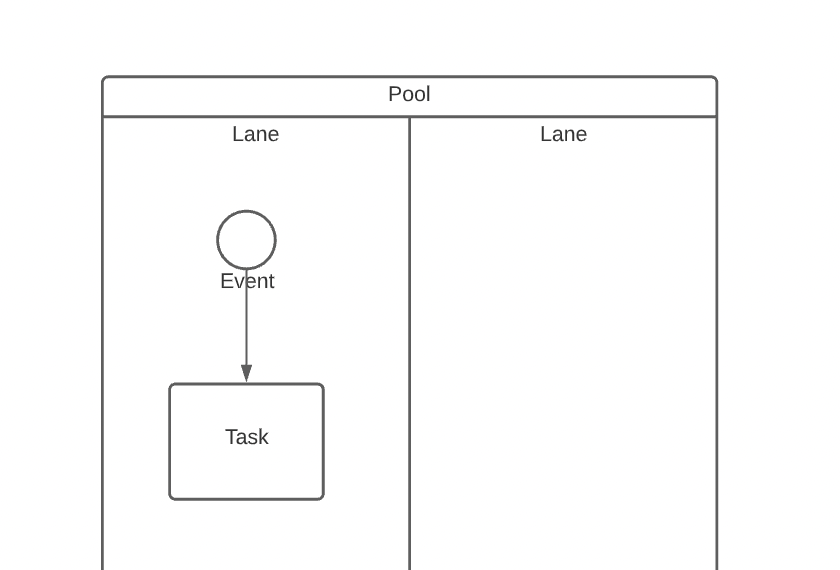
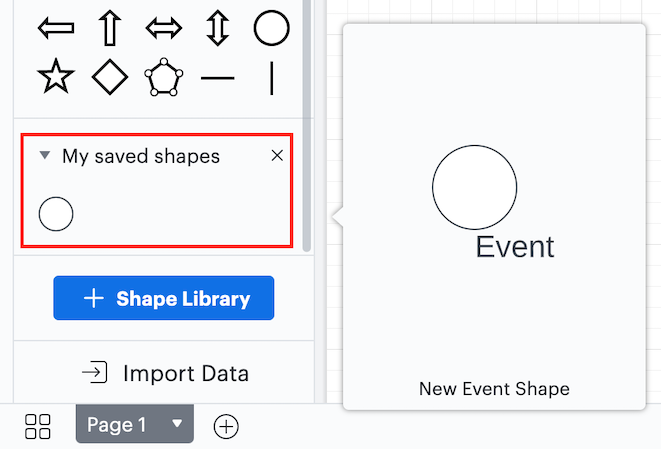
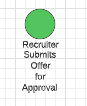
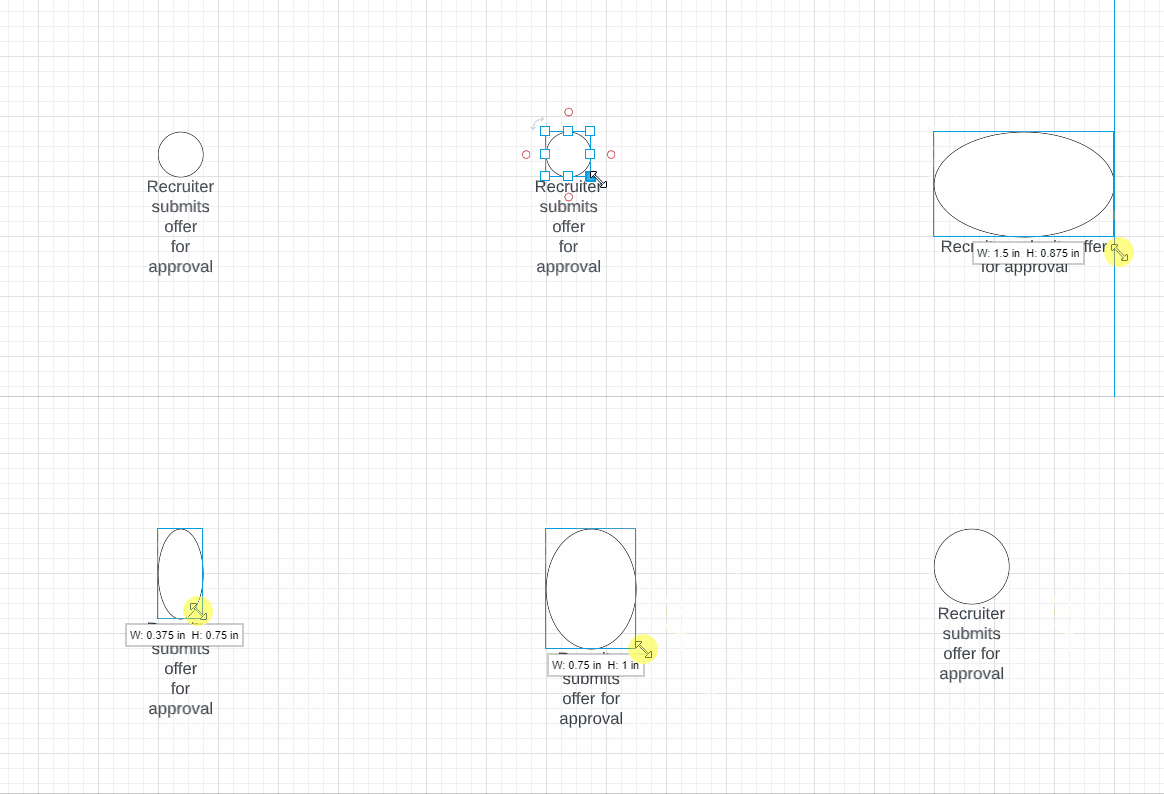
I cannot figure out how to change the text underneath a shape object in any of the templates. For example:
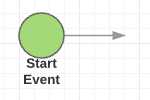 I've clicked double-clicked locked unlocked grouped and ungrouped to no avail. I'm guessing the text saying "Start Event" is a separate text box grouped to the circle above. But if that is true I can find no way to select it or change it. I would hope it was an attribute of the graphic object but that does not seem to be the case anywhere I can find.
It seems to me from looking at the questions of others that there is a real problem with very basic functionality in this tool not being very intuitive. What am I missing?