Idea

Exporting a selection as PNG cuts off parts of diagram on the edges

Related products:Lucidchart
  • November 9, 2025
  • 10 replies
  • 77 views

Forum|alt.badge.img+1


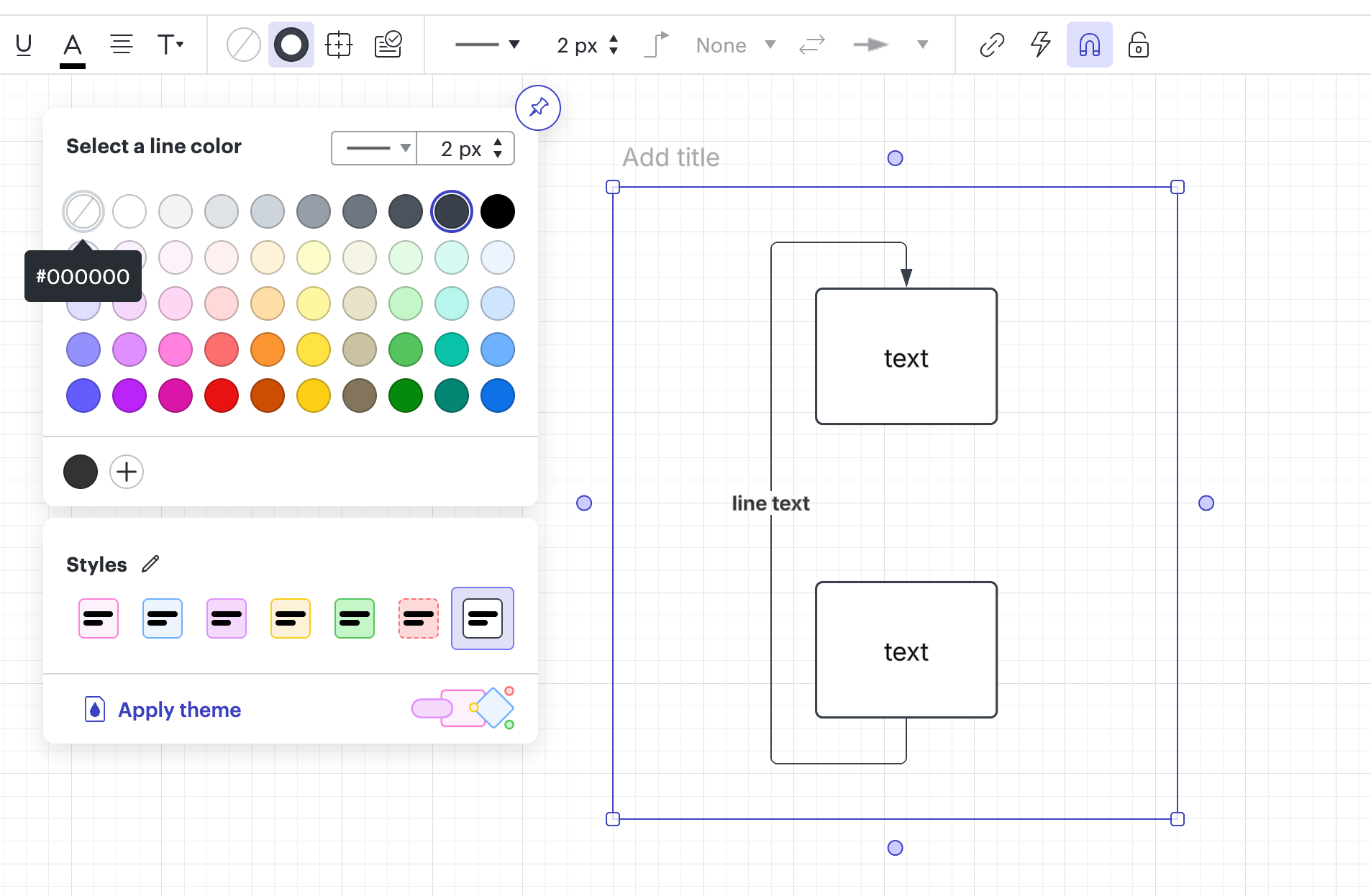
I would like to request a permanent fix for the issue below.  Currently there’s a workaround of putting a container around a diagram to be exported, but this is not an ideal experience, especially when having to do this multiple times a day.



November 10, 2025

Hi,

My team is working on a fix for this. This seems like a trivial bug to me. Stay tuned!

Best,

Comments

Zuzia S
Forum|alt.badge.img+8
  • Lucid community team
  • November 10, 2025

Hey ​@LucidUser78, thanks for this idea!

Indeed, as you mentioned, the current workaround is to add the content that you wish to export into a container. The line color from the container can be removed in order for it not to show up in the exported version. 

Then, select the container > click on “Export selection > PNG” to achieve your desired result. 

We encourage anyone else who’s interested in this to upvote this post and share any additional details about your use case or what you’d like to see in this experience. For more information about how we manage feedback in this community, please take a look at this post:

Cheers!


Gordon
Forum|alt.badge.img+2
  • Lucid product team
  • November 10, 2025

Hi,

My team is working on a fix for this. This seems like a trivial bug to me. Stay tuned!

Best,


Forum|alt.badge.img+1
  • Author
  • November 10, 2025

Hi,

My team is working on a fix for this. This seems like a trivial bug to me. Stay tuned!

Best,


Awesome!!


Gordon
Forum|alt.badge.img+2
  • Lucid product team
  • November 12, 2025

Hi,

We have fixed the issue. Please let me know if you have any other issues. Cheers!

Best,


Forum|alt.badge.img+1
  • Author
  • November 12, 2025

Hi,

We have fixed the issue. Please let me know if you have any other issues. Cheers!

Best,

Thank you. Thank you. Thank you!! This is a major fix for me since I use the PNG export feature so often.  I also noticed that the extra padding at the top is fixed as well, which is nice.  I now no longer have to crop it out.  One small nit, there’s 5 pixels of padding on top, left, and right, which is good.  For the bottom, there’s no padding.  If the same padding can be done for the bottom as well, that would be great!


Gordon
Forum|alt.badge.img+2
  • Lucid product team
  • November 12, 2025

Hi,

We have fixed the issue. Please let me know if you have any other issues. Cheers!

Best,

Thank you. Thank you. Thank you!! This is a major fix for me since I use the PNG export feature so often.  I also noticed that the extra padding at the top is fixed as well, which is nice.  I now no longer have to crop it out.  One small nit, there’s 5 pixels of padding on top, left, and right, which is good.  For the bottom, there’s no padding.  If the same padding can be done for the bottom as well, that would be great!

Could you show me what the export images look like, so that I could pinpoint the underlying issue?


Forum|alt.badge.img+1
  • Author
  • November 12, 2025

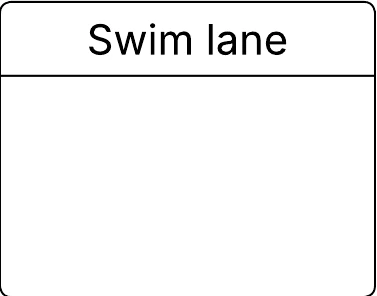
As you can see from the exported PNG, the bottom is cut off by a pixel or 2.  Thanks. 


Gordon
Forum|alt.badge.img+2
  • Lucid product team
  • November 12, 2025

As you can see from the exported PNG, the bottom is cut off by a pixel or 2.  Thanks. 


Would you be able to tell me where this shape comes from? I try to use a similar shape but I was unable to reproduce the cutoff issue.


Forum|alt.badge.img+1
  • Author
  • November 12, 2025

It’s a Swim lane container.  By default the border has 2 pixels.  If I change it to 1 pixel, the bottom is cut off. 


Zuzia S
Forum|alt.badge.img+8
  • Lucid community team
  • November 24, 2025

Hi ​@LucidUser78, I’ll be happy to help you further! 

Could you share a temporary Document Support PIN for this document? This will help me take a closer look at what’s going on. This PIN is safe to post in this thread because it is only accessible by members of the Lucid support staff. You can find steps for generating a Support PIN in this Lucid Help Center article:  Generate a Lucid Support PIN