

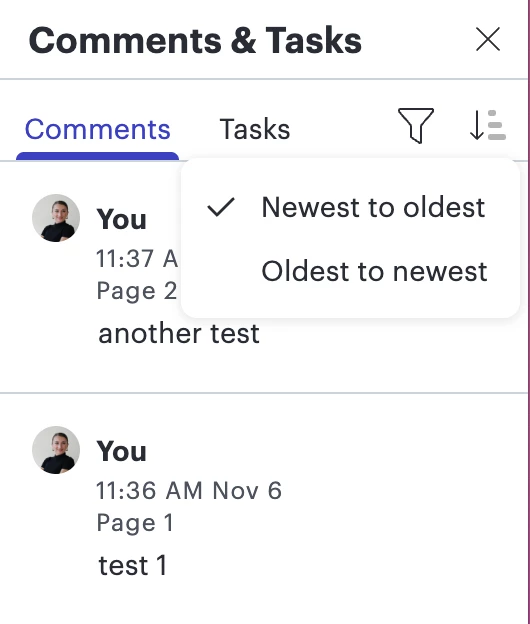
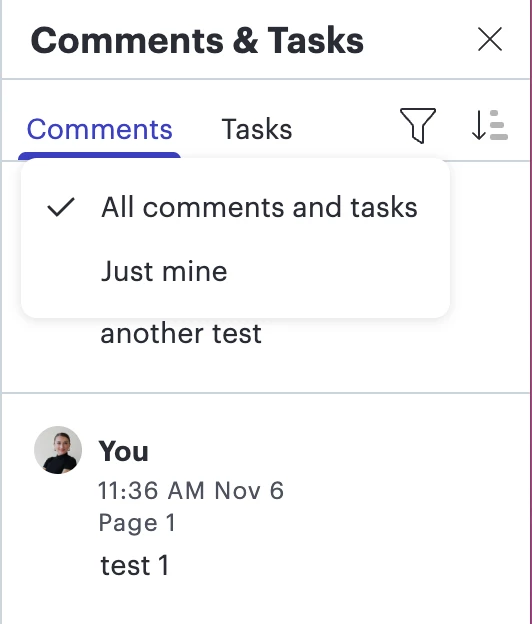
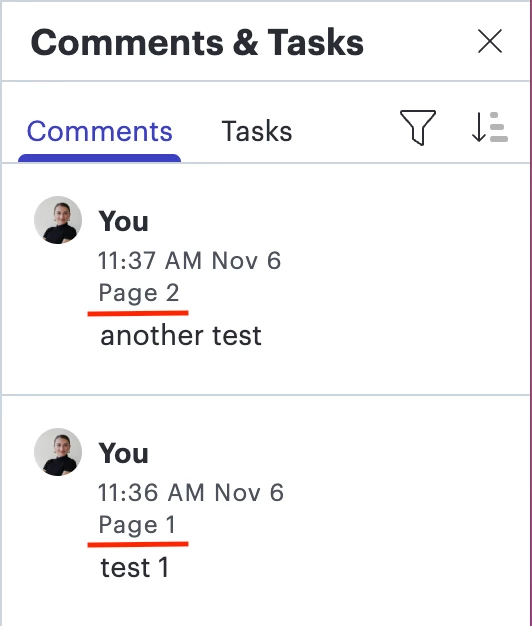
I accidentally reviewed the wrong page during a meeting because I clicked on a comment in the “Comments & Tasks” pane referenced an object on a different page. I didn’t notice that the page switched, so I continued reviewing the older version of the flowchart, which looked extremely similar to the updated version. I’d like you to add a filter to the “Comments & Tasks” pane that allows me to ignore comments related to other pages. Alternatively, please add a pop-up to indicate that the comment I clicked will take me to a different page.
Idea
Create filter in comment pane


Create an account in the community
A Lucid or airfocus account is required to interact with the Community, and your participation is subject to the Supplemental Lucid Community Terms. You may not participate in the Community if you are under 18. You will be redirected to the Lucid or airfocus app to log in.
Log in to the community
A Lucid or airfocus account is required to interact with the Community, and your participation is subject to the Supplemental Lucid Community Terms. You may not participate in the Community if you are under 18. You will be redirected to the Lucid or airfocus app to log in.
Log in with Lucid Log in with airfocus
or
Enter your E-mail address. We'll send you an e-mail with instructions to reset your password.
 Your privacy choices


