

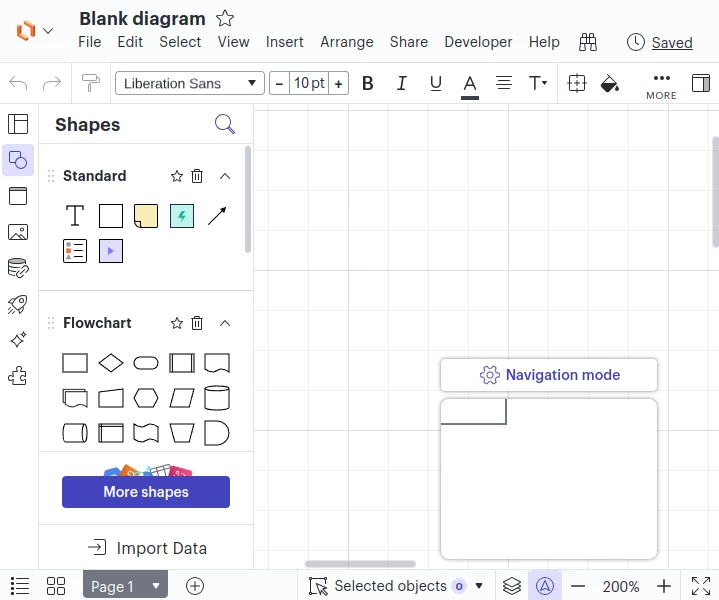
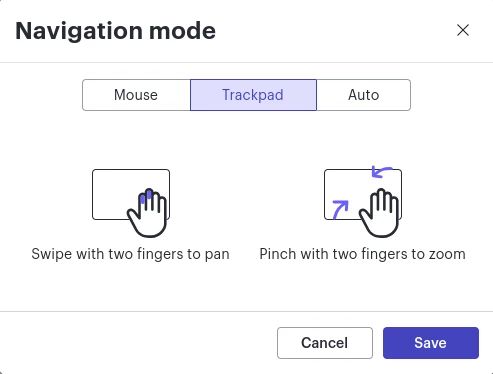
Panning and zooming using a trackpad in Lucid is difficult for me. I was just presented an option to adjust how I pan/zoom using two fingers on the pad. (It didn’t really make sense for me what the options were, but that’s a different problem.) Pinch-zoom works, and two finger horizontal pan works, but not vertical pan.
Have you considered:
- When a user is starting to pan horizontally, that they probably also are going to want to pan vertically in a continuous path? Disable zoom in that case until user input slows to a threshold / no more trackpad input.
- Does it matter the orientation of fingers? Is this something returned to the browser? I noticed that in the instructions that the user’s hand is vertical. Who sits like that with a laptop? Maybe with a separate Wacom trackpad…
- Disabling pan unless using the hand tool?
Loving Lucid,
-Con






 Your privacy choices


