Idea

Change icon size or scale proportionally to shape in Lucidchart

  • November 26, 2020
  • 3 replies
  • 636 views

Joey C

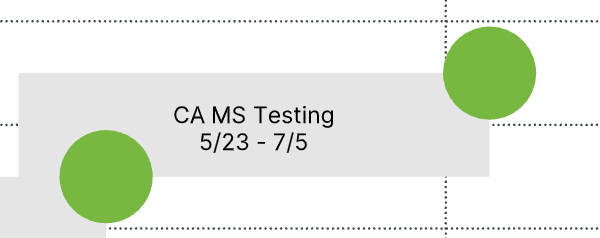
Is there a way to resize the icons added to a shape? They don't seem to change proportionately to the size of the shape and I can't find a way to manually change the size.
November 27, 2020

Hi Joey, 

Thanks for posting. Unfortunately, this isn’t currently supported in Lucid, but we’re very interested in your feedback and committed to continually improving our products. If you’re willing to share, we’d love to hear more details about your use case or what you’d like to see in this experience within this thread. I’ve also converted this post to an idea so that it’s visible to others within the Product Feedback section of the community - from here, they can upvote it and add details of their own.

Finally, for more information on how Lucid manages feedback via this community, take a look at this post:


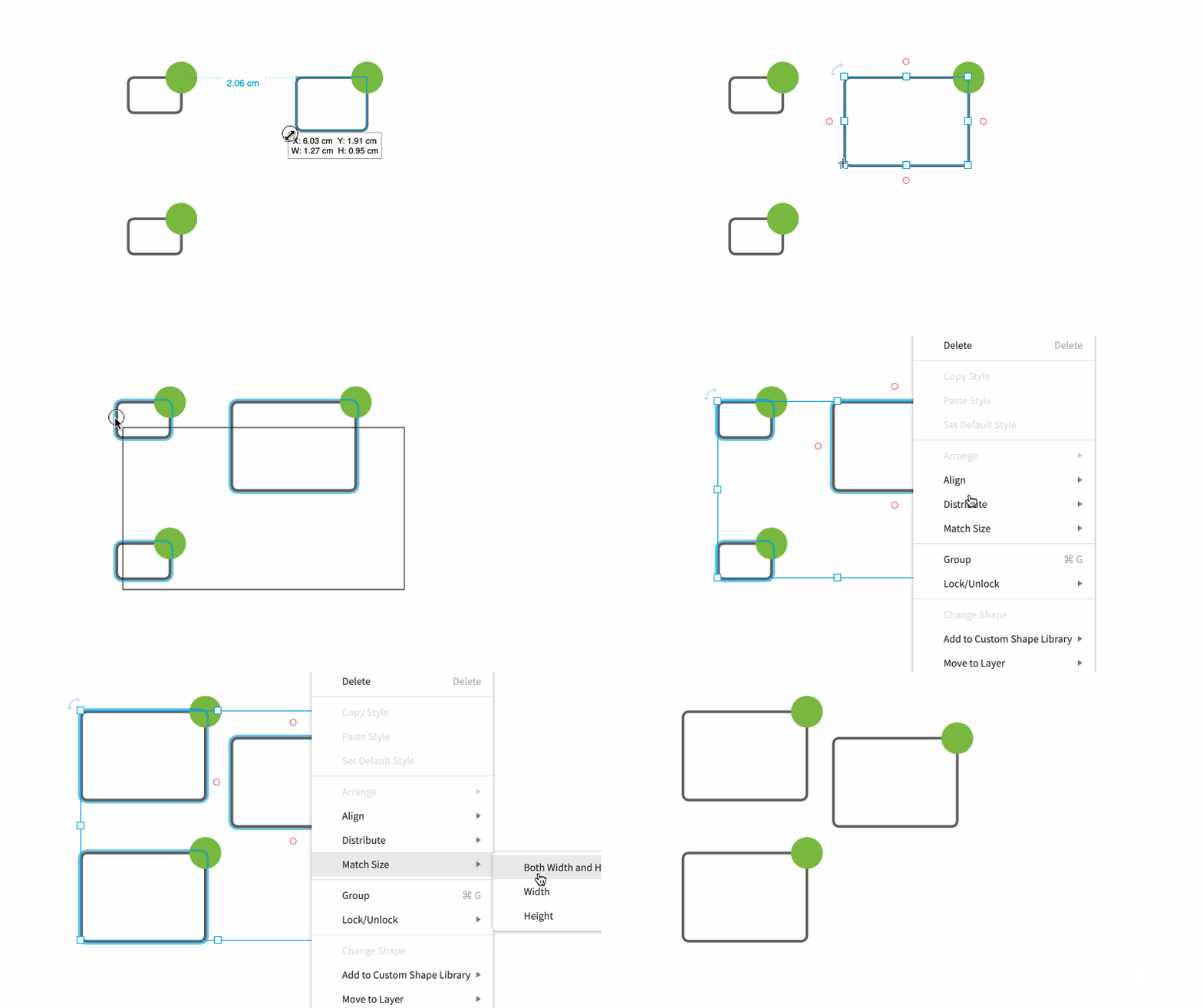
In the meantime I recommend resizing your shapes to make the ratio between the shape and icon size more appropriate. You might find it helpful to use 'Match Size' to do this. Resize one of the shapes until the icon is proportionate and then select the other shapes you need to change (or press Ctrl-A/Cmd-A to select all shapes). Next right-click on the shape you resized and click Match Size>Both Width and Height. Let me know if you have any questions!

03MwdGPhsj2SyH0PMY6RMA.gif


Comments

Emma D
Forum|alt.badge.img+7
  • Lucid support team
  • November 27, 2020

Hi Joey, 

Thanks for posting. Unfortunately, this isn’t currently supported in Lucid, but we’re very interested in your feedback and committed to continually improving our products. If you’re willing to share, we’d love to hear more details about your use case or what you’d like to see in this experience within this thread. I’ve also converted this post to an idea so that it’s visible to others within the Product Feedback section of the community - from here, they can upvote it and add details of their own.

Finally, for more information on how Lucid manages feedback via this community, take a look at this post:


In the meantime I recommend resizing your shapes to make the ratio between the shape and icon size more appropriate. You might find it helpful to use 'Match Size' to do this. Resize one of the shapes until the icon is proportionate and then select the other shapes you need to change (or press Ctrl-A/Cmd-A to select all shapes). Next right-click on the shape you resized and click Match Size>Both Width and Height. Let me know if you have any questions!

03MwdGPhsj2SyH0PMY6RMA.gif


George L102

It would be especially nice if the icon size could be accessed within the conditional formatting section so that expressions could be used not only to make sure it is an appropriate size relative to the scale of the canvas but also so that that icon size could represent other qualities. 


Micah
Forum|alt.badge.img+20
  • Lucid community team
  • February 8, 2021

Hi George thanks for continuing this thread and elaborating on what would make this feature useful for you. Please be sure to upvote this request if you’ve not already!