Idea

Add export padding for selected object

Related products:Lucidchart
  • May 5, 2026
  • 1 reply
  • 10 views

When exporting a selected object as JPG or PNG, Lucid crops tightly to the outer edges of the shapes. This makes the image look cramped when inserted into slides or Confluence.


Please add an export option as:

  • Add padding around selected export with a custom size e.g. 20px
  • Remember my last setting


The current workflow adds extra steps and makes repeated exports slower and less polished.

Comments

Ambar D
Forum|alt.badge.img+12
  • Lucid community team
  • May 6, 2026

Hi ​@KRL, thank you for this idea! I certainly see how that would be helpful.

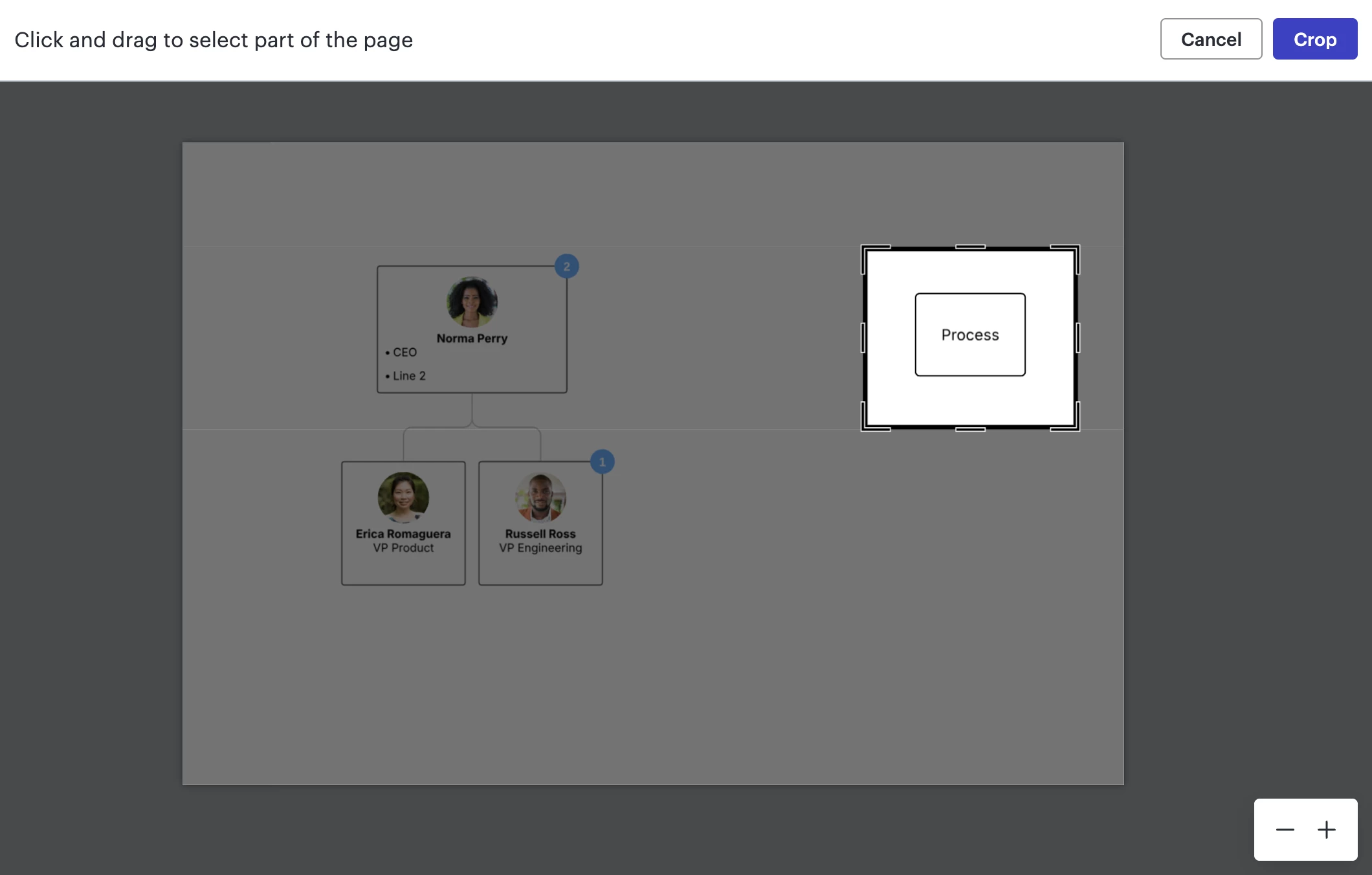
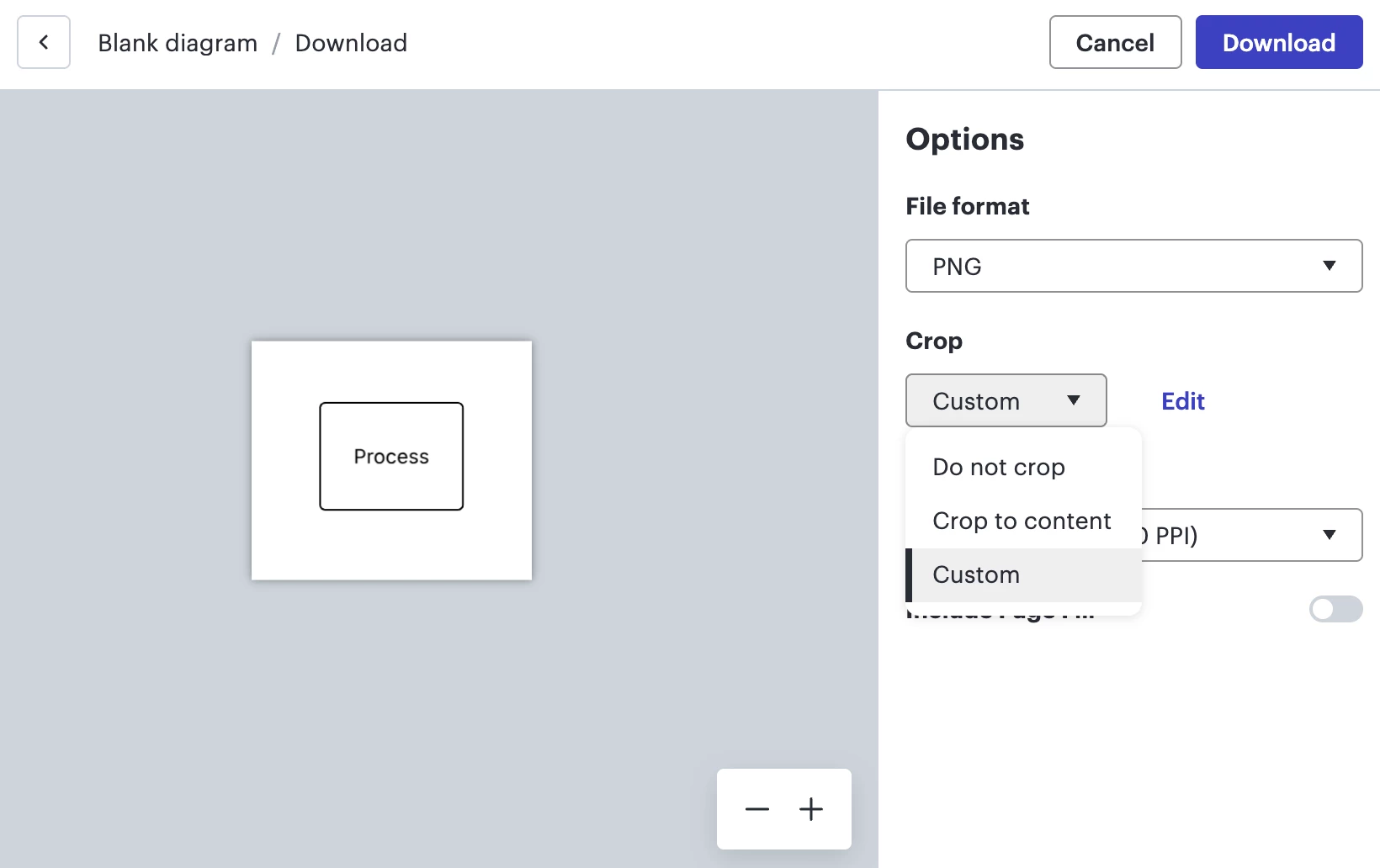
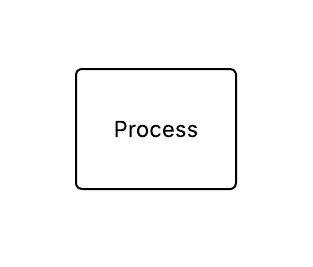
One possible workaround if you’re hoping to export one specific object in Lucid as a JPG or PNG with more padding around the object is to export at the document level and then customize your download settings to ‘Custom Crop’. From there, drag and crop around the object you’d like to export, leaving as much padding around the object as you’d like.

Cropping to only one object
Export preview after cropping and ‘Custom’ crop setting dropdown
Resulting PNG export


I know this is not exactly what you’re hoping for, but I do hope this helps as a workaround!

We encourage anyone else who’s interested in this to upvote this post and share any additional details about your use case or what you’d like to see in this experience. 

For more information about how we manage feedback in this community, please take a look at this post: