Question

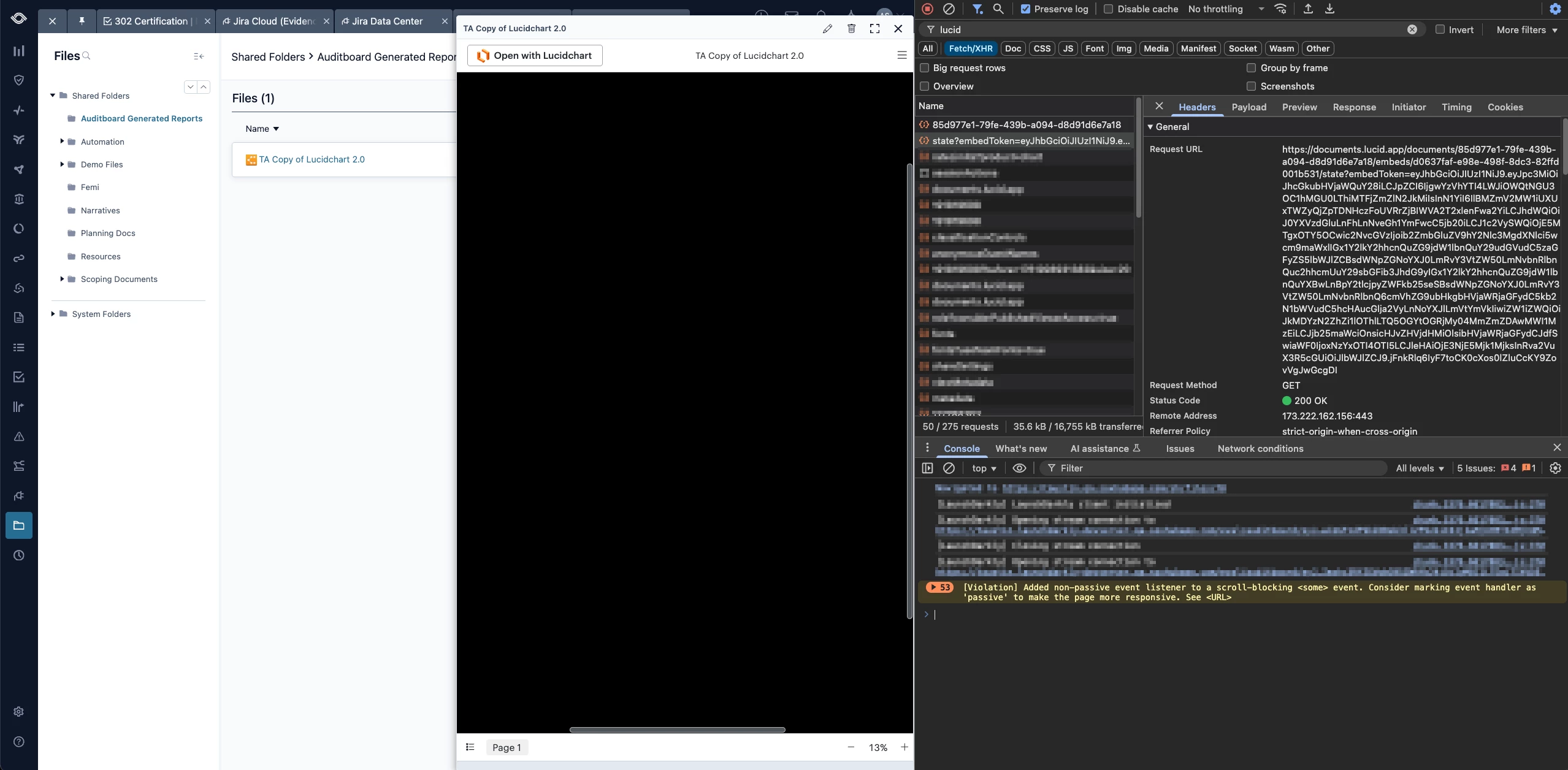
Embedded documents do not render and appear all black

  • April 17, 2026
  • 2 replies
  • 26 views

Forum|alt.badge.img+4

Here is how I am embedding the document:

  • Use of the document picker to obtain the document and the document ID
  • POST request to /documents/${documentId}/embeds to obtain embed id
  • POST request to /embeds/token with the embedId and origin in the body

I then use the token returned in the iframe: https://lucid.app/embeds?token=:token

I have been able to confirm that the origin we are passing is formatted like “sub-domain.domain.com”, which matches the site I am testing on.


The document will “flash” for a moment, before the render goes full black as seen in the screenshot below.
 

Comments

aparrish
Lucid Legend Level 7
Forum|alt.badge.img+15
  • Lucid Legend Level 7
  • April 18, 2026

@trevor what you’re describing is typically caused by a validation issue after the initial load, most often related to the embed token or origin.

A few things to double-check:

  • The origin used when generating the token must match the domain hosting the iframe exactly, including protocol (https://) and any subdomains. Even small differences can cause the embed to fail after loading.

  • Make sure the token is being used shortly after it’s generated and hasn’t expired.

  • The embedId, origin, and token all need to align correctly—any mismatch can invalidate the session.

  • If you haven’t already, check the dev console for any CSP or iframe-related errors that might show why rendering is being blocked.

If everything looks correct, it would be helpful to confirm the following:

  • The exact origin string being sent in the token request

  • The full iframe URL being used

  • Any console errors that appear when the screen goes black

That should help narrow down whether this is an origin validation issue or something else.


Michael B
Forum|alt.badge.img+4
  • Lucid product team
  • April 20, 2026

Hello ​@trevor , thank you for posting your question.

We are doing some research on our end to determine what scenarios could cause this issue. It appears to be some sort of bootstrapping failure where the initial rendering of the canvas is succeeding, but then something fails causing the canvas to go black.

We have heard reports of this behavior before, but have been unable to identify a cause before it either went away “magically” or we were unable to get ahold of the reporter to follow up. Its our expectation that something changed such that they no longer had the issue. But, we do not know if that change was caused by us or them.

I will be in touch soon with additional questions. In the meantime, can you send the exact parameters of the iframe which is containing this embed? Perhaps there is a parameter we aren’t handling correctly.