

Use Lucidspark to create a digital, interactive notebook 📔
One of the ways I have used Lucidspark in the classroom is to create a digital notebook that students can use to complete activities, take notes, engage with materials, and more. With Lucidspark, the possibilities for increasing student engagement are endless, and a digital notebook is the perfect place to make interactive activities and foster student creativity.
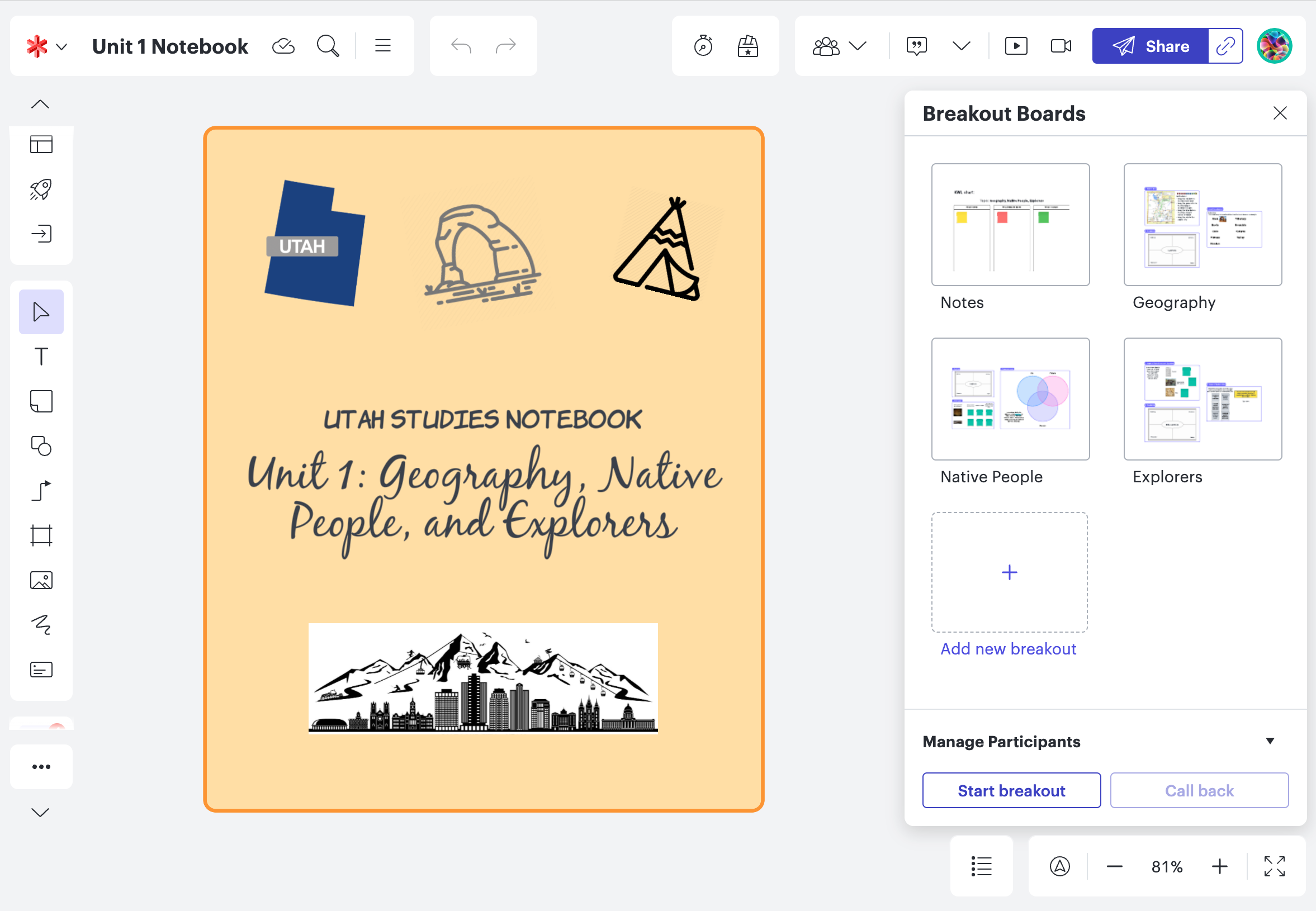
Check out this example board—use it as a template and fill it in with your own activities, or look at the instructions (located in the Breakout Boards of this example) to create your own version!
Are you thinking about using Lucidspark as an interactive notebook? Show us your examples and ideas in the comments!
 Your privacy choices


