Answer

Shapes are locked but users are still able to move them

  • November 13, 2025
  • 1 reply
  • 17 views

Forum|alt.badge.img+4

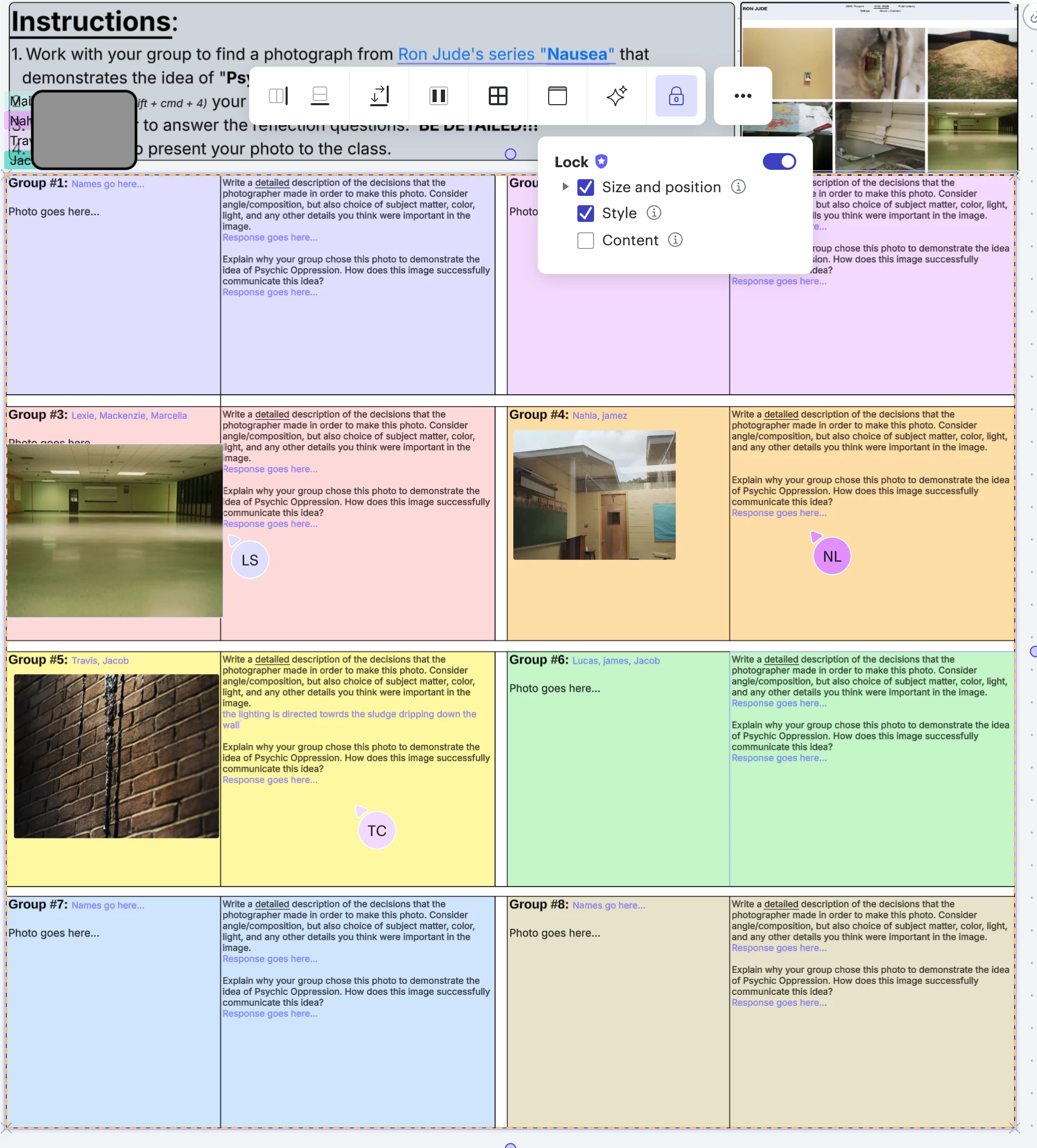
I have a Lucid Spark document with a shape where students are supposed to write notes but not change the shape. I have the shape locked with only “content” unlocked so they can type. When I lock the shape in this way I cannot move it, but my students who have lower privileges that me on the board ARE ABLE TO MOVE IT. 


Here’s a screenshot that shows my locking and shapes. 

And here’s my support pin: duLPKJKCxLB2JBNIoQIUKCMrjuD5G6kiMs203331606


Best answer by Vanessa C101

@wvanbeckum Here are some resources I have made on locking.  If these don’t help, email me (vcicero@lucidchart.com) and we can hop on a call together.  It will be easier for me to understand what might be going on.


Locking and Templating Tips

Make yourself a facilitator


Comments

Vanessa C101
Forum|alt.badge.img+14
  • Lucidite
  • Answer
  • November 13, 2025

@wvanbeckum Here are some resources I have made on locking.  If these don’t help, email me (vcicero@lucidchart.com) and we can hop on a call together.  It will be easier for me to understand what might be going on.


Locking and Templating Tips

Make yourself a facilitator