I just created my first document. I am a teacher and my original document is a word scramble. If I share the link with my students to complete the word scramble, how will they be able to make their own copy without editing my original document?
Also, I’m assuming to submit their document to me, they would in turn, share a link?
Best answer by Lance
Hi Joanne,
There are two different ways to accomplish this, one that requires a little bit of work from the students and one that requires more work from you.
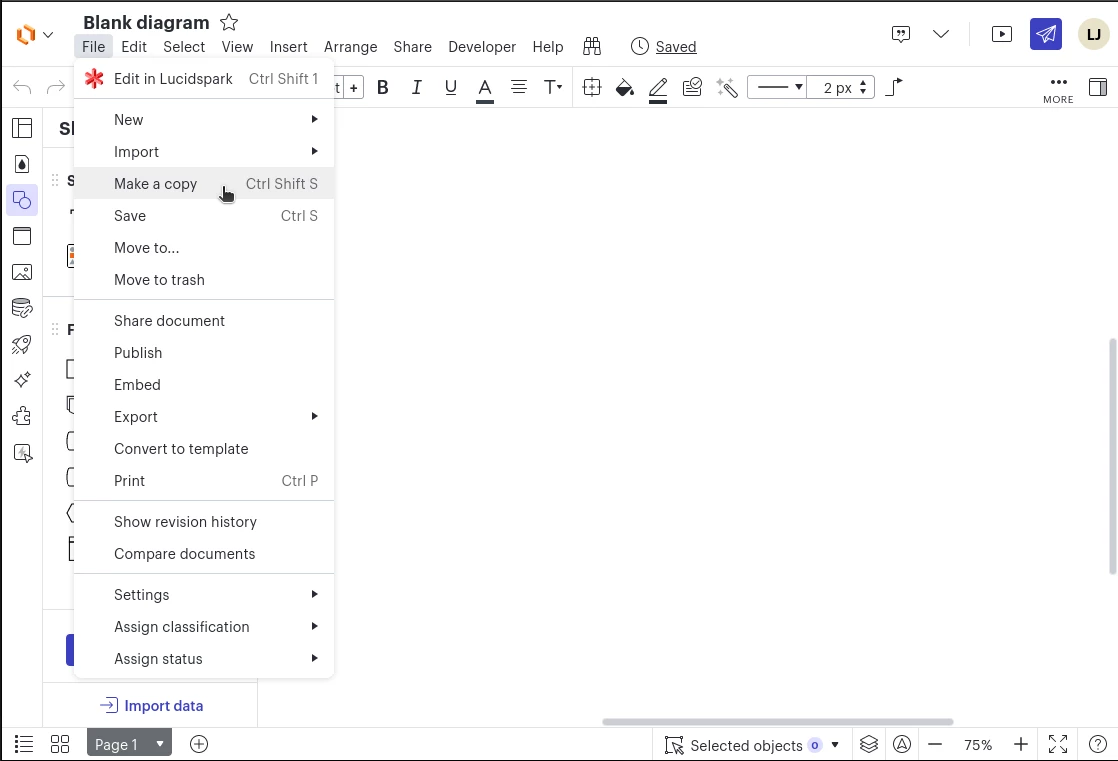
First, after sharing the document with your students, you can have them click File → Make a copy (or Ctrl Shift S).
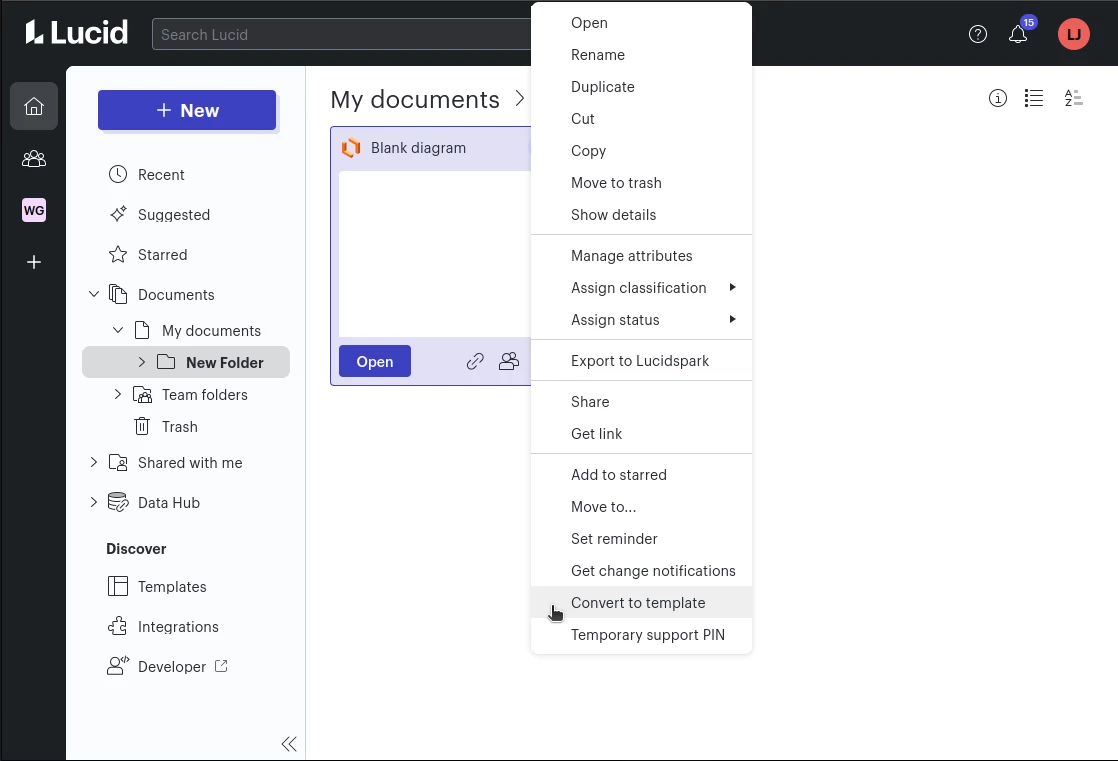
Or, you can convert your document into a template, share the template (they must have at least view access), then get an “editNew” link to the template to give to them. The convert to template option is found by right-clicking the document on your document list.
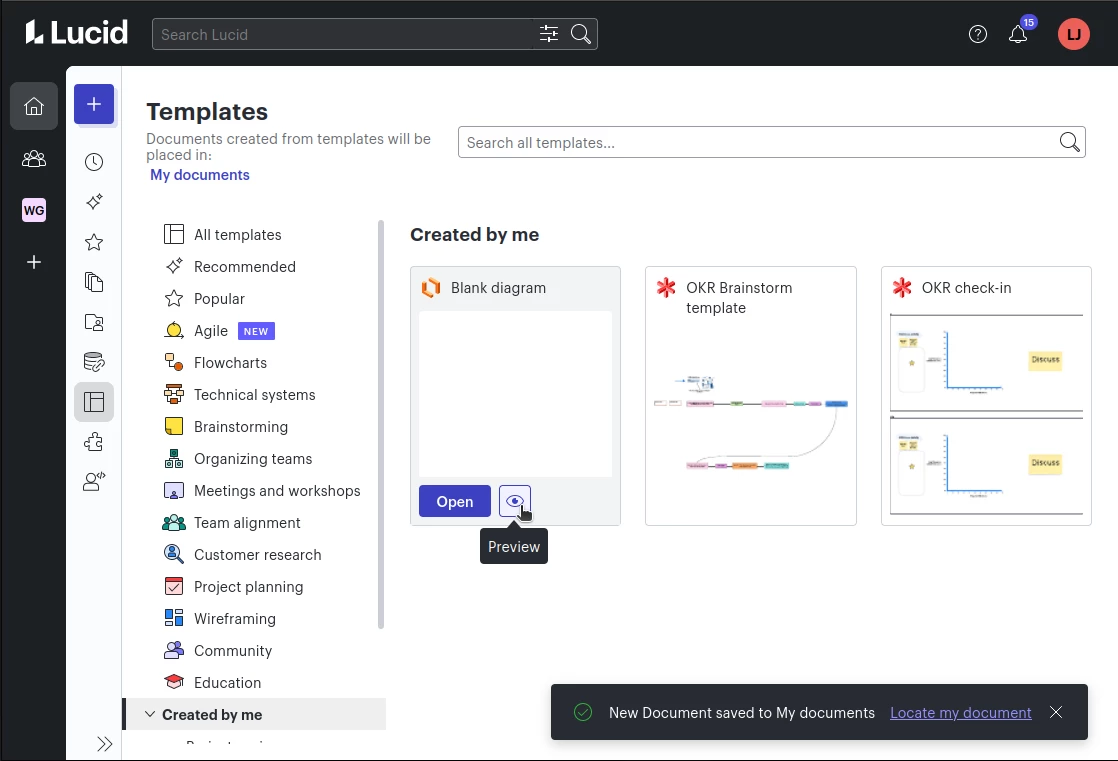
Then share it. Then you can go to the templates page, and go to the Created by me section, where you will click the tile or the preview button.
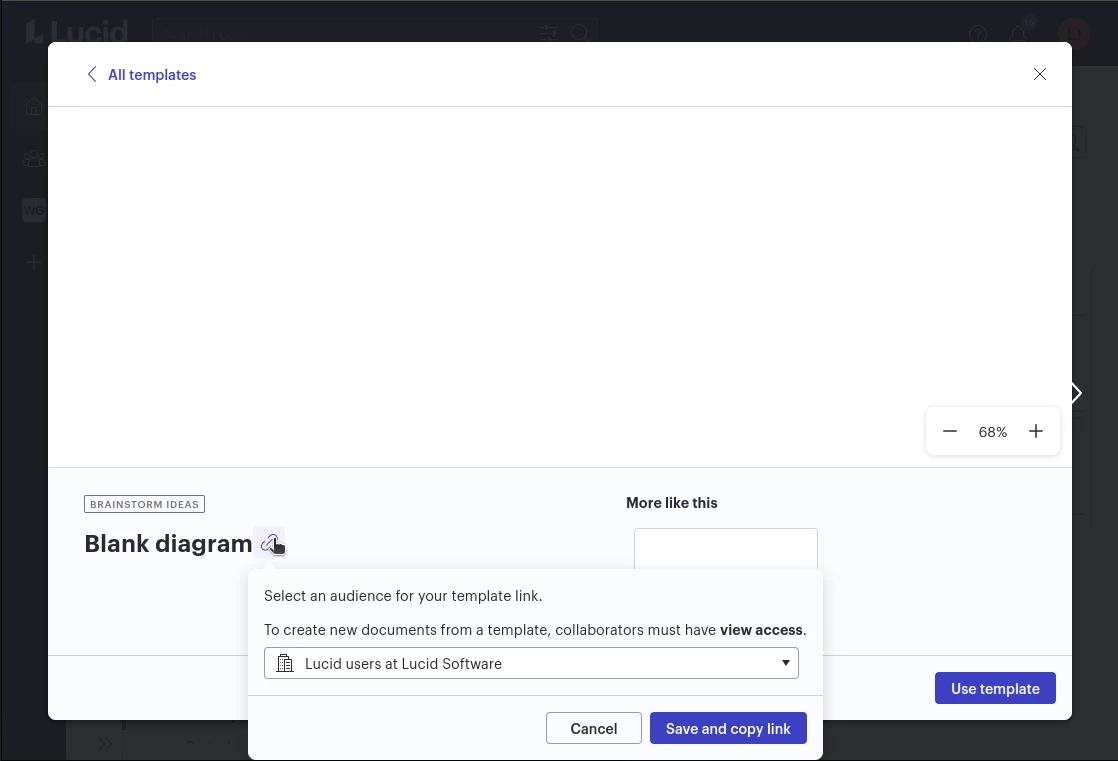
In that preview, there is a button to get the “editNew” link, which will create a document from the template when used.
I hope that helps! Let me know if you need anything else.
There are two different ways to accomplish this, one that requires a little bit of work from the students and one that requires more work from you.
First, after sharing the document with your students, you can have them click File → Make a copy (or Ctrl Shift S).
Or, you can convert your document into a template, share the template (they must have at least view access), then get an “editNew” link to the template to give to them. The convert to template option is found by right-clicking the document on your document list.
Then share it. Then you can go to the templates page, and go to the Created by me section, where you will click the tile or the preview button.
In that preview, there is a button to get the “editNew” link, which will create a document from the template when used.
I hope that helps! Let me know if you need anything else.
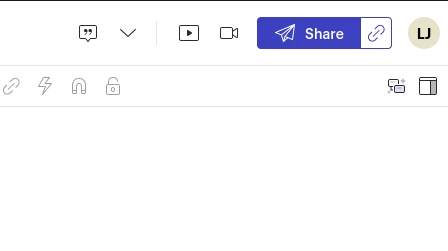
And yes, to share their completed documents with you, they can share a link. The easiest way would be to click the link icon next to the share button in the top-right corner. Just sharing the URL won’t work unless sharing is turned on using that button, or by clicking the big share button and turning it on.
It appears as though the FREE subscription is VERY limited. I’ve only imported a couple of boards and it is telling me some of them are view only because I have exceeded three boards:(
@Joanne Daley Looking at your account, it doesn’t appear as though you have upgraded to our free EDU K-12 plan. If you are a K-12 teacher, please fill out this form to request a free educational upgrade. Once the form is submitted, the upgrade may take up to one week to apply. The upgrade will be valid for two years. Please see the Lucidchart EDU article for more details on our educational offerings.
Once you have this upgrade, you will be able to edit more than 3 documents.
A Lucid or airfocus account is required to interact with the Community, and your participation is subject to the
Supplemental Lucid Community Terms.
You may not participate in the Community if you are under 18. You will be redirected to the Lucid or airfocus app to log in.
A Lucid or airfocus account is required to interact with the Community, and your participation is subject to the
Supplemental Lucid Community Terms.
You may not participate in the Community if you are under 18. You will be redirected to the Lucid or airfocus app to log in.







 Your privacy choices


