
How do you use Jamboard in the classroom? 🧑‍🏫

  • January 8, 2024
  • 5 replies
  • 88 views

Morgan T
Forum|alt.badge.img+16

On September 28th 2023, Google announced the deprecation of Jamboard by the end of 2024. We are excited that many educators are looking toward Lucid as an alternative solution, and we are here to help with the transition!

If Jamboard has been a regular part of your classroom, we would love to hear about how you have used it in the past. Do you have a template you use? Do you have a go-to activity? Please comment below (with images if possible), so we can help you learn about how Lucidspark’s wide variety of features compares and can enhance your existing Jams!

To make things even better, in the next month or so, Lucid will be releasing an import tool that will recreate your Jams as Lucidspark boards, so keep your eyes open for that announcement 🎉

Comments

Forum|alt.badge.img+8
  • Lucid Legend Level 2
  • January 8, 2024

I’m glad that LucidSpark is now available in Google Meet! Jamboard is still there as of this moment but I guess it will be going away soon. 

Here is how I used a Jamboard with Meet to run virtual Restorative Circles during the pandemic. Circles require “presence” so I began my recording with a blur and a bansuri flute - don’t be put off,  just relax!


Morgan T
Forum|alt.badge.img+16
  • Author
  • Lucid support team
  • January 8, 2024

@bram.moreinis I LOVE this example - thank you so much for sharing! I did restorative circles in my classroom all the time, and never though to use Lucidspark as an option to do it virtually - what a wonderful idea. 

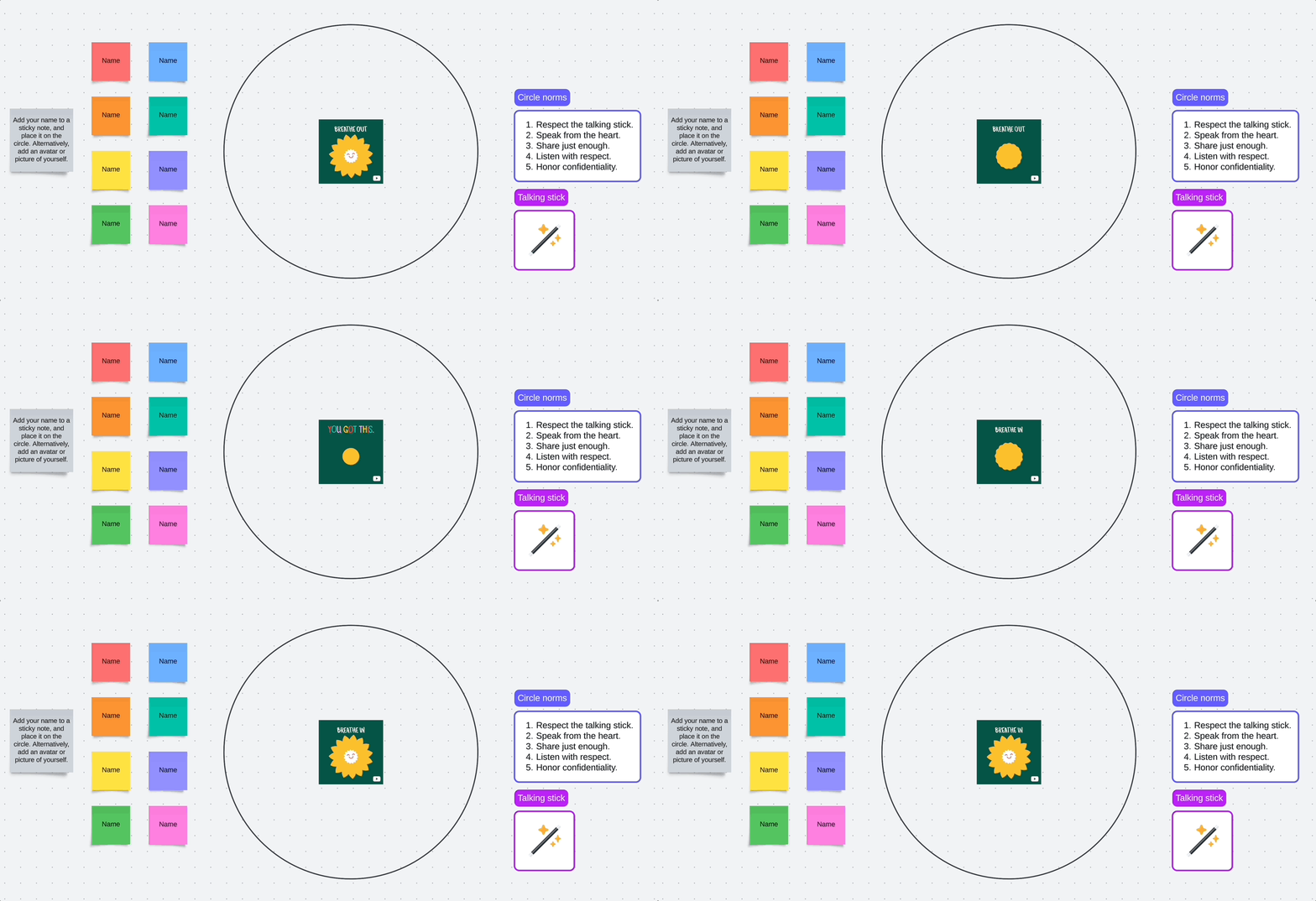
I was inspired by your video to create my own version in Lucidspark, and here is what I came up with:

Click here to make a copy of the Lucidspark board above.


Thanks again for sharing, Bram!


Cara S
Forum|alt.badge.img
  • January 10, 2024

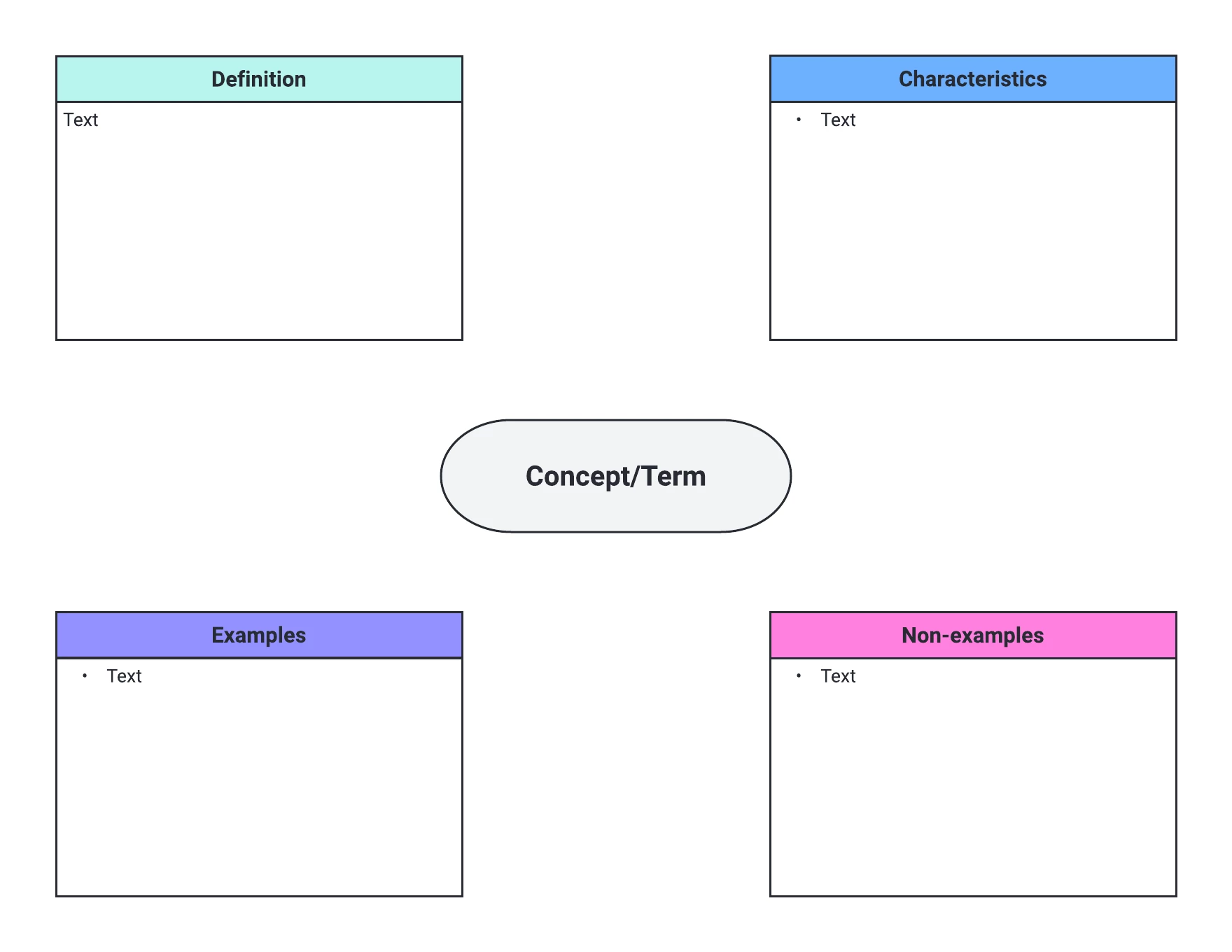
I have used Jamboard for vocabulary practice.  Do you have any Frayer model vocabulary templates?


Vanessa C101
Forum|alt.badge.img+14
  • Lucidite
  • January 10, 2024

We do!  Here is a link that you can use to try it out.  


Forum|alt.badge.img+8
  • Lucid Legend Level 2
  • January 11, 2024

@bram.moreinis I LOVE this example - thank you so much for sharing! I did restorative circles in my classroom all the time, and never though to use Lucidspark as an option to do it virtually - what a wonderful idea. 

I was inspired by your video to create my own version in Lucidspark, and here is what I came up with:

Click here to make a copy of the Lucidspark board above.


Thanks again for sharing, Bram!

I love your version, Morgan!

It occurs to me that one could display this on screen and have the teacher control the stick, so that students in a traditional classroom (not 1:1 and with desks in rows) can still participate in a circle.  It’s not ideal - but it could work!