


Hi,
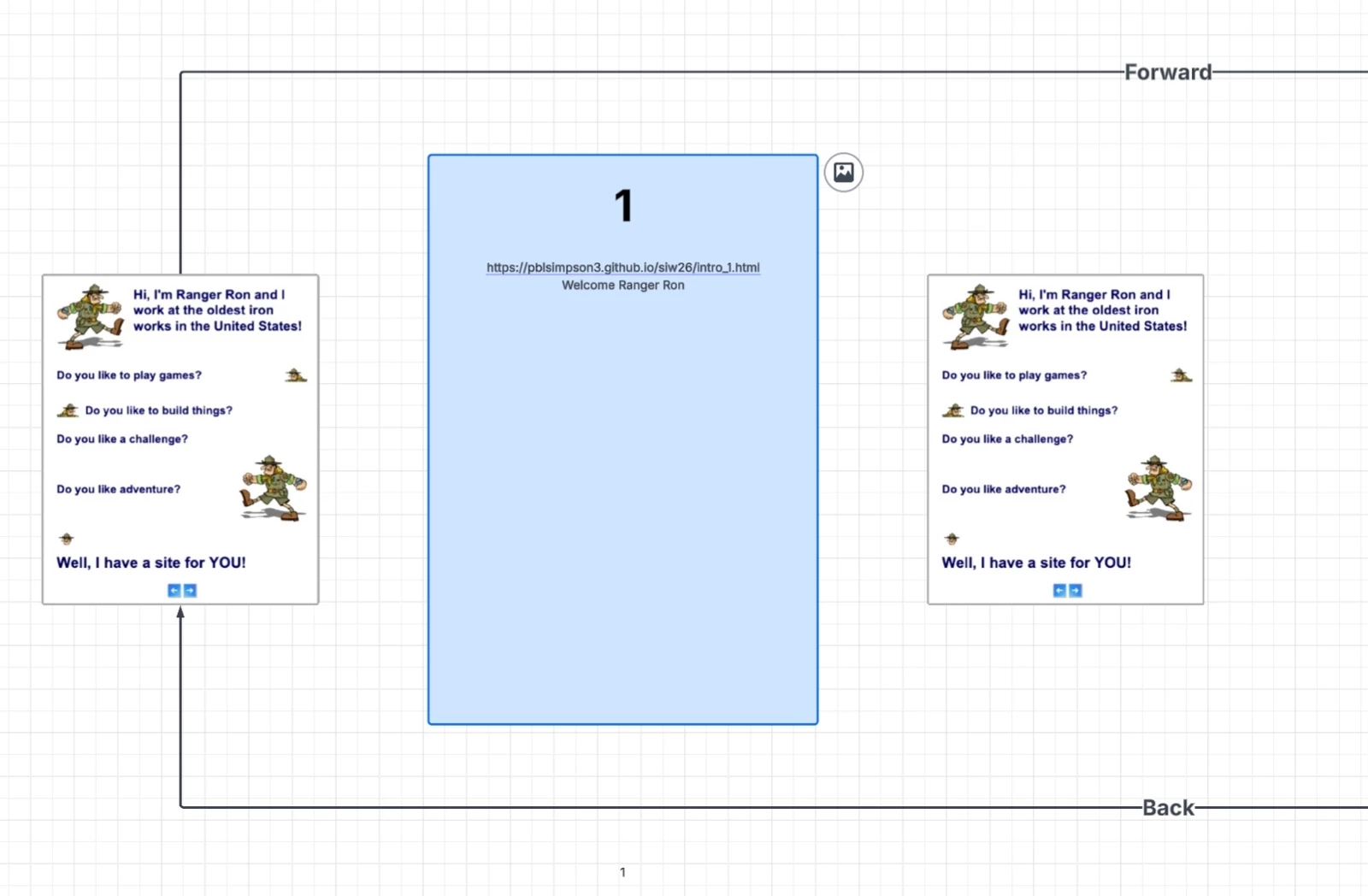
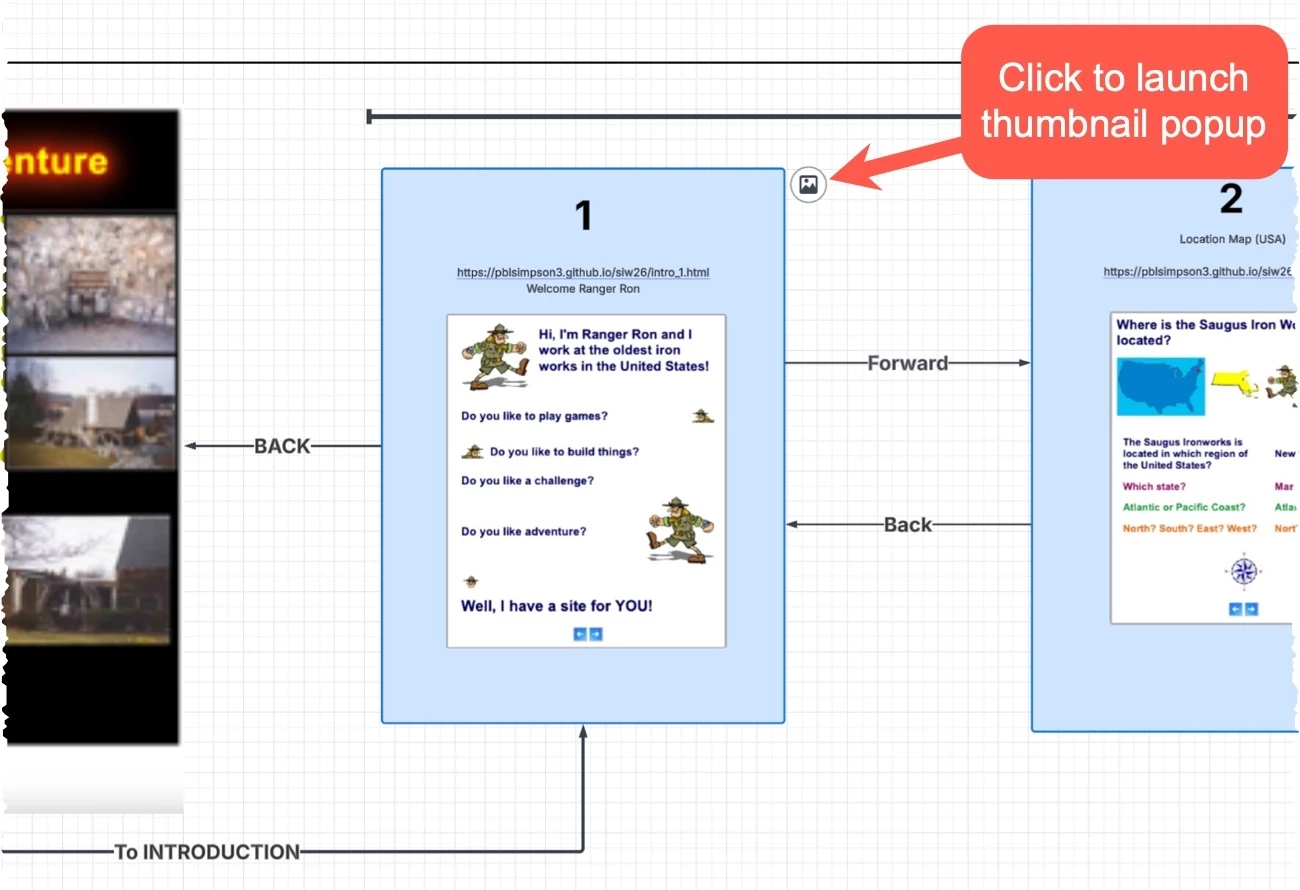
I’m evaluating Lucid chart with a basic free account. I’m having difficulty figuring out how to add an image to a shape while retaining the data information. The thumbnail image with the Ranger images represents a webpage view. How do I add the thumbnail inside the blue shape centered underneath the page number data, URL and description?
I’m unable to just drag n drop it to the center of the blue shape. It either replaces the blue shape or bounces to the side of the blue shape. Once I have the final shape built it needs to replace just the thumbnail with the flow arrows.
Since this is meant to help students and teachers understand an online curriculum navigation it needs to have visible thumbnails. I did attach an image to the blue shape, but that’s difficult for beginner users.
Thank you for any assistance.
-Robert

 Your privacy choices


