
I have breakout boards on the main board page in Lucidspark and when either of these 2 students (one with MacBook one with iPad both using chrome) click on a breakout board they receive the “you need access” error message. I have tried sharing a direct link to the board and embedding the boards in pages on Canvas and they still receive this message but only when they try to access a breakout board. Anyone else have this problem or ideas on what to try next?
Solved
Why can't students on MacBook/iPad open Lucid breakout boards?
 +1
+1Best answer by Vanessa C101
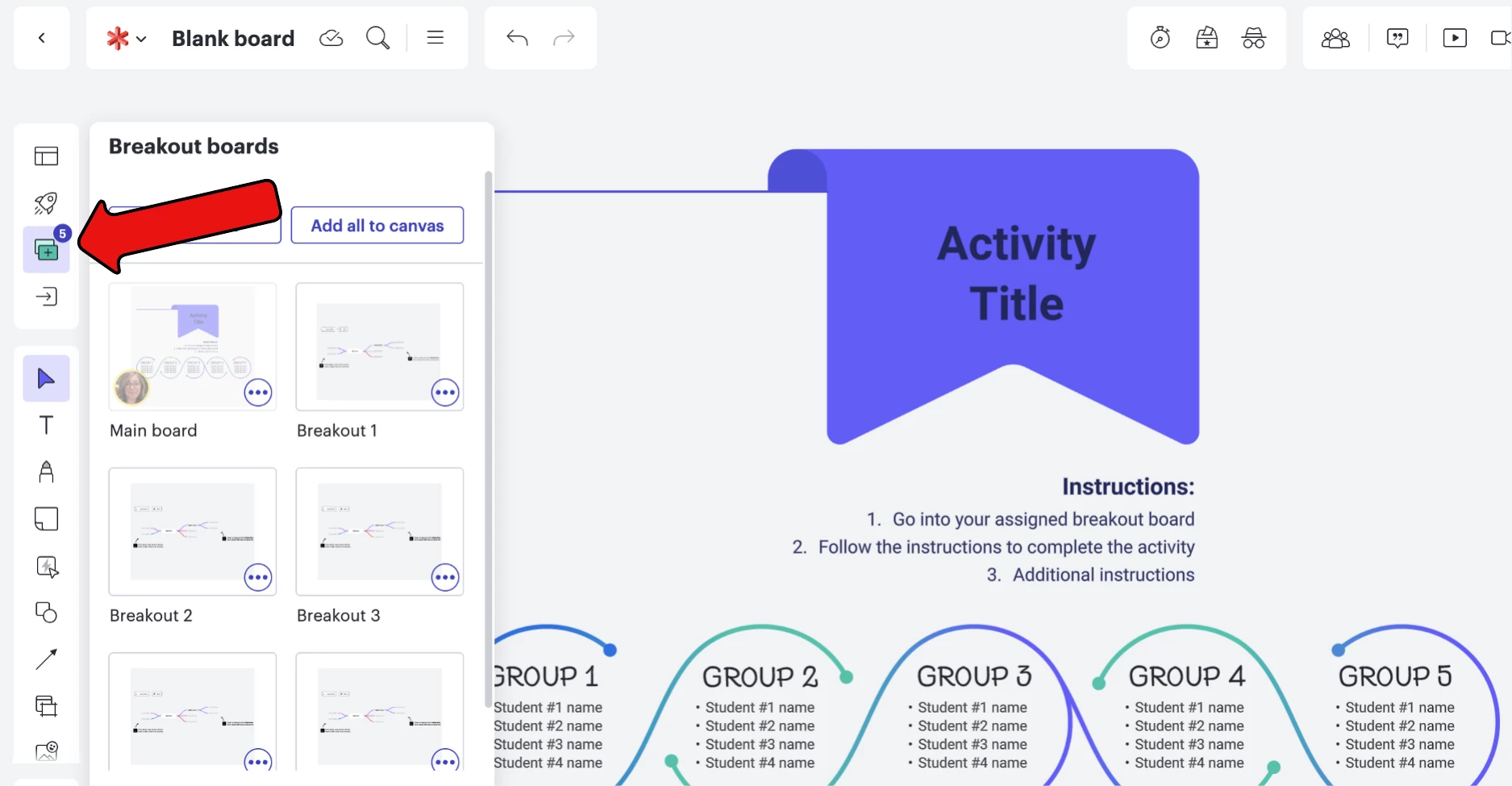
Some instructors will copy the share-link using the blue share button in the upper righthand corner of the main board and paste that in the RCE as a back-up for students. Here is a walkthrough of how they should access the breakout boards and how to add the backup link.
If you email me a vcicero@lucidchart.com we can troubleshoot together.


Create an account in the community
A Lucid or airfocus account is required to interact with the Community, and your participation is subject to the Supplemental Lucid Community Terms. You may not participate in the Community if you are under 18. You will be redirected to the Lucid or airfocus app to log in.
Log in to the community
A Lucid or airfocus account is required to interact with the Community, and your participation is subject to the Supplemental Lucid Community Terms. You may not participate in the Community if you are under 18. You will be redirected to the Lucid or airfocus app to log in.
Log in with Lucid Log in with airfocus
or
Enter your E-mail address. We'll send you an e-mail with instructions to reset your password.
 Your privacy choices


