

esblair
Lucid Legend Level 1
September 9, 2026
Question

Team based assignments in Canvas

  • September 9, 2026
  • 2 replies
  • 27 views

Hello all!, my name is Eden Blair, and I teach organizational creativity and entrepreneurship at Bradley University. I’m using Lucid through Canvas for my classes. I didn’t see this in this forum.

Students often have team-based assignments to complete that they submit in Assignments as a group assignment. I follow this method:

  1. Create a template with a force-copy link.
  2. Put the link into a team assignment in Canvas.
  3. One student clicks the link and shares with teammates.
  4. They complete the assignment, then download it as a PDF.
  5. One student submits the PDF in the group assignment (the PDF allows me to have a timestamp rather than just a link to the assignment).

This works, but it’s tedious and can take quite a bit of time for them to share it with each other, especially as they are learning how to use the software early in the semester. Does anyone have a better way to create this or faster way to share it?

Comments

Cory Bougher
Lucid Legend Level 1
September 11, 2026

Do you have students in groups in Canvas before the assignment is assigned?

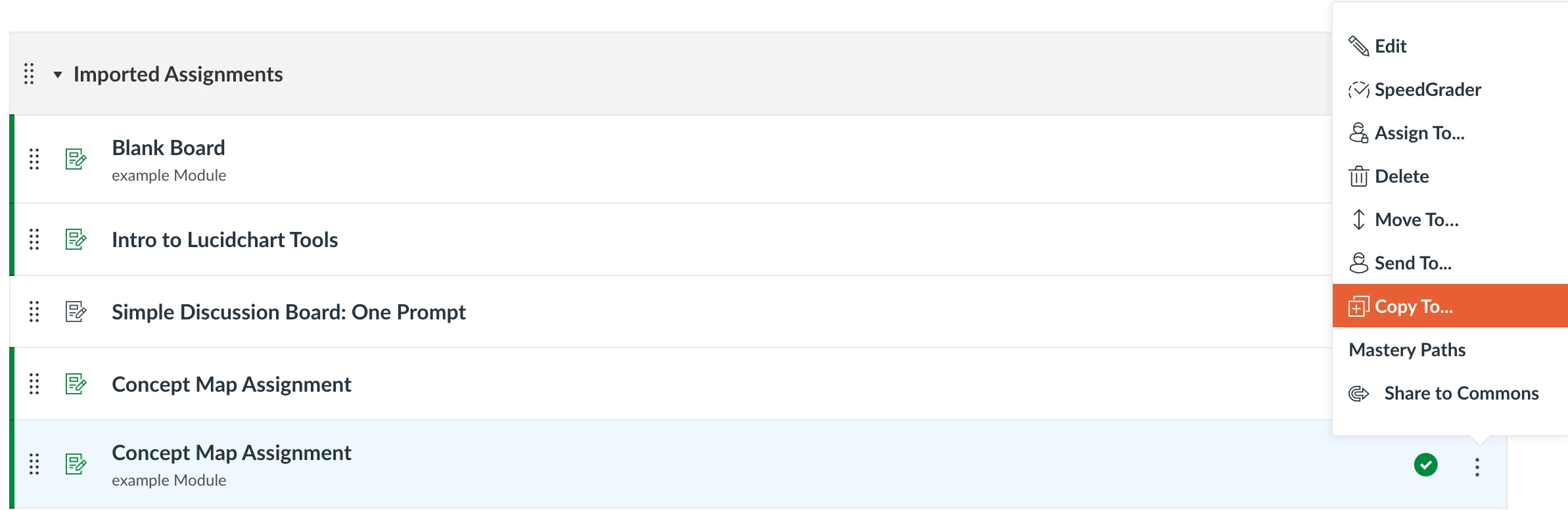
When you attach a Lucid template to an individual student assignment, it makes a copy for each student…..but if you assign the assignment to a group, does it automatically give access of the same Lucid instance to all members of that group? I can’t test this because my current courses do not have groups and my Canvas admin access gives me super access everywhere!

However, I have attached Lucid templates to individual student assignments, but students did not have to save as a PDF to submit - it holds their work in the template that autocopied for them upon opening so I can use in SpeedGrader. 

esblair
Lucid Legend Level 1
esblairLucid Legend Level 1Author
Lucid Legend Level 1
September 11, 2026

You can’t do it the way individual assignments work. For them all to share the document, one students needs a link to a copy of it and share it with the others, and then one needs to give me either the link or a PDF. I prefer the PDF, because I know they finished it at a particular time (and it’s faster to grade in Canvas).

Eden Blair, Professor, Creativity and Entrepreneurship, Bradley University