
Systems and Design Thinking Lucid Template: Social Change Design Toolkit
Hi all! My name is Cassie Bingham and I am the Director of the Center for Social Impact at Utah Valley University. In this capacity I train and supervise student Impact Fellows and Associates in systems thinking and design thinking experiential learning projects. I also teach adjunct for the social work masters program and the business school. In all of these roles, I use a template I created using Lucid to help guide students through systems thinking, analysis, and mapping as well as user-centered design research, synthesis, and prototyping. The template is called Social Change Design Toolkit (there’s also one that utilizes multiple breakout boards for each individual activity in the template called Social Change Design Toolkit (Advanced). You can access here: https://lucid.app/lucidspark/0b6dc364-0e86-48db-b4e2-d3f9909cc9c4/editNew?page=0_0&invitationId=inv_93dbe3ab-18df-4e64-a68f-83c60c008c54#
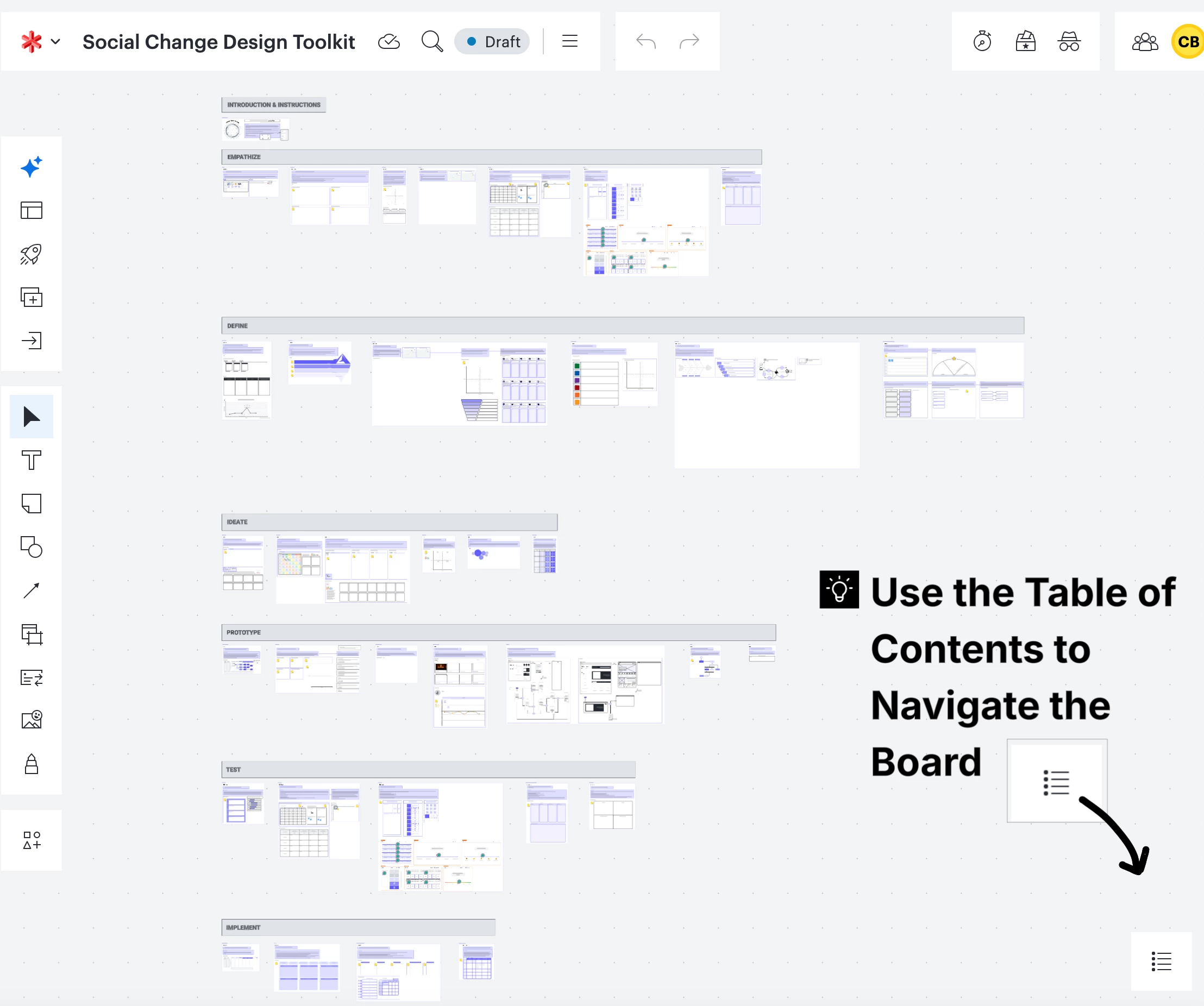
Because systems thinking requires data visualization to help understand the dynamics of nonlinear complexity, Lucid’s functionality and tools make it great for helping students create systems maps such as timelines, change-over-time graphs, stakeholder maps, power matrices, feedback loop maps, and more. Additionally, many parts of the design thinking cycle are visual and interactive, including ideation and prototyping, so Lucid tools and activities are great for that.
For my students, their projects often include diving in and understanding a community issue or social problem using systems thinking, then focusing on a particular gap and coming up with a data-informed solution or intervention using design thinking. My template includes sequential activities for macro-level primary and secondary research, systems mapping and analysis, then user research, and user experience (UX) design based on ideation, prototyping, testing, and implementation.
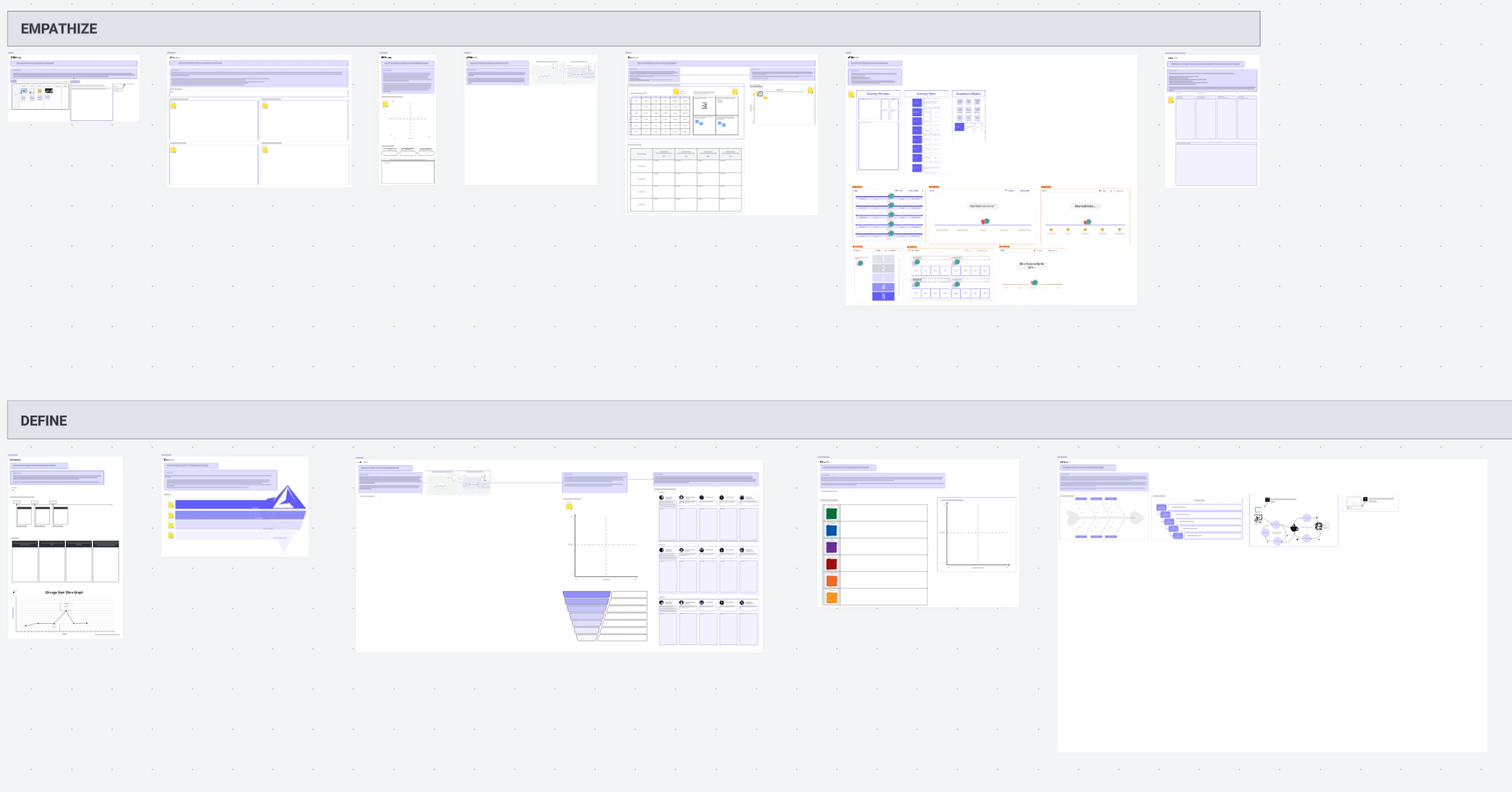
Some of my students utilize the entire template over the course of a semester or academic year, while others only use some parts of it that are relevant to their current project or class. For example, some of my student Impact Fellows do impact strategy and consulting projects for local nonprofit organizations. In the fall semester, they overview existing data and documentation, then do literature reviews and qualitative data collection to fill in gaps before creating systems maps and theory of change flow charts for the community partner they are working with. They use the first two rows of the template for these activities.
During spring semester, they shift to designing, and use the rest of the rows of the template.
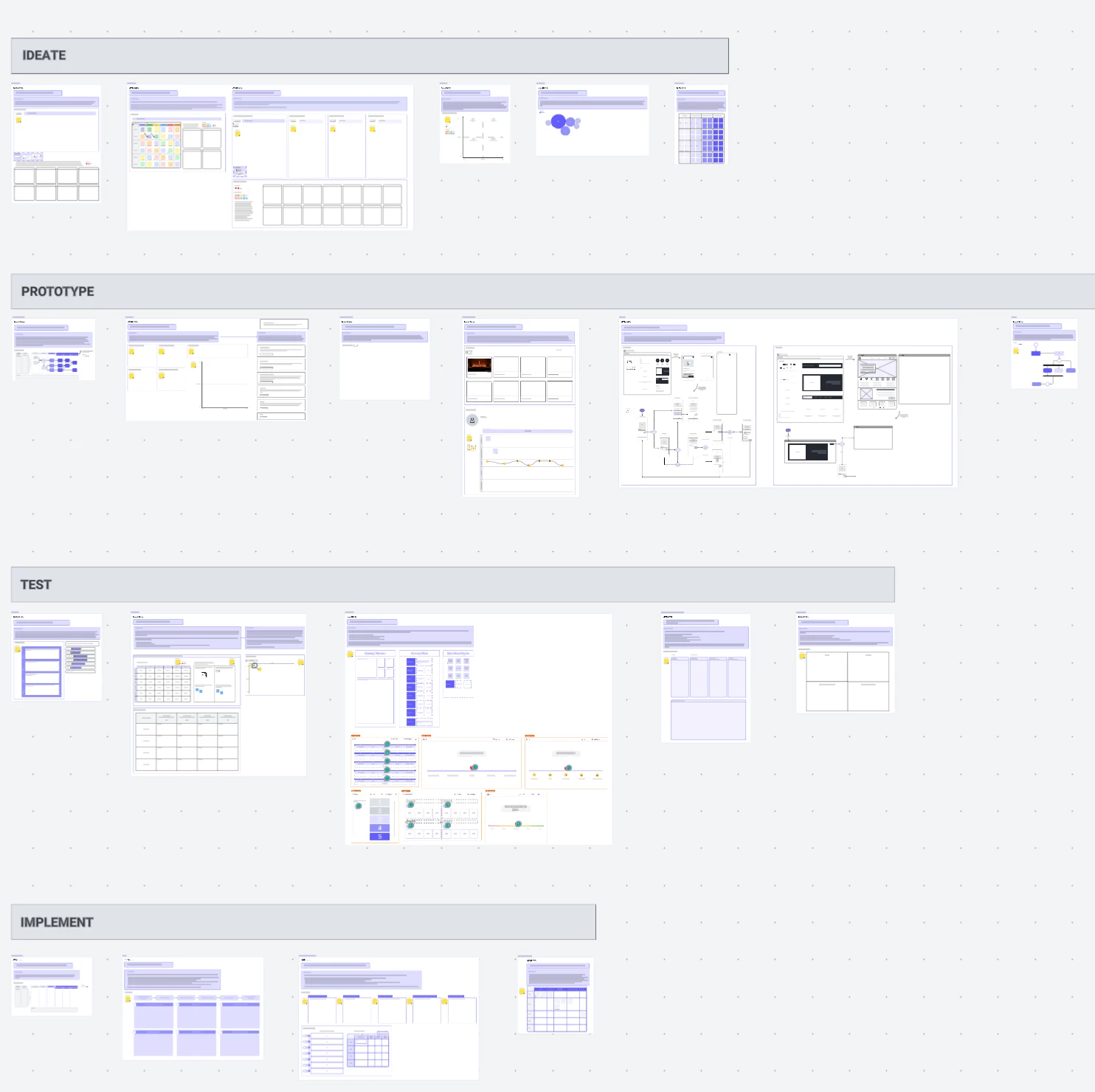
Alternatively, my social work masters students learn systems thinking during the first year of their graduate program, and only use the first two rows of the template for their course. During their second year of the program, they take a program design and evaluation course, which is when they use the rest of the rows. Regardless, students, faculty, staff, and community partners can use the template à la carte as needed, depending on the task they are completing.
Here’s a screenshare video of me scrolling through the template and its many tools/activities for systems and design thinking: https://youtu.be/A-vBqXCUzPI
For additional tips and insight into how this template can be used, don’t hesitate to reach out to me at cassie.bingham@uvu.edu.
 Your privacy choices


