
Answer

Import Lucid assignments in Canvas

  • July 21, 2025
  • 1 reply
  • 53 views

Forum|alt.badge.img

Hello, this post is in reference to the following error code:

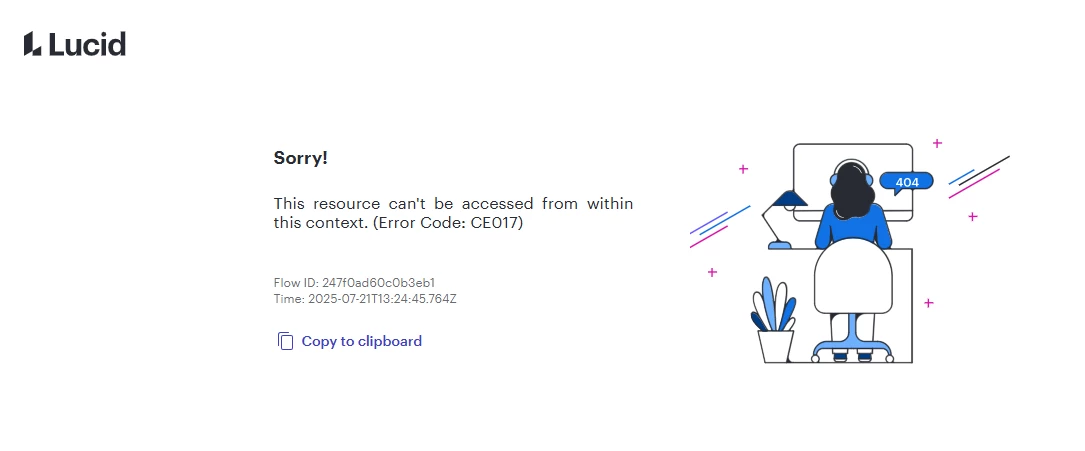
Message: This resource can't be accessed from within this context. (Error Code: CE017)
Flow ID: 247f0ad60c0b3eb1
Time: 2025-07-21T13:24:45.764Z

Lucid has be inconsistent when we integrate the tool into a Canvas course assignment and then subsequently import that entire course into a new course. Our process is to build template courses in Canvas then import the template into a live section with adjusted due dates. About 50% of the time that import fails to associate our Lucid assignments with any Lucid documents. The other 50% of the time, the import works with no issues. However, the times when the import fails, we cannot even simply reassociate the assignment with the proper Lucid document. The error in the below image will persist regardless of any change to the assignment/Lucid integration. The only fix currently is to delete the entire assignment and rebuild it from scratch in the new course. Can anything be done to fix this? Please help! Thank you!
 

Best answer by Leianne C

Hi ​@ColtonR, thank you for posting in the community! I’m sorry to hear you are experiencing trouble with the Canvas integration. As a first step, I recommend checking out the following community post where users have reported a similar issue: 

As mentioned in the post, this error is likely being caused by a duplicate course or assignment. Can you confirm whether the Course or Assignment you are working with is a duplicate? Or is the assignment being imported from a different course? 

This information will help us determine the potential cause of the issue. Please let us know if you have any questions! 

Comments

Leianne C
Forum|alt.badge.img+15
  • Lucid support team
  • Answer
  • July 22, 2025

Hi ​@ColtonR, thank you for posting in the community! I’m sorry to hear you are experiencing trouble with the Canvas integration. As a first step, I recommend checking out the following community post where users have reported a similar issue: 

As mentioned in the post, this error is likely being caused by a duplicate course or assignment. Can you confirm whether the Course or Assignment you are working with is a duplicate? Or is the assignment being imported from a different course? 

This information will help us determine the potential cause of the issue. Please let us know if you have any questions!
