
Question

Error receive when adding Lucid to Canvas Pages

  • March 24, 2026
  • 4 replies
  • 23 views

MayTse
Forum|alt.badge.img+4

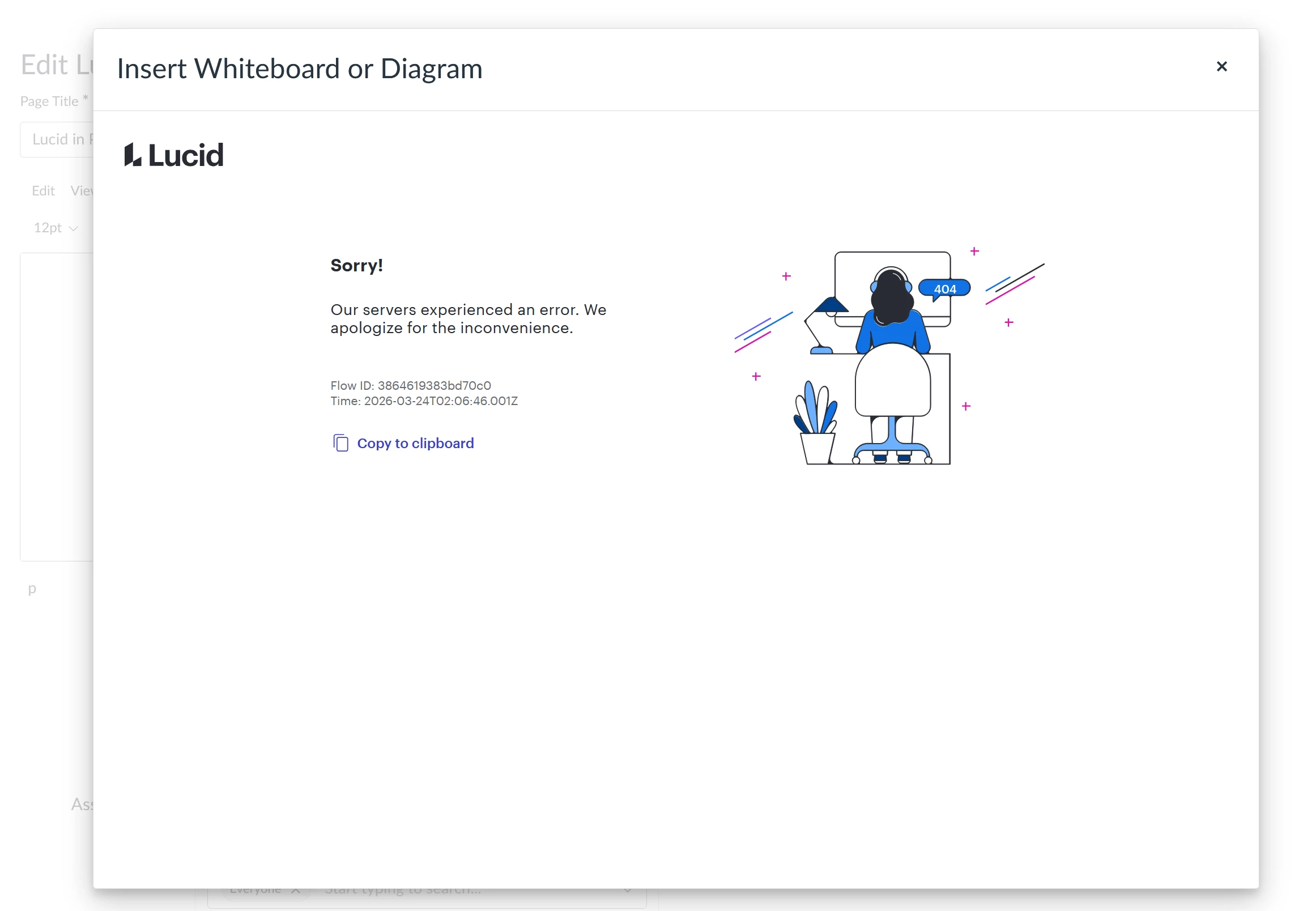
I’m trying to add Lucid in Canvas through the Pages with the plugin icon on the toolbar but receiving 404 error as below.

Message: Our servers experienced an error. We apologize for the inconvenience.
Flow ID: 3864619383bd70c0
Time: 2026-03-24T02:06:46.001Z
I’ve tried using Chrome and Firefox browsers which both not working with same error.

May I know how can this be fixed?

Thanks.

Comments

Forum|alt.badge.img+1

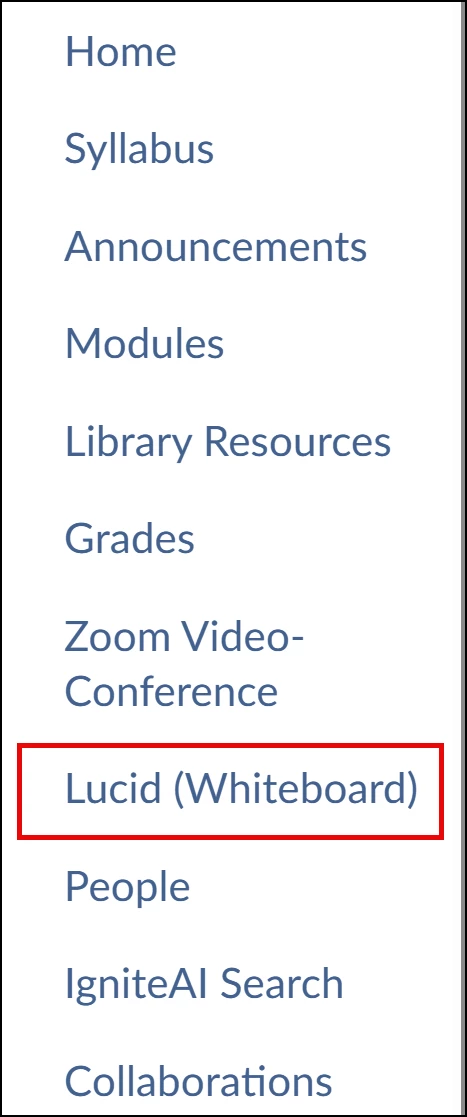
@MayTse Have you verified that your Lucid account is connected with your Canvas account by selecting the Lucid (Whiteboard) link in your Course Navigation menu? If you haven’t accessed Lucid through Canvas, you will have to initiate the connection. I don’t have any additional suggestions. If that doesn’t work, hopefully someone else can provide some insight!


MayTse
Forum|alt.badge.img+4
  • Author
  • March 25, 2026

@klmueller702 

Thanks for your reply.

I can launch Lucid from “Lucid (whiteboard)”, but I encounter an error when trying to add it to a Page using the icon. Other users from my institution are also experiencing the same issue.


Leianne C
Forum|alt.badge.img+15
  • Lucid support team
  • March 26, 2026

Hi ​@MayTse, thank you for posting in the community. Looking at the error, it seems like you might be logged into a different account which is causing the issue.

If you have multiple email addresses/accounts, could you please try logging into the other account and see if the issue still occurs? This will help me further investigate the issue on my end. Thanks!


MayTse
Forum|alt.badge.img+4
  • Author
  • March 26, 2026

@Leianne C 

Thanks for your reply.

I’m only working on one single account. As mentioned in the above reply. I’m able to load my Luicd profile from the “Lucid (Whiteboard)” from the Canvas navigation.  But fail when trying to use the Lucid icon on the toolbar to add item into a Page.

It’s not a issue from me only, but also from my other colleagues.