

Creating Interactive Presentation with Lucid
A lot of instructors have been asking for an interactive presentation template to help break up the lecture routine and boost engagement with Lucid.
So… ask and you shall receive! Hope this makes your class session a total hit!
First off, check out this example. You have edit access so you can practice the activities, but please remember to be respectful and don’t run amuck on the board ;)
Once you’ve had a chance to explore the example, click here to get your own copy of the template and get started. The slides outlined below are just a starting place that can be mixed and matched in any order.
Canvas user? Import this ready-made lesson right into your course from Canvas Commons.
Template Walkthrough
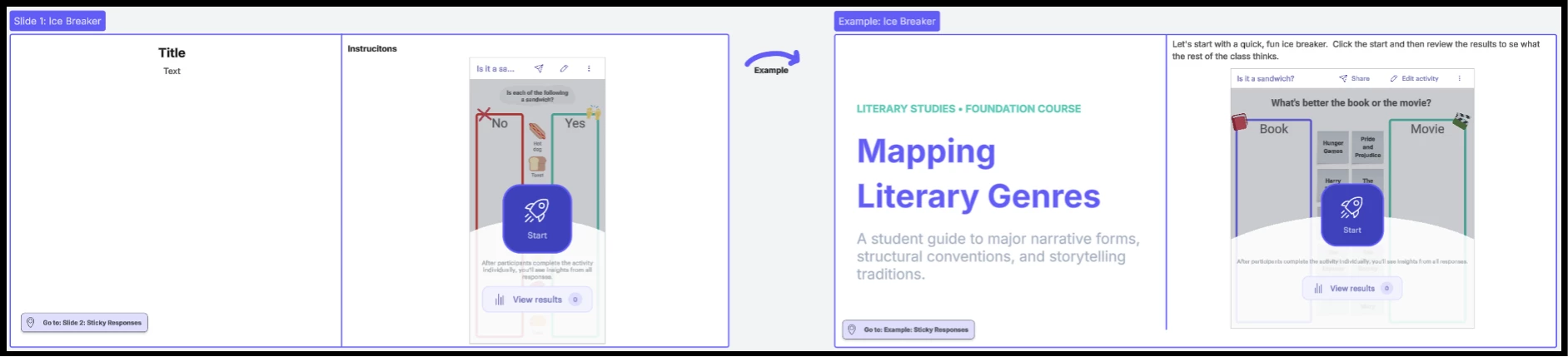
Slide 1: Introduce your topic and start with an icebreaker. You can run the ice breaker activity as-is, customize it, or select a new one from the Rocketship from the main Lucid toolbar.
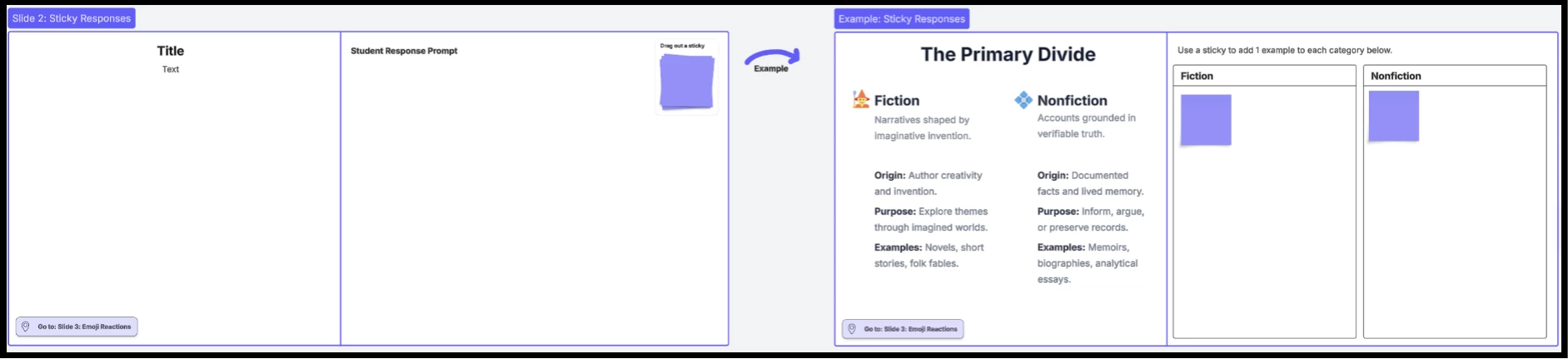
Slide 2: Add your instructional content and use the response prompt board and sticky notes to drive active student thinking and discussion.
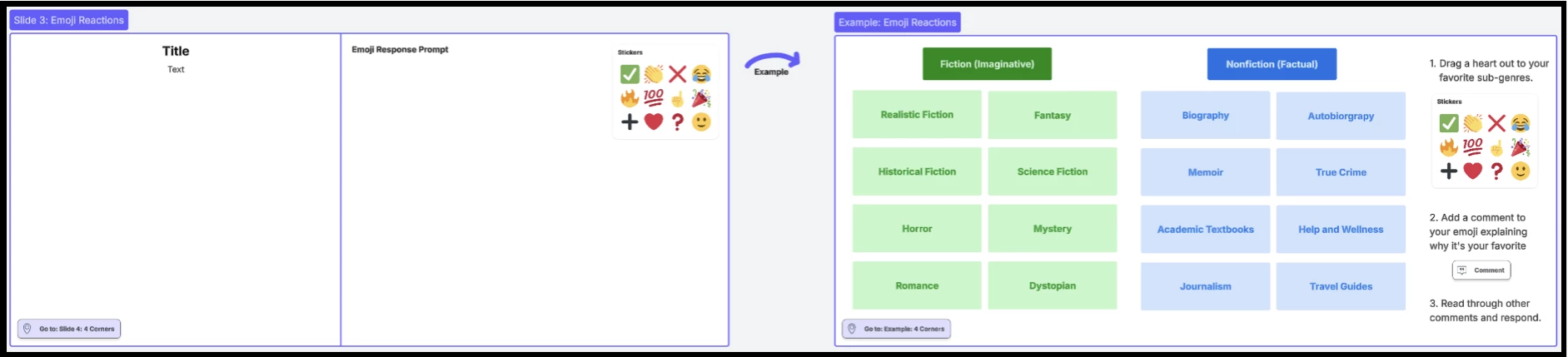
Slide 3: Present core concepts and facilitate peer engagement by having students react to the content and to each other using emoji stickers.
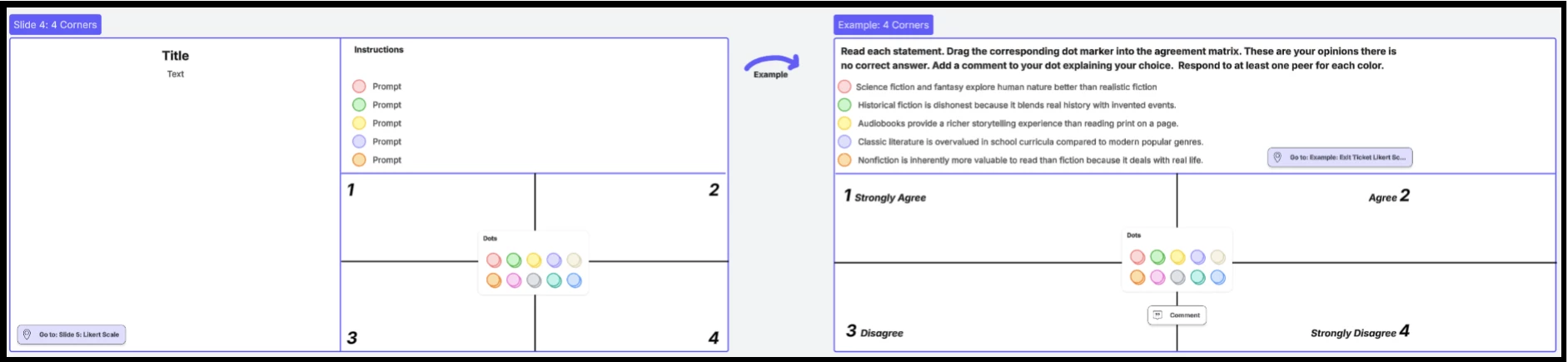
Slide 4: Share your instructional content and use the opinion matrix to spark debate and help students consider and evaluate other viewpoints.
Slide 5: Wrap up the lesson by reviewing key learning objectives and gauging student mastery with an exit ticket.
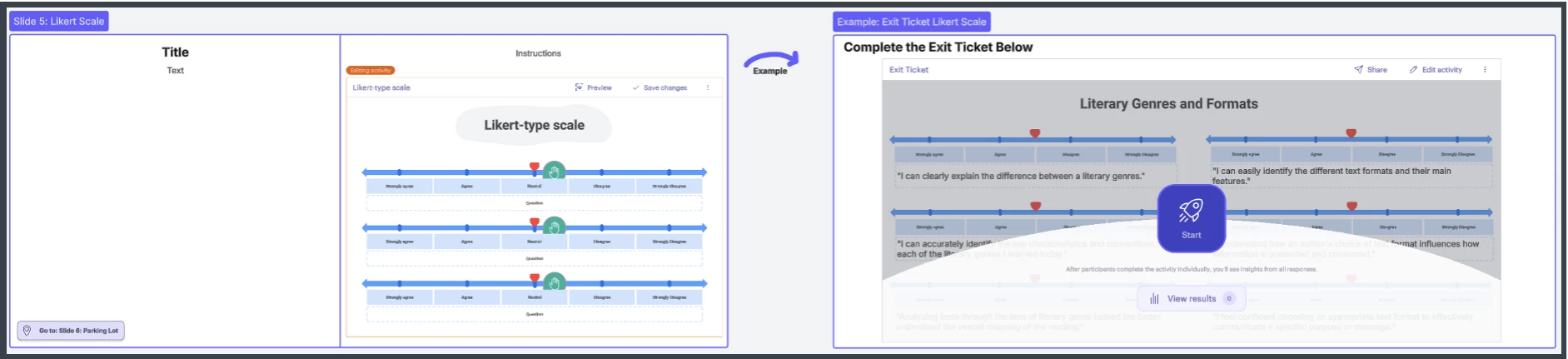
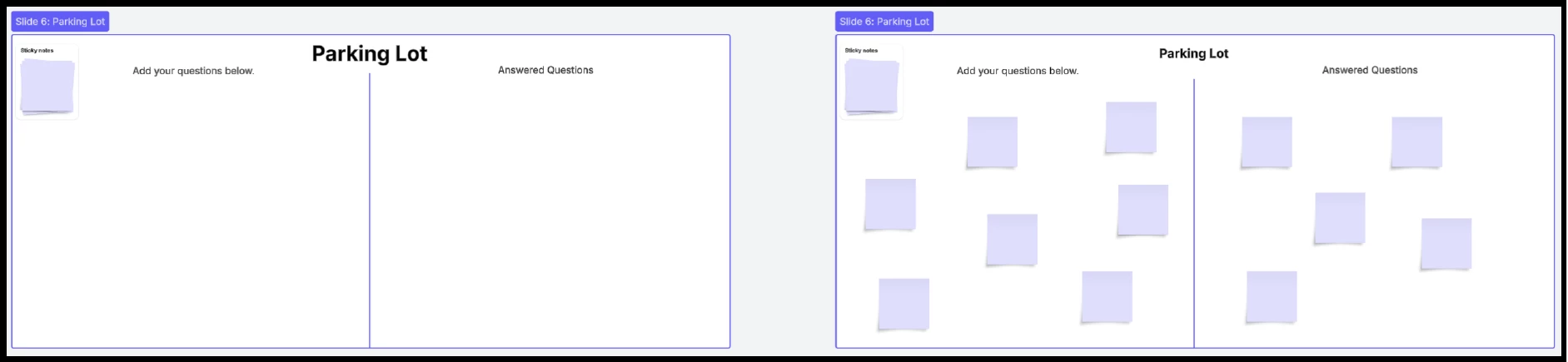
Slide 6: Keep your lesson moving smoothly by using a parking lot to collect student questions and answer them at key checkpoints.
Share with the group how you encourage engagement and active participation during a lecture or direct instruction. What are some of your favorite engagement techniques?
 Your privacy choices


