Idea

Shapes in use - turn off

  • May 3, 2023
  • 1 reply
  • 20 views

matt.duce

I never use the Shapes in Use function - it always appears at the top of my shape palette however moving the shapes that I do use down.  I find the order that the shapes are presented in are in the order they were put on the page not how often they're used.

I would like to remove the Shapes in Use altogether and rely on my preferred order.

I have tried to create a template where the shapes in use is at the bottom of the shapes palette but any new document they appear at the top.

I know is is easy to move it down but it reappears at the top every time I open a document and every time I move it.

How do I permanently move it or remove altogether?

Comments

Leianne C
Forum|alt.badge.img+15
  • Lucid support team
  • May 3, 2023

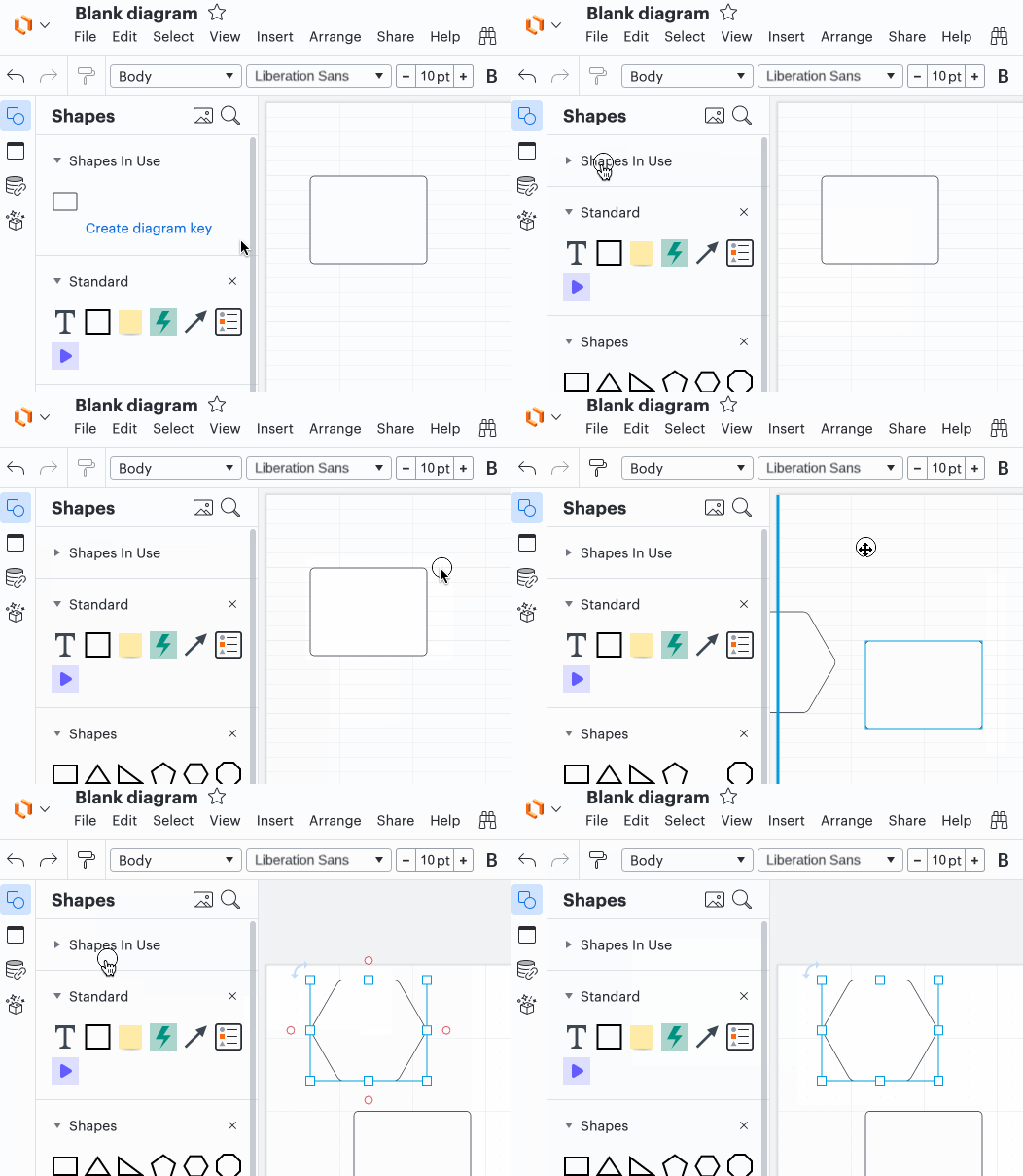
Hi @matt.duce thanks for posting in the community! Unfortunately there isn't a way to remove or permanently move the "Shapes in Use" shape library in Lucidchart. As a workaround you can collapse that library when working in a document as opposed to moving it to the bottom of the list - while it still requires one click it should be easier than moving it to the bottom of the list. I have a attached a GIF demonstrating this. 


However we're always looking for ways to improve Lucidchart and your feedback is the best way for us to do that. If you would like to see the option to disable this shape library in Lucidchart would you mind adding your idea to our feature request form? Ideas submitted to this form are passed on to the product development team for their consideration.

Thanks for your request and I apologize for any inconvenience this causes you.