


One of my students’ favorite year-end activities was creating a digital yearbook to organize and share their classroom memories. Lucidspark makes it easy to create and customize different yearbook pages! You can check out this template to get started or create your own.
Creating a digital yearbook allows students to personalize their pages and highlight their favorite memories from the year. Throughout the year, I would take pictures at spirit days, field trips, class parties, assemblies, classroom events, and other school activities. Then, I would share the photos with the class via Google Drive for the students to fill in their yearbooks! To replace photos in the template, follow these steps:
- Double-click on the picture shape to edit the group.
- Click on white “Insert Photo” shape.
- Select “Replace Image” from the toolbar.
- Select the photo from your device.

Along with sharing favorite images from the year, I also have the students fill out an “All About Me” page. Students can type their answers or search for images to fill in the frames!
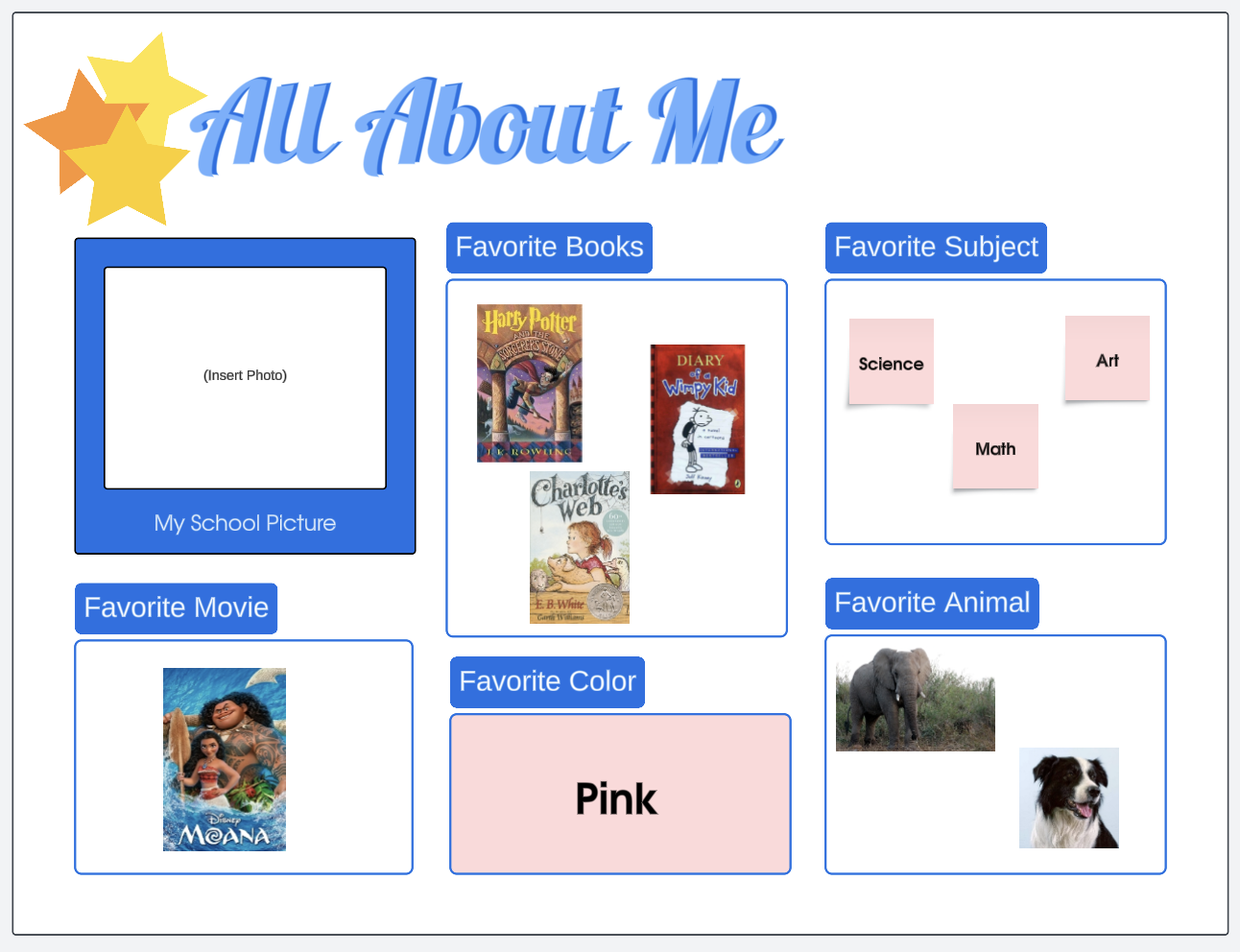
Once students have completed their yearbook pages, they can share it with their classmates to add their signatures and end-of-year messages!

Let us know how you organize and share your classroom memories!






 Your privacy choices


