


Instructor Highlight | Valentina Cortés
Generation Columbia | Curriculum and Instruction Coordinator
Template: Collaborative Peer Review
Video: Enhancing the peer feedback process with Lucidspark

Detailed Walkthrough
Valentia uses Lucidspark as a way to facilitate her collaborative peer review during their community of practice sessions. She starts by selecting a topic for the peer review session and sending out the template to all of the participants.
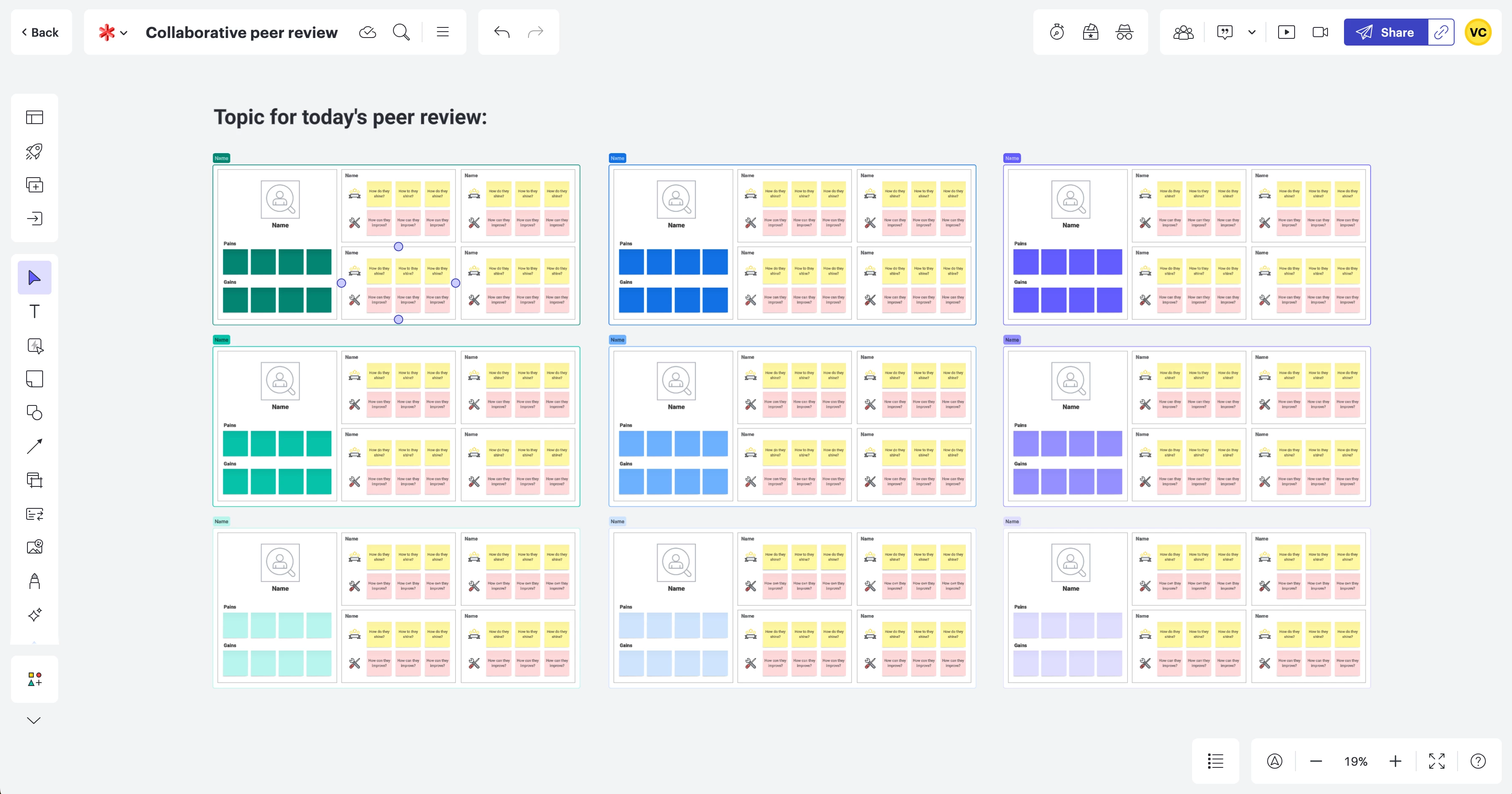
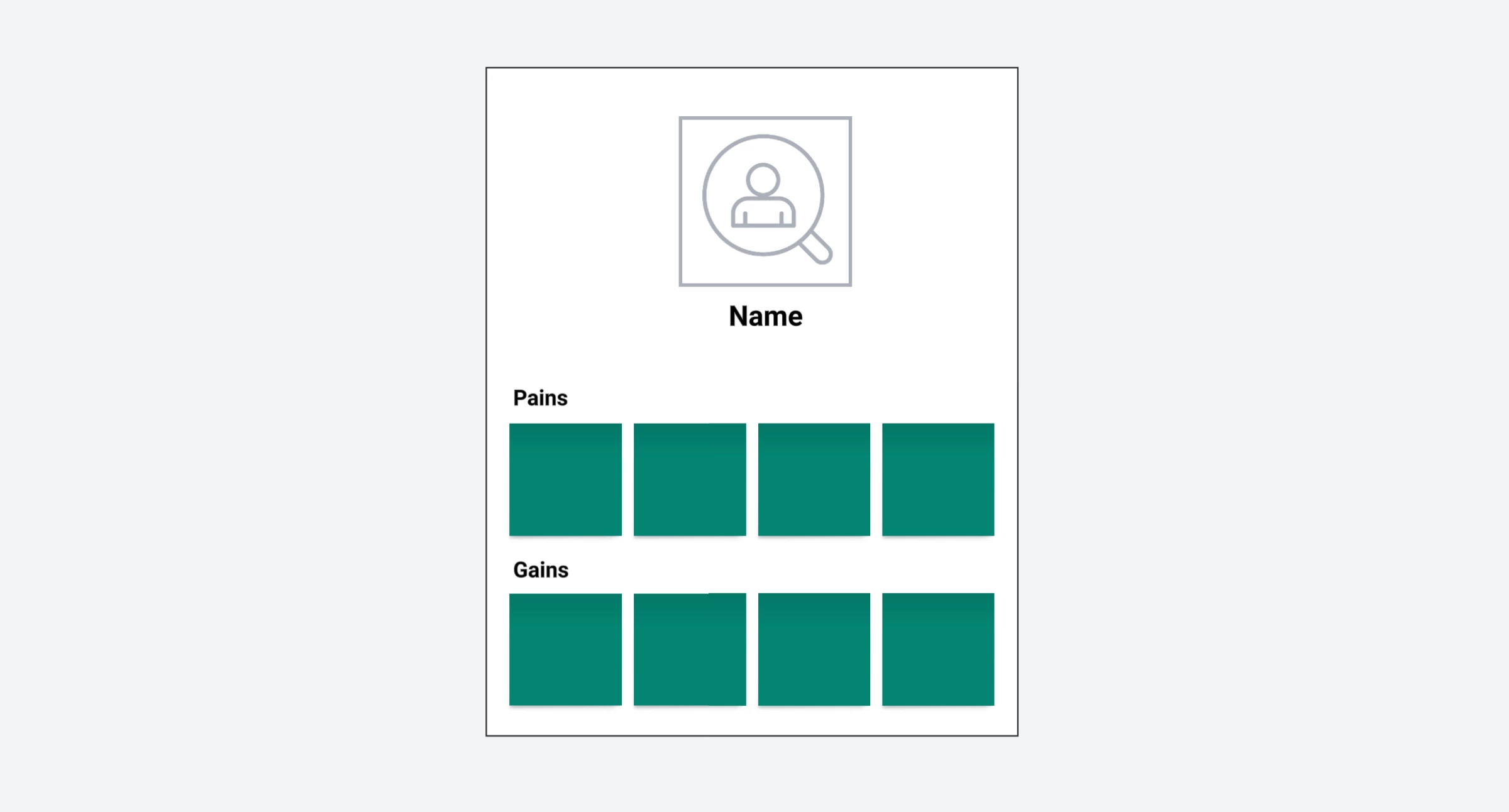
Then, each participant fills out one of the main sections with their name, a picture of themselves and identifies their current pains and gains as an instructor.
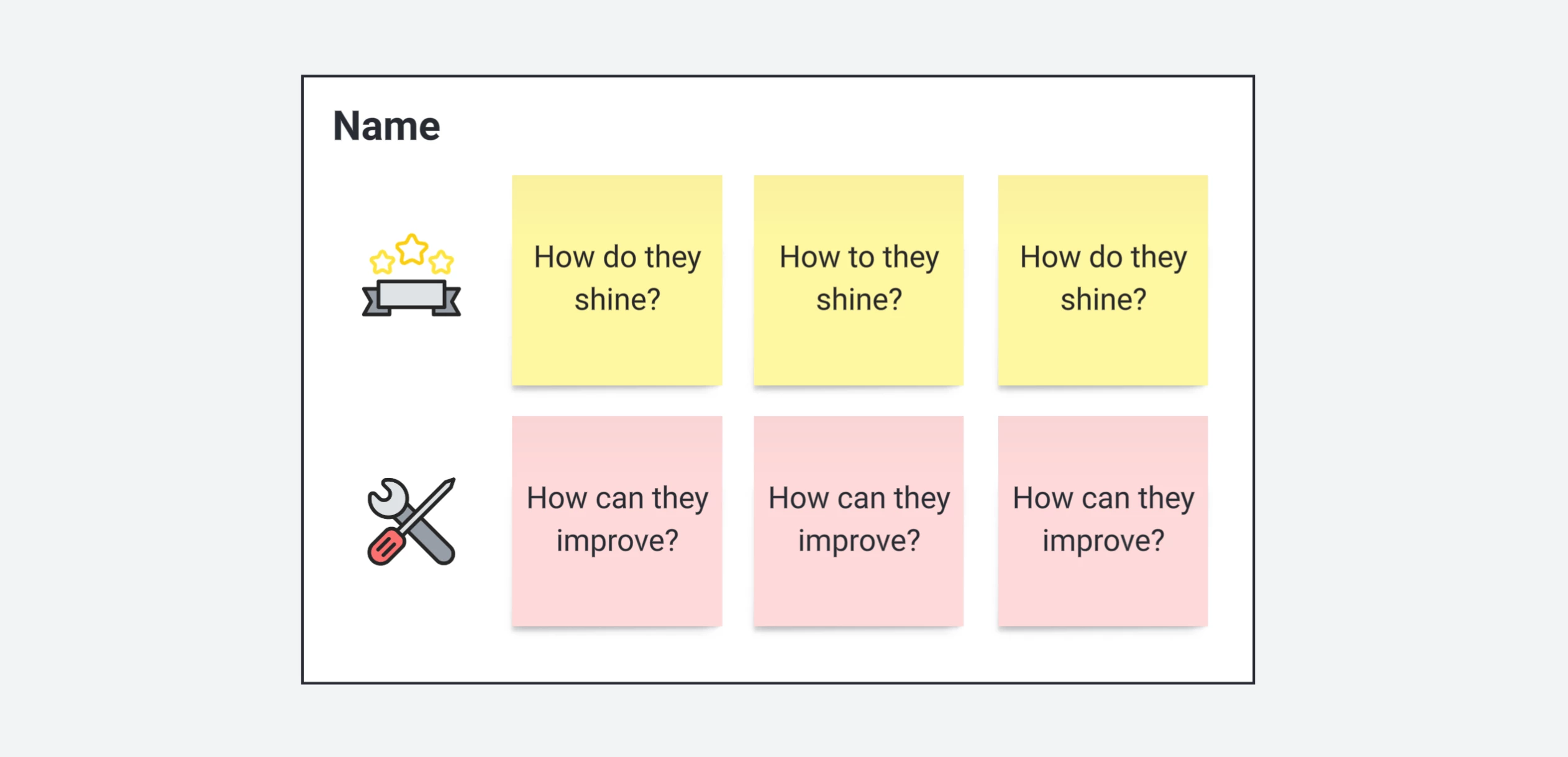
Once each participant has completed their section, they provide feedback for each of the other participants by completing the Shine and Development sections of the peer review.
Valentina likes how completing peer reviews in Lucidspark feels more fun and flexible. This has resulted in participants actively returning to the board after the session has completed to review their feedback and take action on the items the group identified as areas for further development.


